
Dell Precision 340: CAUTION: Safety Instructions General
CAUTION: Safety Instructions General: Dell Precision 340
Table of contents
- Notes, Notices, and Cautions
- Contents
- Dell Documentation Your Dell Precision Workstation User’s Guide Additional Documentation
- CAUTION: Safety Instructions General
- CAUTION: Safety Instructions (continued)
- When Using Your Computer
- When Using Your Computer (continued)
- When Using Your Computer (continued) Protecting Against Electrostatic Discharge Ergonomic Computing Habits
- When Using Your Computer (continued) Regulatory Notices
- • Plug the computer into a different outlet so that the computer and the receiver are on different branch circuits.
CAUTION: Safety Instructions
Use the following safety guidelines to help ensure your own personal safety and to help protect
your computer and working environment from potential damage.
General
• Do not attempt to service the computer yourself unless you are a trained service
technician. Always follow installation instructions closely.
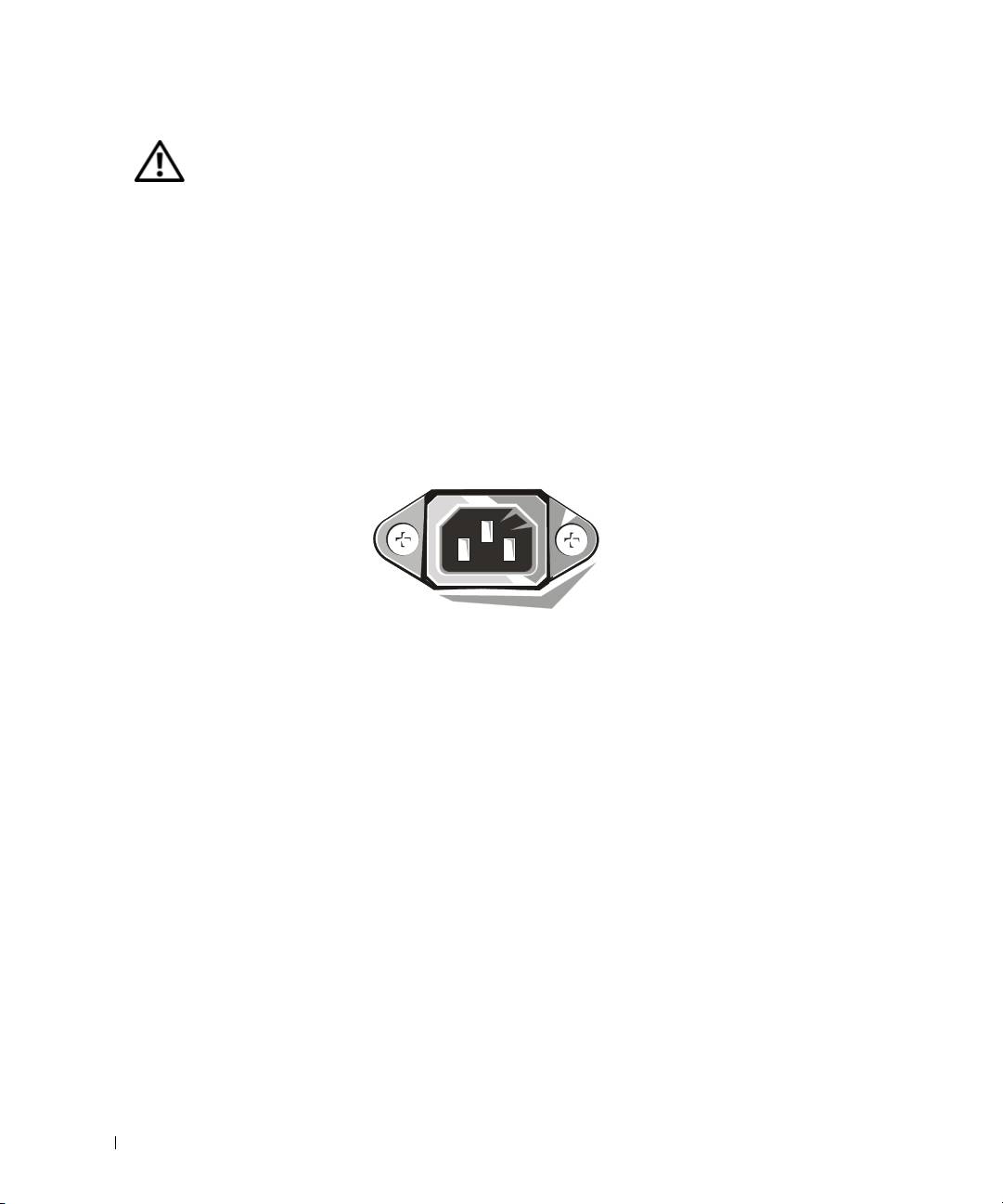
• To help prevent electric shock, plug the computer and device power cables into properly
grounded electrical outlets. These cables are equipped with 3-prong plugs to help ensure
proper grounding. Do not use adapter plugs or remove the grounding prong from a cable.
If you must use an extension cable, use a 3-wire cable with properly grounded plugs.
www.dell.com | support.euro.dell.com
• To help avoid the potential hazard of electric shock, do not use your computer during an
electrical storm.
• To help avoid the potential hazard of electric shock, do not connect or disconnect any
cables or perform maintenance or reconfiguration of this product during an electrical
storm.
• If your computer includes a modem, the cable used with the modem should be
manufactured with a minimum wire size of 26 American wire gauge (AWG) and an
FCC-compliant RJ-11 modular plug.
• Before you clean your computer, disconnect the computer from the electrical outlet.
Clean your computer with a soft cloth dampened with water. Do not use liquid or aerosol
cleaners, which may contain flammable substances.
• To help avoid possible damage to the system board, wait 5 seconds after turning off the
computer before disconnecting a device from the computer.
6 System Information Guide
