
Dell PowerVault NX1950: Installing the Bezel Complete the 0perating System Setup Technical Specifications Processor Expansion Bus Memory
Installing the Bezel Complete the 0perating System Setup Technical Specifications Processor Expansion Bus Memory: Dell PowerVault NX1950
Table of contents
- Notes, Notices, and Cautions
- System Features
- Supported Operating System Other Information You May Need Obtaining Technical Assistance Installation and Configuration
- Unpacking the System Installing the Rail and System in a Rack
- Connecting the Keyboard, Mouse, and Monitor Connecting the Power
- Installing the Power Cord Retention Bracket (Optional) Turning on the System
- Installing the Bezel Complete the 0perating System Setup Technical Specifications Processor Expansion Bus Memory
- Drives Connectors Video Power
- Physical Environmental
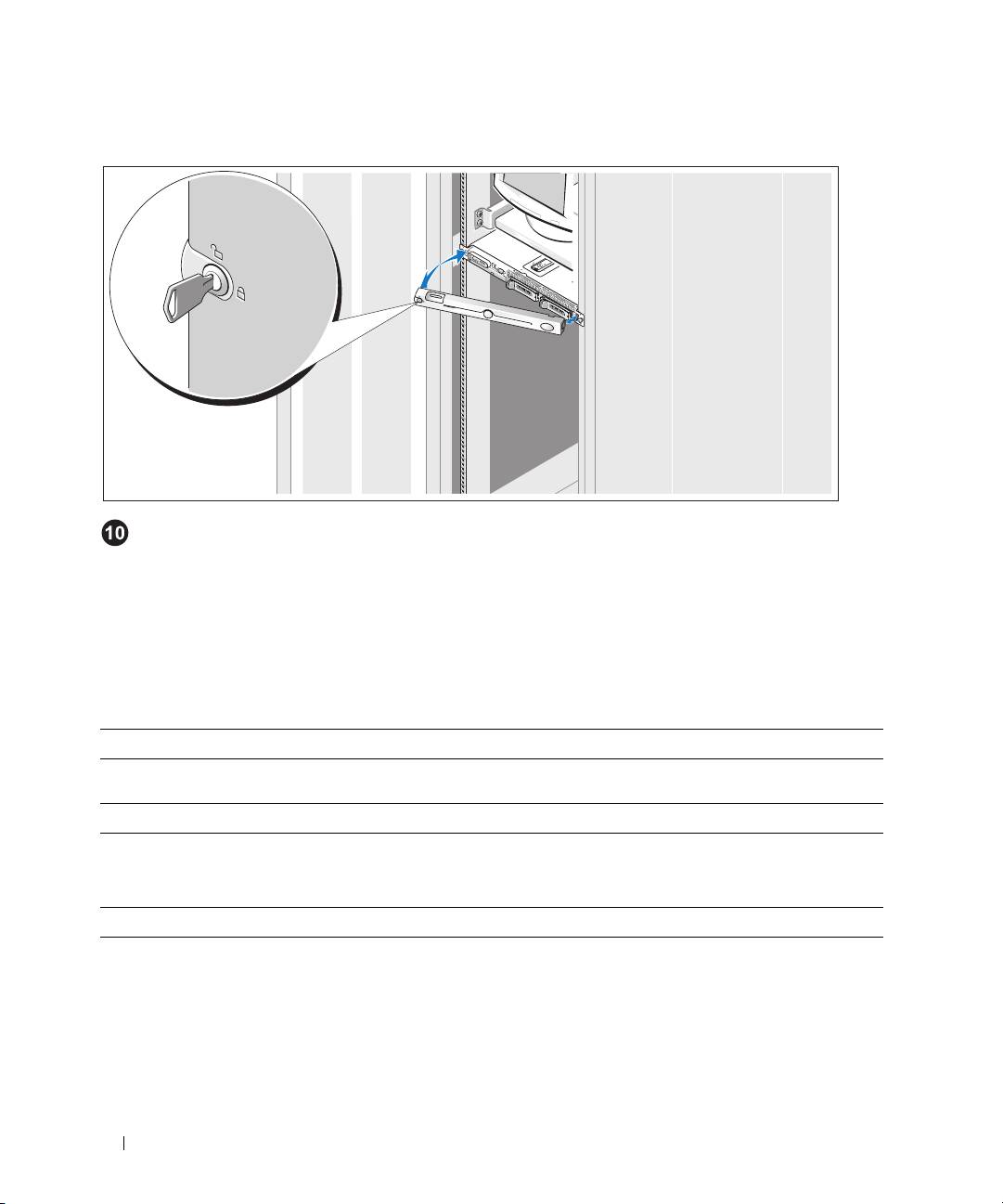
Installing the Bezel
Install the bezel (optional).
Complete the 0perating System Setup
The operating system is preinstalled on your system. To reinstall the operating system,
see the documentation that is shipped along with your system.
Technical Specifications
Processor
Processor type Two dual-core Intel Xeon
processors 5100 Sequence
Expansion Bus
Bus type PCIe
PCIe Risers Two x8 lane width
Memory
Architecture PC2-5300 667 MHz fully-buffered DIMMs with ECC protection,
with two-way lockstep operation
Memory module sockets Eight 240-pin
Minimum RAM 4 GB (four 1 GB modules)
Maximum RAM 8 GB
8 Getting Started With Your System
Top 10 manuals
100.00
NZXT HALE90 1000W99.99
Samsung SM-R38099.97
AEG BSB 18C99.97
Dell 2700W99.97
Smeg KSEC70X99.96
Beurer HDE 4099.96
Pyramida KH 50 v.299.96
MSI CSM-H81M-P3299.96
AEG HR 562799.95
Melissa 640-048