
Beurer KS 800: 5. Error messages 6. Important instructions
5. Error messages 6. Important instructions: Beurer KS 800
Table of contents
- 1. Getting started 2. Initial use with the app
- 3. Unit description 4. Weighing / Timer
- 5. Error messages 6. Important instructions
•
Strong electromagnetic fields (e.g. cell phones) may
Press “ok” to start and
impair the accuracy of the scale.
stop the timer. Sounds
•
Not intended for commercial use.
tara
are emitted after the
•
Protect your personal scales from impact with hard
timer
ok
timer has finished.
tara
objects, moisture, dust, chemicals, toiletries, liquid
cosmetics, great temperature fluctuation and close-
ness to sources of heat (open fires, radiators).
Press and hold the
•
Storage: Do not place any objects on the scale
button for 3 seconds.
when not in use.
tara
timer
ok
•
Cleaning: You can clean the scale with a damp
tara
cloth and a little washing up liquid, if required.
Never immerse the scale in water or rinse it under
running water.
5. Error messages
•
Repairs may only be performed by Customer
Service or by accredited retailers.
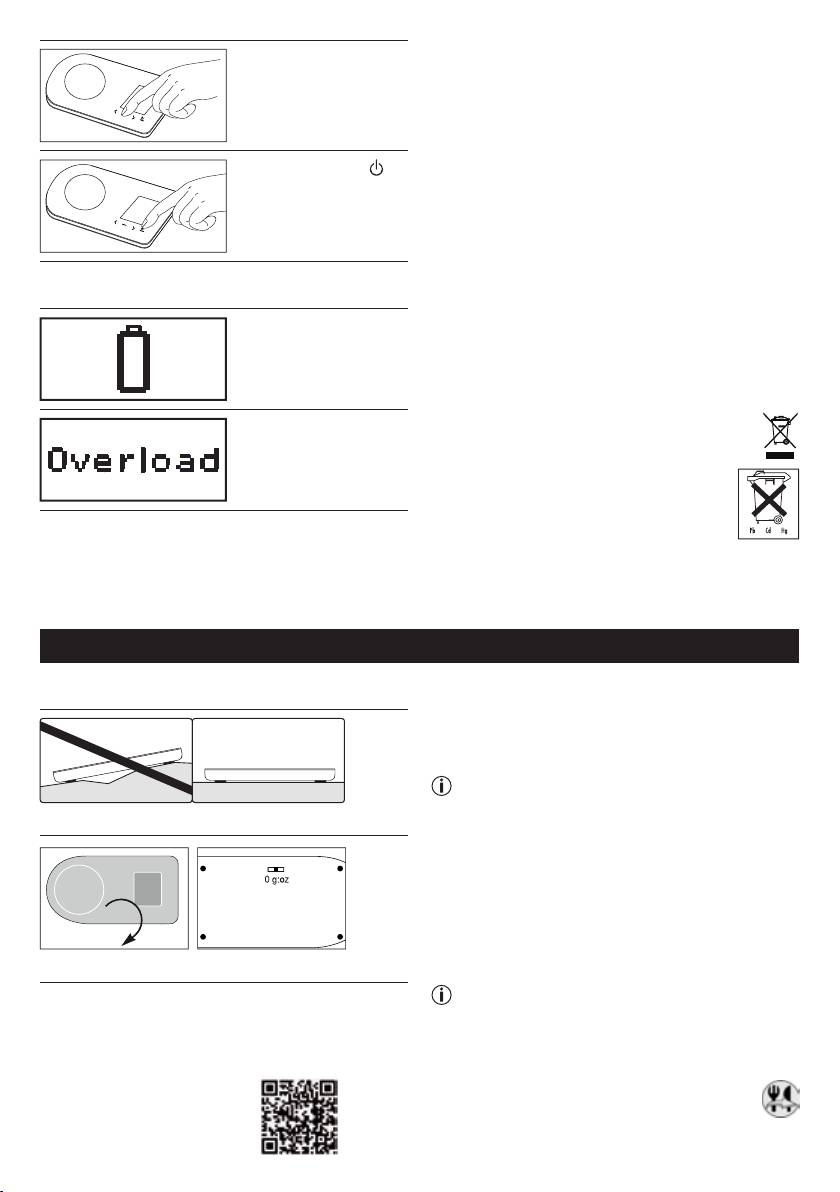
Empty battery.
We hereby guarantee that this product complies with
the European R&TTE Directive 1999/5/EC. Please con-
tact the specifi ed service address to obtain further
information, such as the CE Declaration of Conformity.
Please dispose of the blanket in accordance
Maximum weigh-
with the directive WEEE (Waste Electrical and
ing capacity exceeded
Electronic Equipment). If you have any queries,
(5 kg).
please refer to the local authorities respon-
sible for waste disposal.
6. Important instructions
•
The scale uses Blue tooth Smart (low-energy) and
transmits via the 2.4 GHz frequency band.
•
Max. capacity 5 kg, Graduation 1g.
FRANÇAIS
1. Mise en service
Pour envoyer les recettes de l‘application sur la
balance, la balance doit être connectée. Pour ce faire,
procédez comme suit:
•
Activer le Blue tooth dans les paramètres du smart-
phone.
Remarque: Les appareils Bluetooth Smart,
comme cette balance, ne sont pas visibles dans
Posez la balance sur un sol plat et dur.
les paramètres généraux de la liste des péri-
phériques Bluetooth. Les appareils Bluetooth
Smart ne sont visibles que via des applications
spécifiques ou les applications du fabricant de
l‘appareil.
•
Installer l‘application «Balance à recettes» depuis
0 ➞ g:oz
l‘Appstore.
•
Démarrer l‘application.
Régler l’unité.
•
Allumer et éteindre la balance.
Remarque: durant la mise en service, laissez le
2. Mise en service avec l‘application
smartphone à proximité de la balance de cuisine
pour que la connexion Blue tooth puisse rester
Conditions du système
active.
Un smartphone/une tablette, compatible Bluetooth® 4.0
• Utiliserl‘applicationetchoisirunerecette.
par ex. iPhone 4S, 5.
•
Après avoir choisi une recette, appuyer sur le
Liste des appareils compatibles :
bouton «envoyer vers la balance».
6
