
Beurer WL 70: 7.2 Setting the alarm properties 7.3 Setting the display brightness 7.4 Setting the snooze duration 7.5 Switching the button tone on/o 8. Device functions 8.1 Setting the alarm
7.2 Setting the alarm properties 7.3 Setting the display brightness 7.4 Setting the snooze duration 7.5 Switching the button tone on/o 8. Device functions 8.1 Setting the alarm: Beurer WL 70
Table of contents
- Included in delivery
- 4. Warning notices/safety notes 1. Getting to know your device 2. Signs and symbols 3. Intended use
- 5. Device description 7. Basic settings 7.1 Setting the time 6. Initial use
- 7.2 Setting the alarm properties 7.3 Setting the display brightness 7.4 Setting the snooze duration 7.5 Switching the button tone on/o 8. Device functions 8.1 Setting the alarm
- 8.3 AUX mode 8.4 USB mode 8.2 Switching o the alarm 8.5 Radio mode
- 8.6 Good night function (radio sleep timer) 8.7 Light functions 8.8 Resetting the device to factory settings 9. Cleaning and storage
- 10. Disposal 11. Technical data
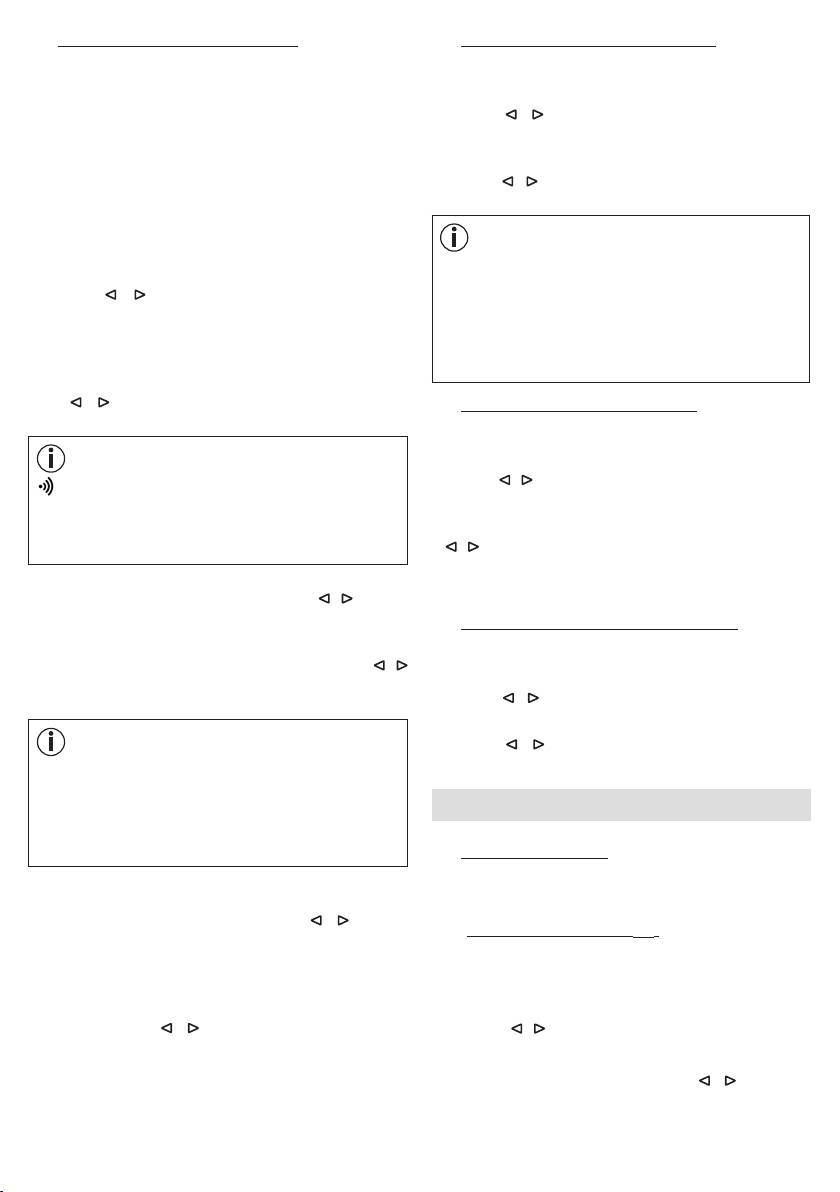
7.2 Setting the alarm properties
7.3 Setting the display brightness
You can choose to wake up with one of the 8 wake-up
•
When the device is switched on, press the Menu/Set
melodies, an alarm tone, the radio or your own music
button. "
TIME
" flashes in the display.
via a USB stick.
•
Use the / buttons to select
DISPLAY
. Confirm
For the alarm times that have been set (see section 8.1),
using the Menu/Set button.
you can configure the following alarm properties: alarm
tone, volume, sunrise, duration of sunrise, brightness of
•
The current display brightness flashes (
3 DISPLAY
).
sunrise.
Use the / buttons to select the desired brightness
(OFF, 1, 2, or 3). Confirm using the Menu/Set button.
To configure the alarm properties, proceed as follows:
•
When the device is switched on, press the Menu/Set
Note
button. "
TIME
" flashes in the display.
Once the setting is made, it takes approx. 10 seconds
for the currently configured display brightness to
•
Use the / buttons to select the desired alarm
appear. This is because the display is automatically
storage location (
ALARM 1, ALARM 2
or
ALARM 3
)
illuminated at the highest setting for 10 seconds
for which you wish to configure the functions
.
Confirm
each time a button is pressed (including the snooze
using the Menu/Set button.
function).
•
The currently set alarm tone (e.g.
BUZZ
) flashes. Use
the / buttons to select the desired alarm tone.
7.4 Setting the snooze duration
Confirm using the Menu/Set button.
•
When the device is switched on, press the Menu/Set
button. "
TIME
" flashes in the display.
Note
•
Use the / buttons to select
SNOOZE
. Confirm using
BUZZ
= acoustic signal
the Menu/Set button.
SOUND 1-8
= 8 dierent wake-up melodies
•
The snooze duration flashes (
5 MIN SNOOZE
). Use the
RADIO
= radio
/ buttons to select the desired snooze duration (1,2,
USB
= via connected USB stick
5, 10, 20 or 30 minutes). Confirm using the Menu/Set
button.
•
The alarm volume (
VOL
) flashes. Use the / buttons
to set the desired volume (
1
to
10
). Confirm using the
7.5 Switching the button tone on/o
Menu/Set button.
•
When the device is switched on, press the Menu/Set
•
The sunrise function flashes (
SUNRISE
). Use the /
button. "
TIME
" flashes in the display.
buttons to switch the sunrise function on (
ON
) or o
•
Use the / buttons to select
FEEDBACK
. Confirm
(
OFF
). Confirm using the Menu/Set button.
using the Menu/Set button.
•
Use the / buttons to switch the button tone on
Note
(
ON
) or o (
OFF
). Confirm using the Menu/Set button.
You can also choose to be woken up by a sunrise
function in addition to the alarm tone. The sunrise
function is a simulated sunrise. In the process, the LED
8. Device functions
light slowly turns brighter prior to the actual alarm time
that is set.
8.1 Setting the alarm
The device features three alarm memory spaces that can
be configured individually.
•
If the sunrise function is switched on, the duration of
the sunrise flashes (
10
MIN
). Use the / buttons
8.1.1 Switching the alarm on (
ON
)
to select the duration of the sunrise prior to the alarm
1.
When the device is switched on, keep pressing the
time (1, 2, 5, 10, 20 or 30 minutes). Confirm using the
ALARM button until the desired alarm memory space
Menu/Set button.
appears in the display (
A1, A2
or
A3
).
•
The brightness of the sunrise flashes (
20 LI
) in the
display. Use the / buttons to select the desired
2.
Press the / buttons until
ON
appears in the display.
brightness of the sunrise at the alarm time (5, 10, 15
3.
Press the Menu/Set button. The hour display of the
or 20). Confirm using the Menu/Set button. If you are
alarm flashes in the display. Use the / buttons to
woken up by light relatively quickly, then we recommend
set the hour and confirm using the Menu/Set button.
reducing the brightness.
12
