
Beurer BY 88 Smart: Problem Solution 11. Disposal 12. Technical data
Problem Solution 11. Disposal 12. Technical data: Beurer BY 88 Smart
Table of contents
- Table of contents
- 1. Getting to know your device
- 2. Signs and symbols 3. Intended use 4. Notes
- 5. How it works / useful information Local
- 6. Unit description HD camera (720p for a high resolution image quality) 7. First steps 7.1 Setting up the camera using an Android™ device
- 7.2 Setting up the camera on your iPhone 7.3 Camera settings 7.4 General settings
- 8. Camera operation 8.1 Switching on the camera 8.2 Adding another camera 8.3 Removing a camera 8.4 Account settings / signing out
- 8.5 Infrared night vision function 8.6 Functions during live transmission in the app
- 8.7 Using the camera for other end devices 8.8 Access to the user account via the web portal (PC) 9. Maintenance and cleaning 10. What if there are problems? Problem Solution
- Problem Solution 11. Disposal 12. Technical data
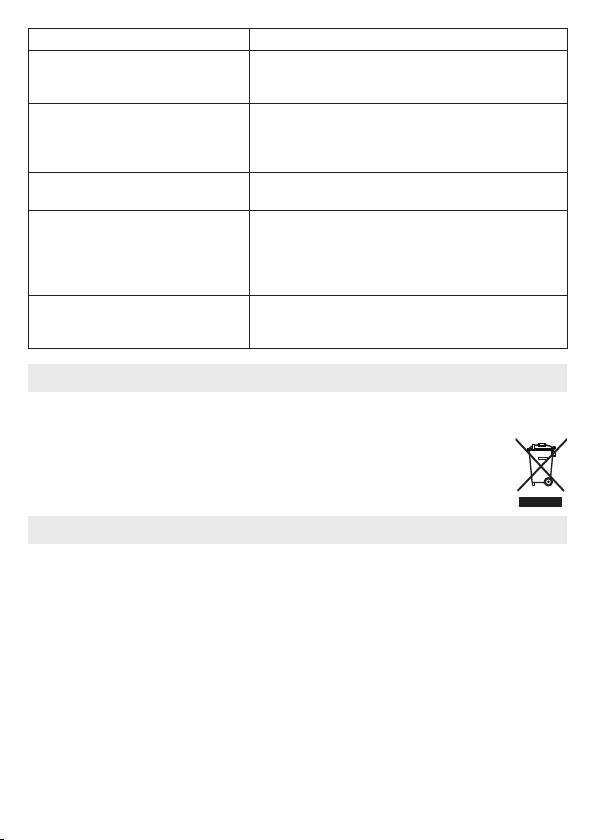
Problem Solution
What should I do if I have forgotten
In the app tap “Forgot password” and enter your e-mail
my password?
address. A new password will be sent to your e-mail
address.
I have not received an e-mail, even
1. The e-mail may be in the spam folder of your e-mail
though I have used the “Forgot pass-
account. Check the spam folder for the e-mail.
word” function.
2.
The e-mail may not have arrived yet. Check your
e-mail account again after a few minutes.
If I try to add a new camera to my user
Press the “PAIR” button on the camera for 5 seconds
account, no available cameras appear.
and try again.
During the set-up process, no camera
Switch the camera o and back on again. Press the
appears in the last step. The set-up
“PAIR” button until there is a beep. Wait for a minute
process is interrupted.
until the indicator lamp flashes. The camera is now ready
for the set-up process. Start the set-up process for the
camera again.
If I try to view the transmission image,
Conduct a Firmware update. We update the app from
I receive the message that I should up-
time to time to constantly improve the camera function.
date my Firmware.
11. Disposal
For environmental reasons, do not dispose of the device in the household waste at the end
of its useful life.
Dispose of the unit at a suitable local collection or recycling point. Dispose of the
device in accordance with EC Directive – WEEE (Waste Electrical and Electronic
Equipment). If you have any questions, please contact the local authorities re-
sponsible for waste disposal.
12. Technical data
•
Frequency 2.4 - 2.483 GHz
•
Digital receiver
•
Infrared technology
•
Camera dimensions: 9.0 x 6.5 x 5.8 cm
•
Camera weight: 95 g;
•
Application temperature: 0 – 50 °C
We hereby guarantee that this product complies with the European R&TTE Directive 1999/5/
EC. Please contact the specified service address to obtain further information, such as the
CE Declaration of Conformity.
22
