
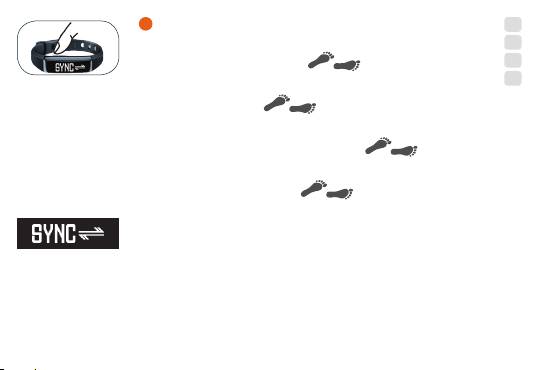
Beurer AS 80: G To synchronise data with your smartphone, press and hold the button for 5 seconds. Get active! G Press and hold the button for 5 seconds.
G To synchronise data with your smartphone, press and hold the button for 5 seconds. Get active! G Press and hold the button for 5 seconds.: Beurer AS 80
Table of contents
- Congratulations on the purchase of your new AS 80 Beurer activity sensor!
- G The activity sensor uses Bluetooth Smart (low energy)
- G Fully charge your activity sensor; charging time is approx. 3 hours.
- G Download the free Beurer HealthManager app from the App Store or Google Play Store.
- G Select AS 80 in the app.
- G To synchronise data with your smartphone, press and hold the button for 5 seconds. Get active! G Press and hold the button for 5 seconds.
- G 1. Repeatedly press the button until appears on the display. 2. To activate or deactivate sleep mode, press and hold the button for 3 seconds.
- G Important notes
7
D
D Um Daten mit Ihrem Smartphone zu synchronisieren, Taste
GB
5 Sekunden gedrückt halten.
F
Werden Sie aktiv!
E
G To synchronise data with your smartphone, press and hold the
button for 5 seconds.
Get active!
F Pour synchroniser les données avec votre smartphone, maintenez
la touche enfoncée pendant 5secondes.
Devenez actif!
E Para sincronizar los datos con el smartphone, mantenga pulsada
la tecla durante 5 segundos.
¡Actívese!
D Datenübertragung G Data transfer F Transfert de données
E Transmisión de datos
D Taste 5 Sekunden gedrückt halten.
G Press and hold the button for 5 seconds.
F Maintenez la touche enfoncée pendant 5secondes.
E Mantenga pulsada la tecla durante 5 segundos.
9
