
Beurer AS 80: G Select AS 80 in the app.
G Select AS 80 in the app.: Beurer AS 80
Table of contents
- Congratulations on the purchase of your new AS 80 Beurer activity sensor!
- G The activity sensor uses Bluetooth Smart (low energy)
- G Fully charge your activity sensor; charging time is approx. 3 hours.
- G Download the free Beurer HealthManager app from the App Store or Google Play Store.
- G Select AS 80 in the app.
- G To synchronise data with your smartphone, press and hold the button for 5 seconds. Get active! G Press and hold the button for 5 seconds.
- G 1. Repeatedly press the button until appears on the display. 2. To activate or deactivate sleep mode, press and hold the button for 3 seconds.
- G Important notes
5
D App starten und den Anweisungen folgen.
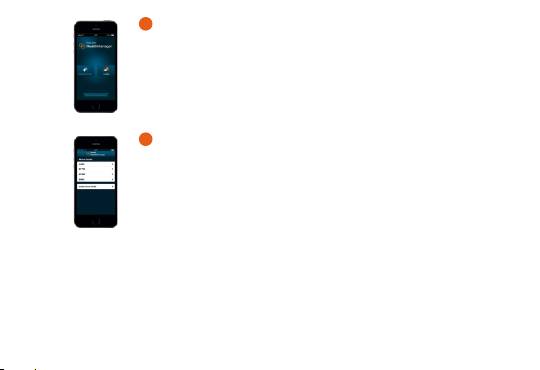
G Start the app and follow the instructions.
F Démarrez l‘application et suivez les instructions.
E Inicie la aplicación y siga las instrucciones.
6
D AS 80 in App auswählen.
G Select AS 80 in the app.
F Sélectionnez AS 80 dans l‘application.
E Seleccione AS 80 en la aplicación.
8
Top 10 manuals
100.00
NZXT HALE90 1000W99.99
Samsung SM-R38099.97
AEG BSB 18C99.97
Dell 2700W99.97
Smeg KSEC70X99.96
Beurer HDE 4099.96
Pyramida KH 50 v.299.96
MSI CSM-H81M-P3299.96
AEG HR 562799.95
Melissa 640-048