
Beurer HK 72: 8. What if there are problems? 9. Technical data 10. Replacement parts
8. What if there are problems? 9. Technical data 10. Replacement parts: Beurer HK 72
Table of contents
- Explanation of symbols
- 1. Included in delivery 1.1 Device description 2. Important instructions Retain for future use
- • Do not use if wet. 3. Intended use
- 4. Operation 4.1 Safety 4.2 Charging the battery pack 4.3 Checking the state of charge of the battery pack 4.4 Operating the heating pad
- 4.5 Switching on 4.6 Setting the temperature 4.7 Switching off 4.8 Automatic switch-off time
- 5. Cleaning and maintenance IMPORTANT 6. Storage 7. Disposal
- 8. What if there are problems? 9. Technical data 10. Replacement parts
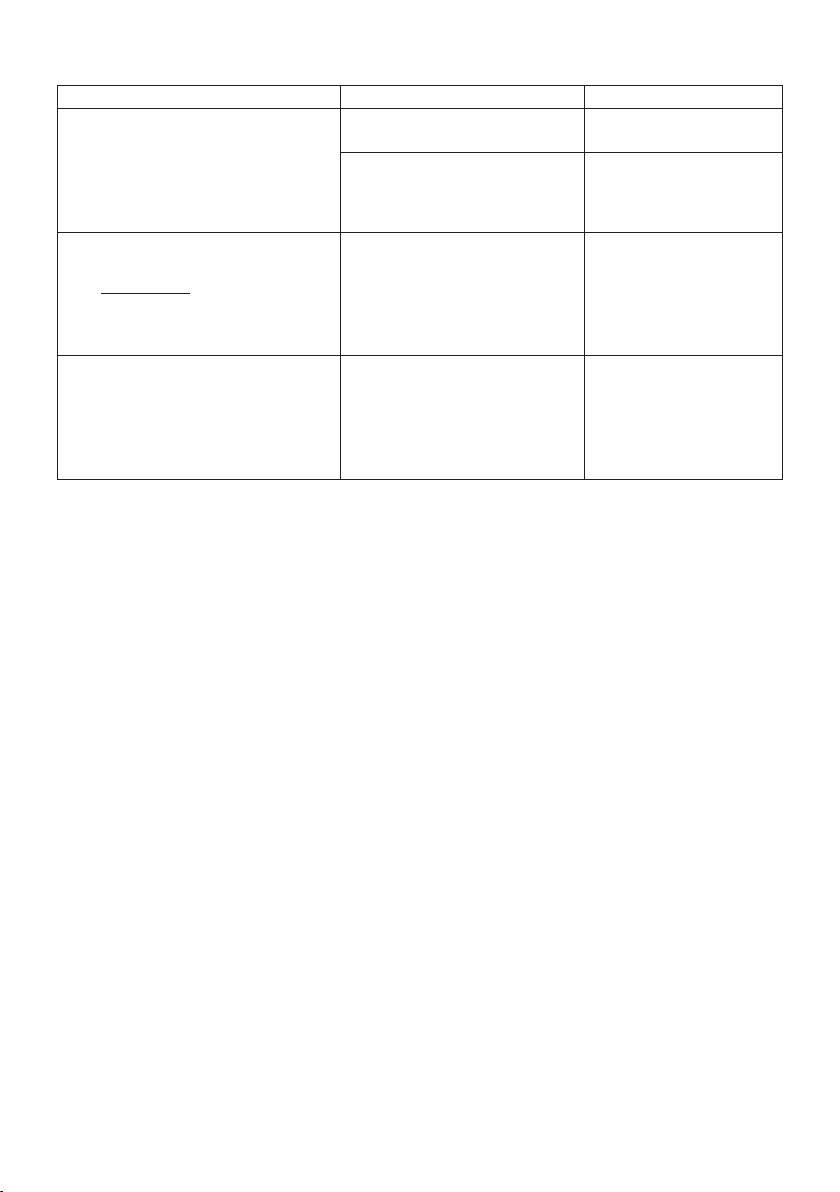
8. What if there are problems?
Problem Cause Solution
The blue LED display for the temperature
The battery pack has been fully run
Charge the battery pack.
settings (6) does not light up when:
down.
– the battery pack is connected to the
There was a SAFETY SWITCH-OFF
Allow the heating pad to
heating pad and
due to an error.
cool down to room tempe-
– the button for controlling ON/OFF and
rature and switch on again.
temperature settings has been pressed.
The blue LED display for the temperature
The heating pad or the battery
Send the heating pad and
settings (6) does not light up when:
pack is faulty.
the battery pack to Service.
– the fully charged battery pack is con-
nected to the heating pad and
– the button for controlling ON/OFF and
temperature settings has been pressed.
The green LED display for the state of
Display for the state of charge of
charge lights up or flashes when the bat-
the battery pack:
tery pack is not connected to the heating
LED lights up for approx. 3 se-
pad.
conds: state of charge > 25%
LED flashes 3x: state of charge
< 25%
9. Technical data
See the type plate label on the heating pad, on the battery pack and on the charger.
10. Replacement parts
You can obtain the following replacement parts directly from Customer Services:
• Battery pack (item des. 108.303)
• Charger (item des. 546.007)
• Extension strap (item des. 162.685)
15
