
Vitek VT-4060 SR: DVD 5.1 HOME THEATRE SYSTEM IMPORTANT NOTICES:
DVD 5.1 HOME THEATRE SYSTEM IMPORTANT NOTICES:: Vitek VT-4060 SR
Table of contents
- DVD 5.1 HOME THEATRE SYSTEM IMPORTANT NOTICES:
- ABOUT YOUR DVD PLAYER BEST LOCATION TO OBTAIN A CLEAR PICTURE PLAYABLE DISCS DIGITAL AUDIO OUTPUT ANALOG AUDIO OUTPUT LASERHEAD OVERCURRENT PROTECTION SYSTEM DISCS USE OF DISC Handling Cleaning
- Storing Handing and Caring for Discs Step: FRONT PANEL REAR PANEL Remote control OPERATING THE REMOTE CONTROL Battery installation: Using the Remote Control
- BATTERIES Connection Stereo Audio Coaxial Digital Audio Speaker Output
- SPEAKERS Composite Video SVideo ARRANGEMENT OF SPEAKERS Component Video (YUV) VGA SCART CONNECTING SPEAKERS
- ANGLE MARK: OSD LANG: CLOSED CAPTIONS: SCREEN SAVER: LAST MEMORY: CONNECTING ANTENNA AUDIO SETUP PAGE ANALOG AUDIO SETUP: DOWNMIX: LT/RT: MENU OPERATION: STEREO: 3D SURROUND: OFF: GENERAL SETUP PAGE FRONT, CENTER, REAR and SUBWOOFER SPEAKER: (No this DIALOG:
- DIGITAL AUDIO SETUP PAGE 3D PROCESSING: DIGITAL OUTPUT: SPDIF OFF: HDCD SETUP: ALL: KARAOKE PCM ONLY: LPCM OUT: DOLBY DIGITAL SETUP VIDEO SETUP PAGE DUAL MONO: DYNAMIC: COMPONENT V IDEO: CHANNEL DELAY PAGE: EQUALIZER: COLOR SETTING SETUP:
- PREFERENCES PLAYING THE RADIO AUDIO, SUBTITLE and DISC MENU LANGUAGE PAGE: PARENTAL: BASIC DVD OPERATION PASSWORD PAGE:
- PREV/NEXT playback MENU: MENU/PBC FUNCTIONS LOCATING A TITLE
- JPEG FILES
- Troubleshooting Symptom Cause Solution Specification DVD receiver
ENGLISH
VT- 4060SR
Cleaning
DVD 5.1 HOME THEATRE SYSTEM
Always unplug this unit from the wall electrical outlet before cleaning. Do
not use liquid or aerosol cleaners; use a damp cloth for cleaning.
Lightning
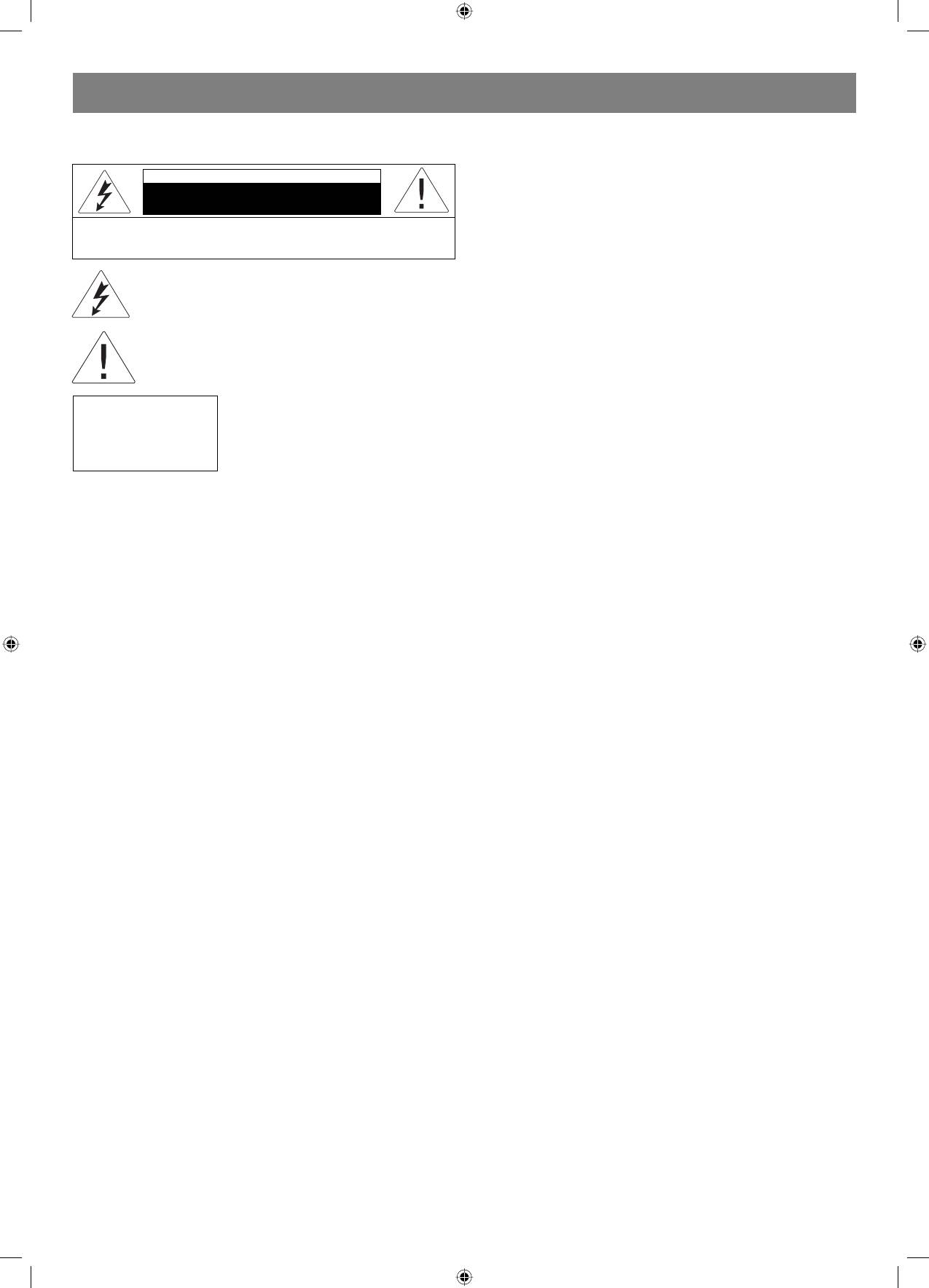
CAUTION
For added product protection during a lightning storm or when it is left
Risk of electric shock
unattended and unused for long periods of time, unplug it from the wall
DO NOT OPEN
outlet and/or disconnect the antenna or cable system. This will prevent
WARNING: In order to reduce the risk of fire or electrical shock,
damage to the product due to lightning and powerline surge.
do not remove the device panels. Contact qualified personnel for
Object and Liquid Entry
service and repairs.
Never push objects of any kind into this product through openings as
they may touch dangerous voltage points or shortout parts that could
The lightning bolt in a triangle symbol indicates to the
result in a fire or electric shock. Never spill liquid of any kind on or into
user that there are dangerous voltages inside the device
the product.
that can result in electrical shock.
Outdoor Antenna Grounding
If an outside antenna or cable system is connected to the product,
The exclamation point in a triangle symbol indicates to
be sure the antenna or cable system is grounded so as to provide
the user important operating instructions and technical
protection against voltage surges and built up static charges. Article 810
service information in the accompanying literature.
of the National Electrical Code, ANSI/NFPA 70, provides information
with regard to proper grounding of the mast and supporting structure,
Indicates a device using a laser. This symbol
grounding of the leadin wire to an antenna discharge unit, size or
must be located on the rear panel of a
grounding conductors, location of antenna discharge unit, connection to
CLASS 1
device, indicating that the device contains a
grounding electrodes, and requirements for the grounding electrode.
LASER PRODUCT
Class 1 laser and that laser rays are in use.
Overloading
The possibility of laser exposure does not
Do not overload wall outlets, extension cords, or integral convenience
exist without opening the device.
receptacles, as this may result in a fire or electric shock.
Power
Cord Protection Power supply cords should be routed so that they
CAUTION! IN ORDER TO AVOID ELECTRICAL SHOCK, FIRST
are not likely to be walked on or pinched by items placed upon or
CONNECT THE CORD TO THE PLAYER, AND THEN INSERT PLUG
against them, paying particular attention to cords at plugs, convenience
INTO THE ELECTRICAL OUTLET.
receptacles, and the point where they exit from the product.
Power Lines
CAUTION! This device contains a DVD player that uses a laser system.
An outside antenna system should not be located in the vicinity of
Do not open the case in order to avoid exposure to laser radiation.
overhead power lines or other electric light or power circuits, or where
Invisible laser radiation is present when the case is open. DO NOT LOOK
it can fall into such power lines or circuits. When installing an outside
AT THE LASER RAYS. Furthermore, use of the control system or making
antenna system, extreme care should be taken to keep from touching
adjustments or completing operations, other than those described in
such power lines or circuits as contact with them might be fatal.
these instructions, can lead to dangerous exposure to radiation.
Power Sources
We urge you to carefully study these operating instructions and save
This product should be operated only from the type of power source
them for future use. Contact a service center (if necessary) for service
indicated on the marking label. If you are not sure of the type of power
and repairs.
supply to your home, consult your product dealer or local power
company. For products intended to operate from battery power or
CAUTION! DO NOT OPEN THE UPPER HOUSING OF THE DEVICE DUE
other sources, refer to the operating instruction. The DVD home theater
TO RISK OF ELECTRIC SHOCK. THERE ARE NO USER-SERVICEABLE
operates on 100240V~50/60Hz. Do not turn off unit immediately after
PARTS INSIDE. EMPLOY THE SERVICES OF QUALIFIED PERSONNEL.
turning on; wait at least 10 seconds.
Replacement Parts
ATTENTION
If replacement parts are required, be sure the service technician has
IN ORDER TO AVOID ELECTRICAL SHOCK, THE WIDE PRONG OF THE
used replacement parts specified or have the same characteristics as
PLUG SHOULD BE FIRMLY AND COMPLETELY INSERTED INTO THE
the original part. Unauthorized substitutions may result in fire, electric
OUTLET. WATER MUST NOT SPILL INTO THE DEVICE. DO NOT PLACE
shock, or other hazards.
CONTAINERS OF LIQUIDS, LIKE VASES, ONTO THE DEVICE.
Safety Check
Upon completion of any service or repairs to this product, ask the
Features
service technician to perform safety checks to determine that the
Thank you for purchasing our product. Please read this manual carefully
product is in proper operating condition.
before connection and operation. Please keep this manual for future
Servicing
reference. This DVD player is a new generation home player which can
Do not attempt to service this product yourself as opening or removing
produce high quality video and audio for your continued enjoyment.
covers may expose you to dangerous voltage or other hazards. Refer all
• built in Dolby D , LPCM, MPEG etc. digital audio decoder;
servicing to qualified service personnel.
• HiFi, 96kHz/24bit audio digital processor;
TV System
• COAXIAL digital audio output;
This unit is compatible with television sets featuring either the NTSC or
• compatible with DVD/VCD/CD/MP3/JPEG/ PICTURE CD/MPEG4
PAL color system.
etc.;
Ventilation
• AM/FM stereo digital tuning system;
Slots and openings in the cabinet are provided for ventilation and to
• high quality amplifier.
ensure reliable operation and protection from overheating. These
openings should never be blocked by placing the product on a bed,
IMPORTANT NOTICES:
sofa, rug, or other similar surface. The product should not be placed in a
CAUTION: Is it important that you read and follow all of the instructions
builtin installation such as a bookcase or rack unless proper ventilation
in this booklet and any marked on the unit itself. Retain this booklet
is provided. Never place this product near a heat source, such as heat
for future reference. Accessories Never place this product on an
registers, stoves, radiators, or any other product that produces heat.
unstable platform, stand, cart, wall mount, shelf or table. The product
Water and Moisture
may fall, causing serious personal injury to person and pet, as well as
Do not use this product near sources of water and moisture, such as
seriously damaging the product. Any mounting of the product should
bath tub, wash bowl, kitchen sink, or wash machine; in a wet, damp
follow the manufacturer s instruction, and use a mounting accessory
basement; or near a swimming pool or similar locations. If moisture
recommended by the manufacturer. This unit while positioned on some
condensation occurs, remove any disc, connect the unit power cord to
type of cart must be moved with care. Quick stops, excessive force,
a wall outlet, turn the unit on, and leave it on for two to three hours. By
and uneven surfaces may cause the product and cart combination to
then, the unit will have warmed up and evaporated any moisture.
overturn. The apparatus shall not be exposed to dripping or splashing
and that no object filled with liquids, such as vases, shall be placed on
the apparatus.
2
4060.indd 24060.indd 2 23.10.2006 9:25:1123.10.2006 9:25:11


