
Vitek VT-4097 SR: Playing a DVD disc Playing MPEG-4 Movie CD Piaying a DVD+RW or DVD+R disc Playing an Audio CD Playing a program of HDD Playing a JPEG in HDD Playing aJPEG CD
Playing a DVD disc Playing MPEG-4 Movie CD Piaying a DVD+RW or DVD+R disc Playing an Audio CD Playing a program of HDD Playing a JPEG in HDD Playing aJPEG CD: Vitek VT-4097 SR
Table of contents
- DVD and HDD recorder Model VT-4097 Before You Start Accessories Putting the batteries in the remote control Using the remote control Important Safety Instructions Compatible Discs DVD Video compatibility Audio CD compatibility
- DVD-R/RW compatibility DVD+R/RW compatibility MPEG-4 compatibility JPEG CD compatibility DVD Video regions Controls and Display Front panel
- Display Rear panel Remote control 5. Audio
- 6. AVIN
- Y/Pb/Pr, Y/Cb/Cr and may be green, blue, red. The component video Audio Input Set “Video Output” to “YCrCb On” from VIDEO SETUP menu. DVD-Recorder video input DVInput USB Input Connection forAudio Output Terminals Connection for HDMI Output Turning on and off Audio Output Digital Audio Output Selecting the HDD or DVD for playbackand recording Connection forA/V Input Terminals Displaying the disc information on screen (OSD)
- Playing a DVD disc Playing MPEG-4 Movie CD Piaying a DVD+RW or DVD+R disc Playing an Audio CD Playing a program of HDD Playing a JPEG in HDD Playing aJPEG CD
- Program Playback (Audio CD only) Playing MPEG-4 Movie in HDD Advanced Playback Selecting Subtitles (DVD only) Skip Forward/Backward (DVD/Audio CD only) Slow Forward Use thistunction to playthe DISC or HDD contents in slowtorward.
- Switching the Camera Angle (DVD only) Repeating a Title, Chapter (DVD/Audio CD only) It is possible to repeat the chapter/title tor DVD or track/disc tor Audio CD. Title Search A-B Repeat (DVD/Audio CD only) Chapter Search Recording ZOOM screen (DVD/HDD only)
- If you want to record a TV program select TV mode. Select a station you want to record by pressing Channel- or Channel +. OTR (One touch Timer Recording) Timer Recording Recording from a DV (Digital Video) camcorder
- Copyright Time Shifted Recording Copying the DVD titles from Disc to HDD Copying the titles from HDD to Disc Simultaneous recording and playback Copying the files from disc to HDD (from HDD to Disc) Use the copying features of this recorder to:
- Pressthe FILE button. The directory & file list will be displayed I the TV screen. 2. PresstheEDITbutton. Press ADD/CL button after selecting the file to copy by using
- Rename disc (DVD+RW/DVD+R) Finalize disc (DVD+R only) Lock disc (DVD+RW only) Erase optical disc (DVD+RW only) Overwrite disc (DVD+RW only) CopyAII (DVD+RW/DVD+R) Editing a title of DVD+RW or DVD+R
- Erase title (DVD+RW only) Playtitle (DVD+RW/DVD+R) Edit title (DVD+RW/DVD+R) Overwrite title (DVD+RW only) Append title (DVD+RW/DVD+R) Rename title (DVD+RW/DVD+R)
- Copy title (DVD+RW/DVD+R) Rename Editing the title of HDD Lock Unlock Play Delete Protect Split Unprotect Basic Operations Segment Using the Setup Menu Combine Change Index Picture 1. AUTCCHAPTERMARKER
- 2. RECORD QUALITY 5. CHANNEL SWAPPING 3. ANALQGCHANNELSCAN 4. MQDIFYCHANNEL Editing the channel name Video TV Standard Search Type Fine Tuning Decoder
- Audio (This menu is not available when a disc is in the recorder.) 1. Automatic clock setting ANALOG OUTPUT General Language 1. Parental Control OSD LANGUAGE 2. CHANGE PASSWORD
- 3. FACTORY RESET 4. EUROAVOUTPUT 5. DECODER 6. PREVIEWTYPE 7. HDDto Disc Copy Option HDD
- Additional Information Specifications
- Troubleshooting
- Recycling
ENGLISH
FILÊS4DIRECT0RY _fcfAVORITE;PROG^
26fi KEIKO MATSUI • ^ Il
27 LAURA FIGY • C H ||
2dfi MAXWELL - WHE I
, 29/9 new STORIES (HI ■ II
J 30ji osT iiiiiiiiii iliill.M J; ,
DUD RGCORÜGR
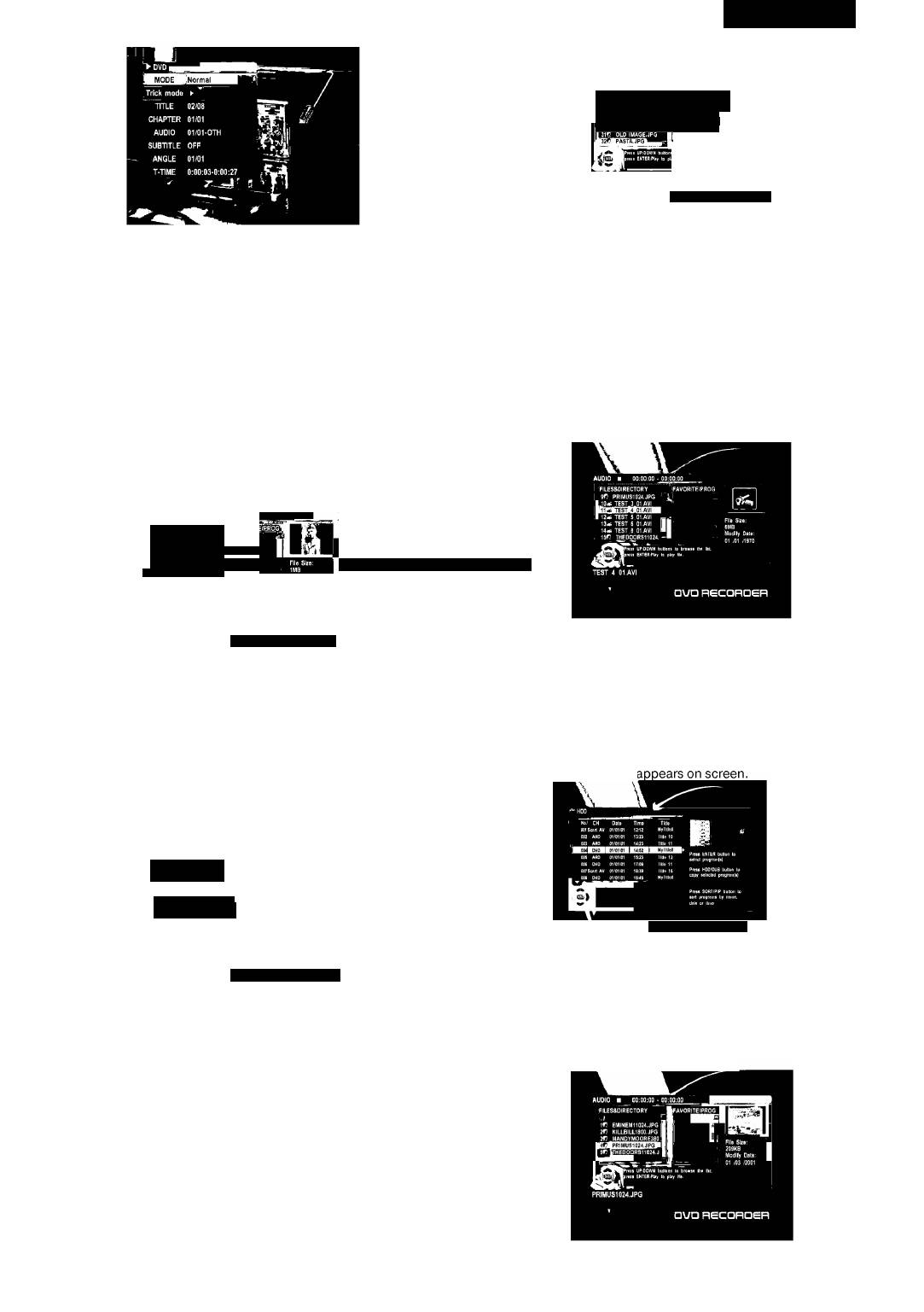
2. Select the desired file by using ▲ or ▼ .You can see the thumbnail
3. Also you can change the subtitle language, chapter, and so on using
picture of selected file on the right window.
▲ ▼◄►and Enter. To turn offthe on-screen display, press DISPLAY
button.
3. Press ENTER button to start playback. The JPEG files are played in
order automatically. Ifyou press ►►lorl^^ during playing back,
Playing a DVD disc
you can see the next picture or the previous picture.
4. Picture rotation and zoom
1. Press OPEN/CLOSE button to open the disc tray. Put a disc on the
disc tray with logo-printed side up.
You can rotate the picture to the left or right by using ◄or ►. Also
2. Press OPEN/CLOSE button again to close the disc tray. The disc will
you can enlarge the picture up to 4 times or reduce it up to a quarter
by using ►►or^^.
be loaded automatically.
4. To see the file list, press STOP button. The file list is displayed on the
3. TheTVscreenshowsdiscmenu.
TVscreen.
4. Select the desired item by using ▲▼◄► or0to9 buttons, then
press ENTER or PLAYbutton to start playback.
Playing MPEG-4 Movie CD
Piaying a DVD+RW or DVD+R disc
1. LoadaMPEG-4disc.
1. Load a DVD±RW or DVD±R disc. The menu screen is displayed
automaticall\
FILES&DIRECTORY
26KEIKO MATSUI •
27 UURA FIQY • C
28 JS MAXWELL • WHE
NEW STORIES (HI
3Cj1
..........................................
..................................................
_ 31fJ OLD IMAGE.JPG
DUD RGCQROGR
2.
Press Enter button after selecting the directory of Disc using
▲ or ▼.
3.
Press Enter button after selecting the desired movie using ▲ or ▼.
2. Select the desired program by using ▲ or ▼ button.
The selected movie is played back.
3. Press ENTER or PLAY button to start playback.
Note: Some ofthe MPEG-4 movies could not be played depending on
4. Press TITLE or MENU button to return to the menu screen.
encoding method.
Playing an Audio CD
Playing a program of HDD
1. LoadanAudioCD.
1. Press HDD/DUB button to select the HDD mode.
The first song is played back automatically.
The program list of HDD ;
2. Press DISPLAY button. The disc information is displayed on the TV
screen.
'FILÊS4DIRECTDRY
gf? PRIMUS1024,JPG
10-i TEST_3.01.AVI
13- 1 TEST 6 OtAVI I
14- 1 TEST a OI.AVI '
.1547 THEDOORS11024.
aVD RSCOROER
□UQ RSCQROSR
2. Select the desired program by using ▲ or ▼ in the program list.
3. Press PLAYbutton. It starts to playthe selected program.
3. Select a track using ▲ or ▼, and press ENTER button.
Playing a JPEG in HDD
4. Enter the desired track No. by using 0to9 buttons, and press ENTER
1. PressFILEbutton.
button.Theselectedsongisplayedback. Ifyoupress ►►! orl^^
2. Press ENTER button after selecting the directory of HDD using ▲ or
during playing back, you can hear the next song or the previous
V. The file list of HDD appears on screen.
song.
Playing aJPEG CD
1. Load a JPEG CD. The directory & file list is displayed on the TV
screen.
4097IMnew.indd 7 27.02.2007 13:34:53


