
Vitek VT-4086 SR: How to handle, protect and clear discs DVD player Copyright
How to handle, protect and clear discs DVD player Copyright: Vitek VT-4086 SR
Table of contents
- DVD PLAYER ACCESSORIES
- Rear panel/Front panel/Display information Rearpanel Front panel Display information
- Preparation before using Remote control Progressive Scan
- Connections 5.1CH output terminal connect to Active subwoofer
- Operating instructions for functions Direct select by numeric button: Audio VCD/CD disc track selection USB READER FUNCTION TV System Setting When playing DVD other discs, press the^^ button to enter fast forward Video Output Mode Selection Volume Control Slow Motion Play/Pause Menu play for DVD discs Frame by Frame play Track or Chapter Skip Repeat
- Repeat appointed part Picture Zoom Memory Play Search play For DVD discs: Multi angle DVD play MP3 Playback Audio Channel Selection Play mode SelectSubtitle Language SINGLE REPEATONE
- REPEAT FOLDER FOLDER General Setup Page Other Functions Playing Picture CD or JPEG files Operations: Picture selection and Preview: TV Display Rotate Picture: Previous and Next selection: Zoom in and Zoom out: Angle Slide show OSD Lang (On screen display language) Captions Stop Playing Karaoke Singing Screen saver MPEG-4, DIVXdiscpIayback Last Memory
- Audio Setup Page Dialog SPDIFOutput Speaker setup page SPDIF output PCM Channel Downmlx LPCM out Dolby Digital Setup Front Speaker Central speaker Rearspeaker Dual Mono Subwoofer Dynamic Test Tone
- Equalizer Setup 3 D processing The setup structure is as below:
- RESOLUTION TV Mode Preference page Video Quality Setup TV System AUDIO/SUBTITLE/DISC MENU Sharpness Gamma Luma-delay PARENTAL CONTROL Brightness Contrast Hue Saturation CHANGETHERATING HDMI Default Password Setup Page PASSWORD MODE PASSWORDCHANGE
- How to handle, protect and clear discs DVD player Copyright
- Maintenance and Troubleshooting
ENGLISH
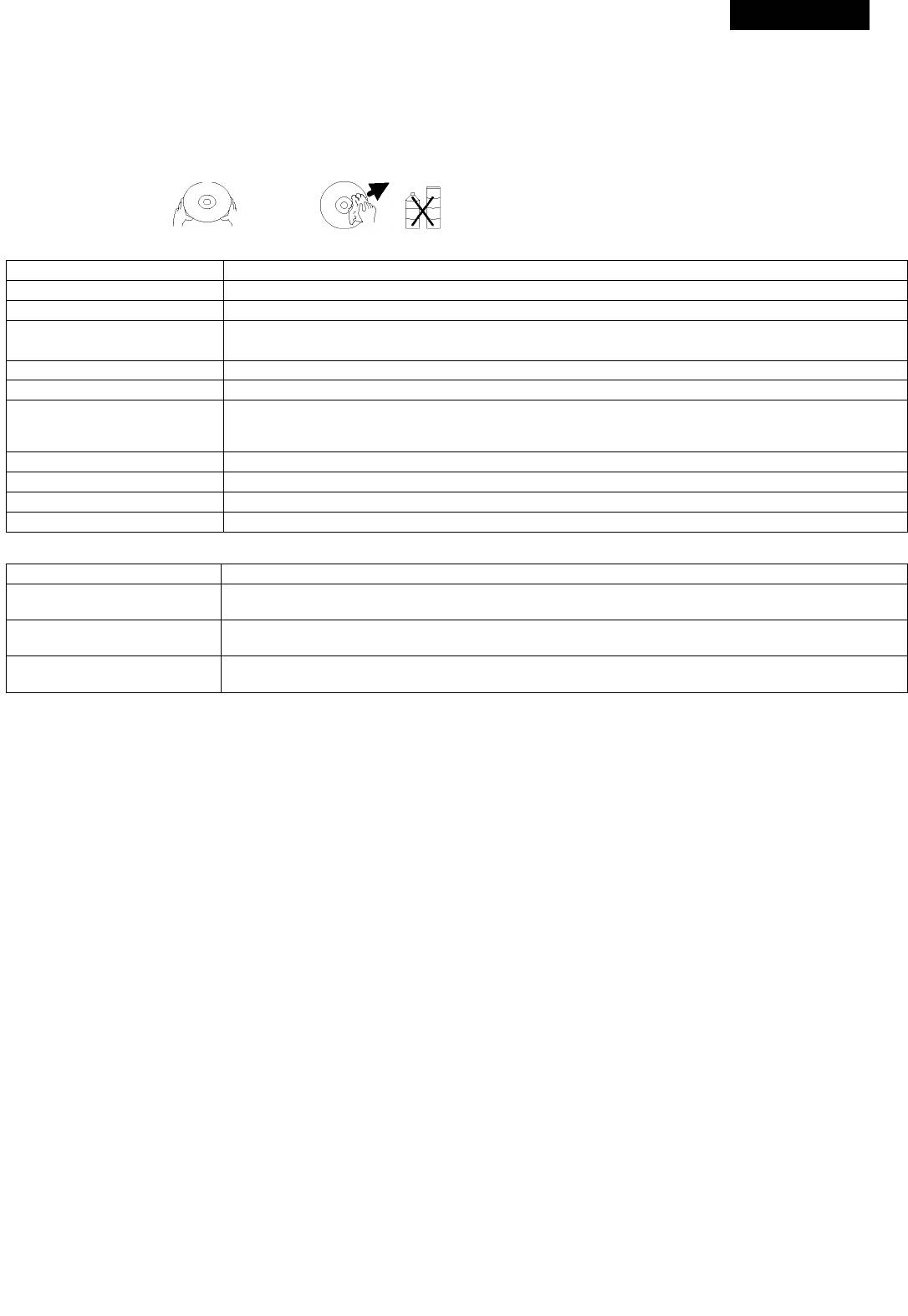
How to handle, protect and clear discs
Avoid scratching the disc and aiways repiace in the box after use
Ciean the disc by wiping it outwards fromthe centre gentiywith aciean, soft, iint free cioth.
Do not use aicohoi, detergent or other chemicais to ciean the disc.
Do not heat, bend or attach adhesive paper (e.g. ‘Post it’ notes) to the disc.
Oniy use proper disc pens for writing on the iabei side of the disc otherwise disc damage may occur.
DVD player
Power Suppiy 110-240 V, 50-60 Hz
Power Consumption 20 W
Weight 2.05 kg
430 (W) mm x 33(H) mm x 230(D) mm
Dimensions
Signai System PAL/AUTO/NTSC
Laser Semi-conductor iaser, wave iength 650nm, 780nm
DVD iinear sound: 48KHz puise moduiation 20Hz~20KHz
Frequency Range
96KHz puise moduiation 20Hz~20KHz
CD Audio frequency: 20Hz~20KHz
S/N 90dB
Audio Dynamic Range 85dB
Fiicker Rate Smaiier than detectabie range
Operation Condition Temp: 0 ~40 , Operation state: Levei surface
Output
Video output 1.0 0.2V(P-P),750hm
(Y) 1.0V(P-P),75Ohm
S-Video output
(C)286mV(P-P),75 0hm
2 0+0 2 V
Anaiog audio output
-1.0
(Y) 1.0V(P-P),75Ohm
Component video output
(C)0.7V(P-P),75Ohm
Copyright
According tothe reiated iaw, DVD discswithout proper authorization are notaiiowedto be copied andto be piayed pubiiciy. As DVD discsare anti-pi
racy, the copied content is aiways distorted.
TV System
Connect this piayer to a PAL/NTSC compatibie TV.
1.T


