
Vitek VT-1699: 13. “LOCK FROM CHILDREN” To cancel Lock mode 14. Checking the preset settings 15. Special notes SPECIAL NOTE
13. “LOCK FROM CHILDREN” To cancel Lock mode 14. Checking the preset settings 15. Special notes SPECIAL NOTE: Vitek VT-1699
Table of contents
- PRECAUTIONS, WHICH MUST BE FOLLOWED IN ORDER TO MINIMIZE THE RISK OF MICROWAVE ENERGY EXPOSURE IMPORTANT SAFETY INSTRUCTIONS Important information SAFETY MEASURES If a fire occurs:
- Rules that should always be remembered: CAUTION Dishes for microwave ovens Checking dishes before using them in the microwave
- Materials you can use in microwave oven Materials to be avoided in microwave oven MICROWAVE OVEN ASSEMBLY Name of parts and accessories Display
- Broiling rack Protective covering Setting the glass tray Setting USAGE Microwave oven operation and its functions
- 2. Cooking in microwave oven Displaying the microwave power levels 3.Grill mode functions 4. Combination cooking modes 5. Convection mode without preheating.
- 6. Convection mode with preheating 7. Setting the broiling rack 8. Products defrost DEFROST BY WEIGHT 9. Start cooking time preset
- 10. Staged cooking 11. Quick cooking Quick setting of cooking time 12. Auto menu Menu Weight (g)
- 13. “LOCK FROM CHILDREN” To cancel Lock mode 14. Checking the preset settings 15. Special notes SPECIAL NOTE
- Eliminating malfunctions Normal operation Specifications:
ENGLISH
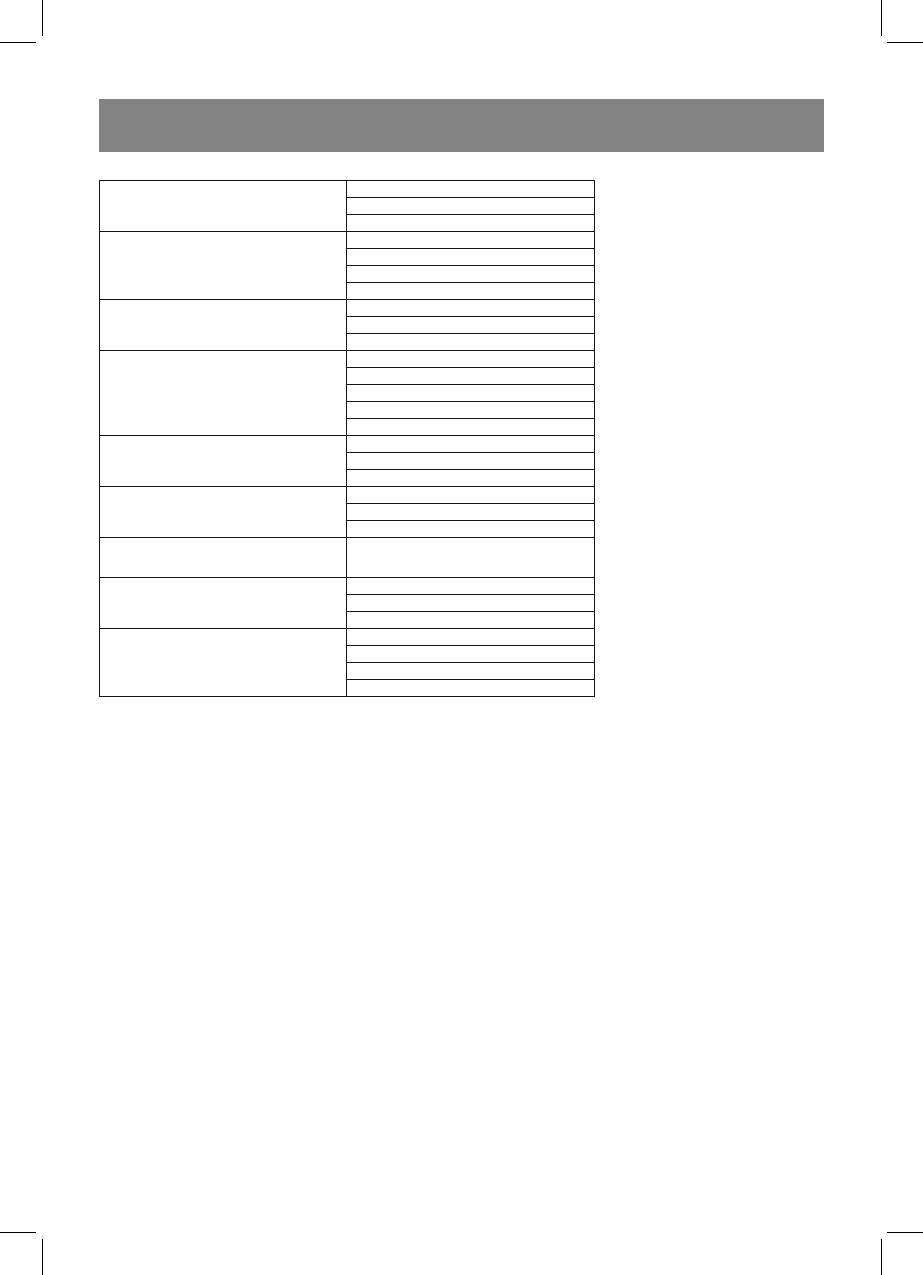
1
А-2
2
Potato
3
150
А-3
300
Meat
450
600
150
А-4
350
Vegetables
500
150
250
А-5
350
Fish
450
650
А-6
50
Paste
100
150
200
А-7
400
Soup
600
А-8
475
Cake
200
А-9
300
Pizza
400
500
А-10
750
Chicken
1000
1200
Cooking result at auto cooking mode depends on the size and form of a product, and on the location on the glass tray. In any
case if you find the cooking result insufficient, increase or decrease weight of the product in auto cooking menu.
13. “LOCK FROM CHILDREN”
Switching on Lock mode
In stand by mode (the current time is displayed, dots are flashing) press “СТОП/ОТМЕНА” (Stop/Cancel), and hold it for 3
seconds. Long sound signal will be heard lock symbol (7) will appear on the display.
To cancel Lock mode
In lock state press “СТОП/ОТМЕНА” (Stop/Cancel), and hold it for 3 seconds.
Long sound signal will be heard lock symbol (7) will be faded out.
14. Checking the preset settings
• Checking microwave power while cooking: - press “МИКРОВОЛНЫ” (Microwaves), microwave power will be displayed
for 3 sec., after that the remained cooking time will appear on the display.
• Checking combination cooking mode (С-1, С-2, С-3, С4): - while cooking press “ГРИЛЬ/КОМБ.” (Grill/Comb), the
preset combination cooking mode (С-1, С-2, С-3, С4) will be displayed for 3 sec.
• Checking temperature while cooking in convection mode: - press “КОНВЕКЦИЯ” (Convection), temperature of convec-
tion mode will be displayed for 3 sec.
• Checking starting cooking time. When all settings are made, press “ЧАСЫ/ПРЕДУСТАНОВКА” (Clock/Preset) starting
cooking time will appear on the display, time indications will be flashing for 3 sec., then the current time will appear on the
display.
15. Special notes
Max. cooking time in all modes (Microwaves, Grill, Convection) is 95 minutes. In Grill mode (G 1), after half of time has passed
two sound signals will be heard. This moment you can turn over the products.
SPECIAL NOTE
1. With each press of control buttons or with one turn of “Время•Вес•Авто меню” knob one sound signal will be
heard.
10
1699.indd 101699.indd 10 12.03.2007 16:51:4312.03.2007 16:51:43


