
Vitek VT-1699: 10. Staged cooking 11. Quick cooking Quick setting of cooking time 12. Auto menu Menu Weight (g)
10. Staged cooking 11. Quick cooking Quick setting of cooking time 12. Auto menu Menu Weight (g): Vitek VT-1699
Table of contents
- PRECAUTIONS, WHICH MUST BE FOLLOWED IN ORDER TO MINIMIZE THE RISK OF MICROWAVE ENERGY EXPOSURE IMPORTANT SAFETY INSTRUCTIONS Important information SAFETY MEASURES If a fire occurs:
- Rules that should always be remembered: CAUTION Dishes for microwave ovens Checking dishes before using them in the microwave
- Materials you can use in microwave oven Materials to be avoided in microwave oven MICROWAVE OVEN ASSEMBLY Name of parts and accessories Display
- Broiling rack Protective covering Setting the glass tray Setting USAGE Microwave oven operation and its functions
- 2. Cooking in microwave oven Displaying the microwave power levels 3.Grill mode functions 4. Combination cooking modes 5. Convection mode without preheating.
- 6. Convection mode with preheating 7. Setting the broiling rack 8. Products defrost DEFROST BY WEIGHT 9. Start cooking time preset
- 10. Staged cooking 11. Quick cooking Quick setting of cooking time 12. Auto menu Menu Weight (g)
- 13. “LOCK FROM CHILDREN” To cancel Lock mode 14. Checking the preset settings 15. Special notes SPECIAL NOTE
- Eliminating malfunctions Normal operation Specifications:
ENGLISH
• Press “ЧАСЫ/ПРЕДУСТАНОВКА” (Clock/Preset).
• Turning the “Время•Вес•Авто меню” (Time•Weight•Auto menu) knob clockwise/anticlockwise set the minutes.
• Press “СТАРТ/+30 СЕК/ПОДТВЕРДИТЬ” (Start/+30 sec./Confirm) to confirm.
When preset starting time will match the current time the microwave oven will switch on.
To check the starting time press “ЧАСЫ/ПРЕДУСТАНОВКА” (Clock/Preset), the starting time will be displayed during 3
seconds.
10. Staged cooking
- You can cook in three stages.
- While staged cooking “РАЗМОРОЗКА ПО ВЕСУ/ПО ВРЕМЕНИ” (DEFROST BY WEIGHT/TIME) mode should be set
first.
Example:
To defrost 300 g of products/start at 50% power during 5 minutes then use grill for 1 minute.
• Press “РАЗМОРОЗКА ПО ВЕСУ/ПО ВРЕМЕНИ” (DEFROST BY WEIGHT/TIME) «dE F1» and symbols (8, 11) will ap-
pear on the display.
• Turning the “Время•Вес•Авто меню” (Time•Weight•Auto menu) knob clockwise/anticlockwise set the weight 300 g.
• Press “МИКРОВОЛНЫ” (Microwaves). “P100” will be flashing on the display and microwave symbol (11) will be dis-
played.
• Second press the “МИКРОВОЛНЫ “(Microwaves) button or turn the “Время•Вес•Авто меню” (Time•Weight•Auto
menu) knob clockwise/anticlockwise to select the required power of microwaves 50%.
• Press “СТАРТ/+30 СЕК/ПОДТВЕРДИТЬ” (Start/+30 sec./Confirm) to confirm the selection.
• Turning the “Время•Вес•Авто меню” (Time•Weight•Auto menu) knob clockwise/anticlockwise set the cooking time
5 minutes.
• Press «ГРИЛЬ/КОМБ.». Grill mode symbol (9) and grill symbol G-1 will appear on the display.
• Press “СТАРТ/+30 СЕК/ПОДТВЕРДИТЬ” (Start/+30 sec./Confirm) to confirm the selection.
• Turning the “Время•Вес•Авто меню” knob clockwise/anticlockwise set the cooking time 1 minute.
• Press “СТАРТ/+30 СЕК/ПОДТВЕРДИТЬ” (Start/+30 sec./Confirm) to start cooking.
• During cooking, operation mode symbols and operation time of each stage are displayed.
11. Quick cooking
In quick cooking mode the oven is switched on at full power «Р-100», during the preset time.
• Put the products into the oven and close the door.
• Press “СТАРТ/+30 СЕК/ПОДТВЕРДИТЬ” (Start/+30 sec./Confirm) to start cooking.
• Each second press “СТАРТ/+30 СЕК/ПОДТВЕРДИТЬ” (Start/+30 sec./Confirm) adds 30 seconds of quick cooking
time (max. 95 minutes).
Note:
- During the oven operation in any mode you can add 30 seconds to the main cooking time by pressing “СТАРТ/+30
СЕК/ПОДТВЕРДИТЬ” (Start/+30 sec./Confirm).
Quick setting of cooking time
• Put the products into the oven and close the door.
• Turning the “Время•Вес•Авто меню” (Time•Weight•Auto menu) knob clockwise/anticlockwise set the required
cooking time.
• Press «СТАРТ/+30 СЕК/ПОДТВЕРДИТЬ (Start/+30 sec./Confirm) to start cooking.
• The oven will switch on for the preset time at max. power «Р-100».
12. Auto menu
• Turning the “Время•Вес•Авто меню” (Time•Weight•Auto menu) knob clockwise/anticlockwise select the required
program of auto cooking. The programs are chosen in the following sequence: А – 1 - heating; А – 2 - potato; А – 3
–meat; А – 4 –vegetables; А – 5 – fish; А – 6 - paste; А – 7 - soup; А – 8 - cake; А – 9 – pizza; А – 10 - chicken.
• Press “СТАРТ/+30 СЕК/ПОДТВЕРДИТЬ” (Start/+30 sec./Confirm) to confirm the selected auto cooking mode.
• Turning the “Время•Вес•Авто меню” (Time•Weight•Auto menu) knob clockwise/anticlockwise select the required
weight and number of portions.
• Press “СТАРТ/+30 СЕК/ПОДТВЕРДИТЬ” (Start/+30 sec./Confirm) to start cooking.
• Symbols corresponding to the operation mode and auto cooking symbol (12) will be flashing on the display. The remained
time will countdown.
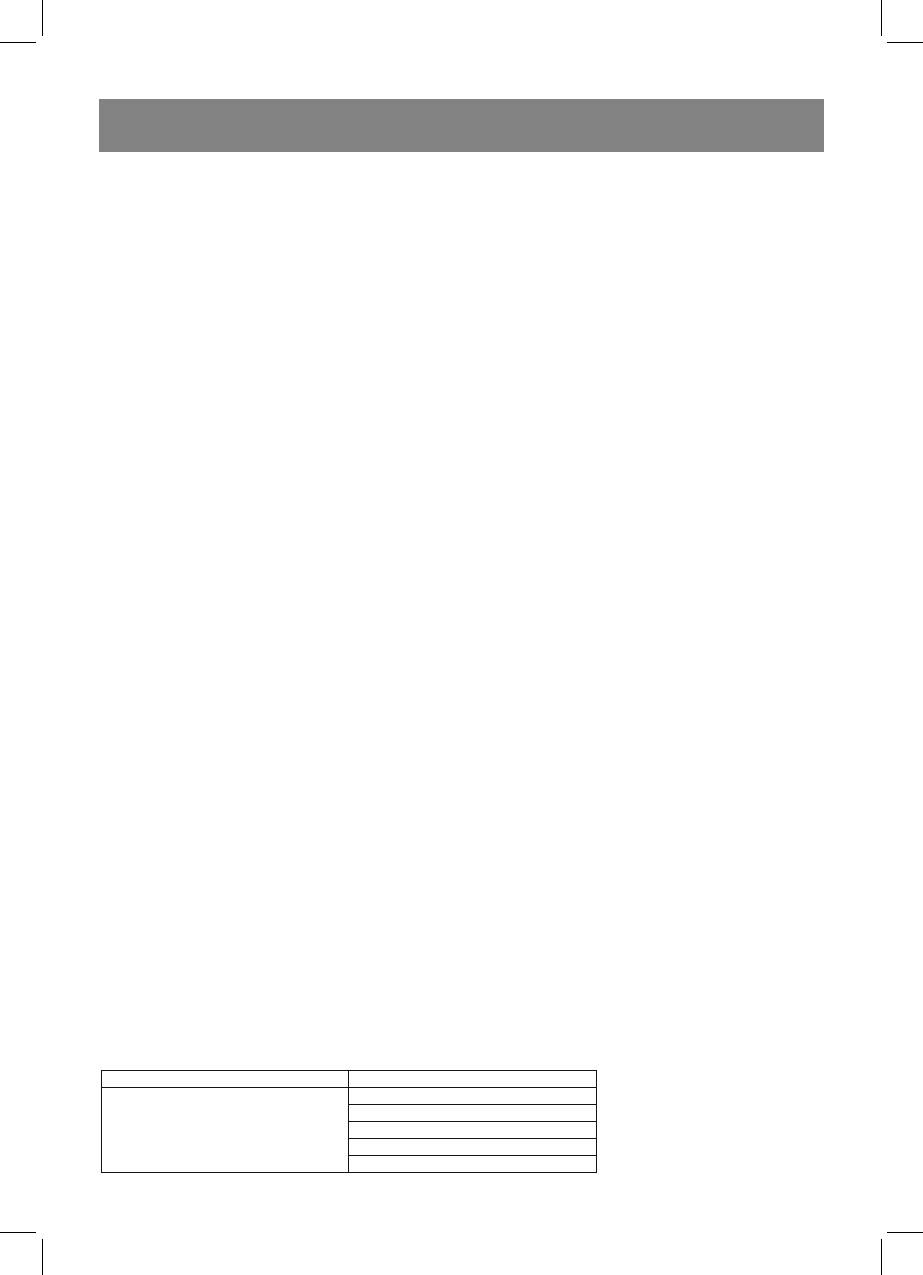
Menu Weight (g)
150
250
А-1
350
Heating
450
600
9
1699.indd 91699.indd 9 12.03.2007 16:51:4212.03.2007 16:51:42


