
Vitek VT-3480 GY:
: Vitek VT-3480 GY
Table of contents
-
-
-
- Fastforward/Fastreverse PressagaintheMEMORY/DISPbutton.ID3willoff.
-
-
-
-
-
-
-
-
-
-
2. CurrentFolderIndicator
Thevoltageusedmustbethesameasthat
3. RepeatmodeIndicator
specifiedonthisunit.Usingthisproductwitha
. RandomModeIndicator
highervoltageotherthanthatwhichisspecified
5. CurrentTrackIndicator
6. WMAFileIndicator
isdangerousandmayresultinshockhazardor
7. MP3FileIndicator
afire.
8. CDIndicator
9. DiscorUSBPlay/PauseIndicator
0.USBIndicator
Thesoundleveldependsonspeakerefficiency,
.EqualizermodesIndicator
location,andvariousotherfactors.Itisadvis-
2.TunerStereoIndicator
abletoavoidexposuretohighvolumelevels.Do
notturnthevolumeontofullatswitchonand
listentomusicatmoderatelevels.
. Standby /ONButton
3. TapeButton(Tape-recorder)
. TUNER/BANDButton
5. USB/(Play/Pause)Button
. StandbyIndicator
6. CD/(Play/Pause)Button
2. ON/StandbyButton
7. Preset Button
3. Memory/DisplayButton
8. StopButton
. CDPlay/PauseButton
9. Tuning/Folder()Button
5. TunerBandButton
0.SleepButton
6. TapeButton/PauseButton
.MuteButton
7. Repeat/RandomButton
2.Memory/DisplayButton
8. USBPlayButton
3.Repeat/RandomButton
9. CD/USBStopButton
.Vol()Button
0.FastReverse/TrackDown/TunerPreset
5.X-BassButton
DownButton
6.EQButton
. FastForward/TrackUp/TunerPresetUp
7.NumberButtons(0,+0)
Button
2.TuningDown/FolderDownButton
3.TuningUp/FolderUpButton
.VolumeUp/DownButton
ConnecttheACpowerleadtotheACpower
5.EQButton
inputsocket,thenconnecttheACpowerlead
6.RemoteSensor
plugtothewallsocket.
Notes
• Iftheunitwillnotbeusedforalongperiod
.CDCompartment
oftime,removetheACpowerleadfromthe
2.TapeRecordButton
wallsocket.
3.TapePlayButton
• ConnectionoftheACpowerleadtotheunit
.TapeRewindButton
disconnectsthebatteries.
5.TapeFastForwardButton
• Neveruseapowerleadotherthantheone
6.TapeStop/EjectButton
supplied.Itmaycauseanelectricshockor
7.TapePauseButton
fire.
8.USBTerminal
9.CassetteCompartment
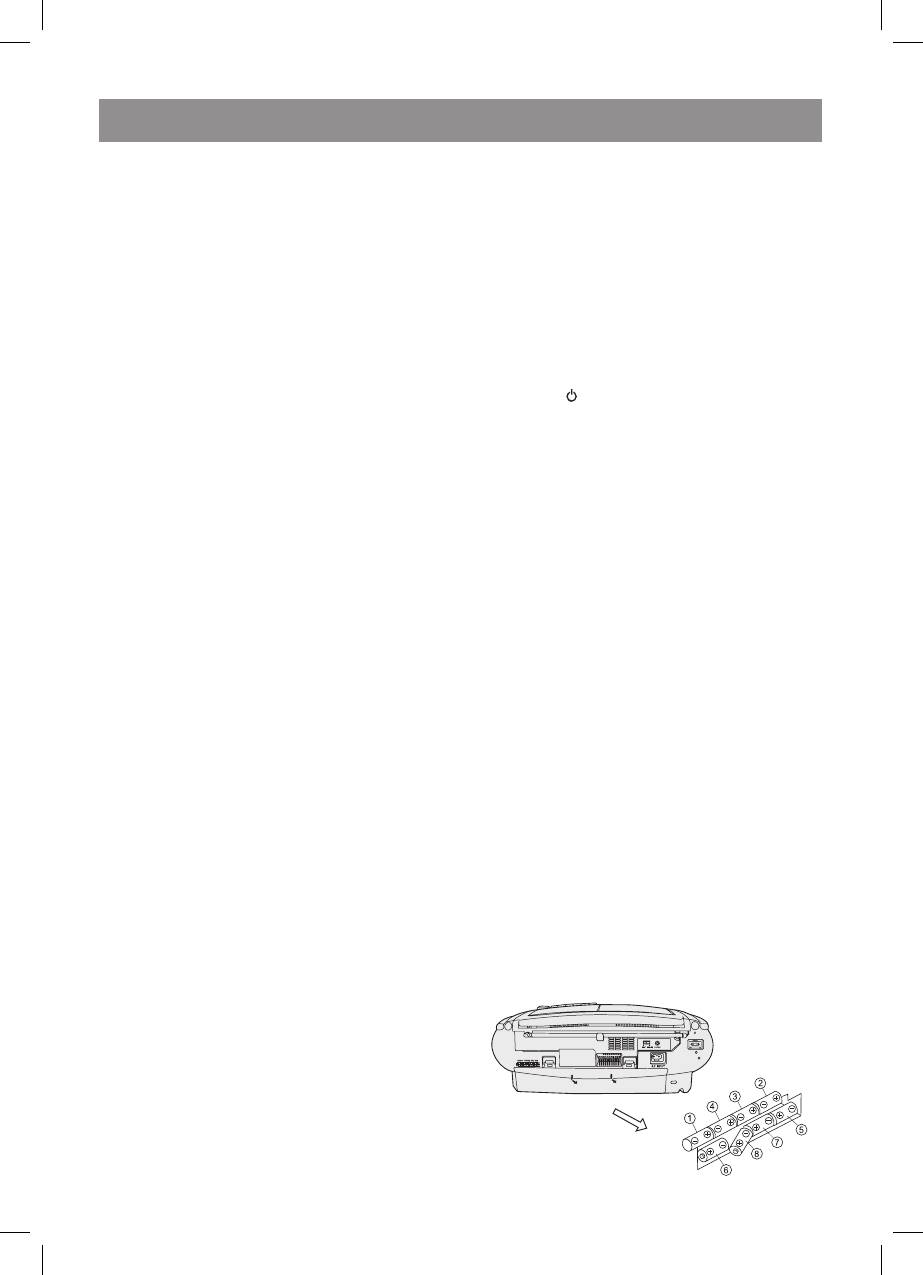
.BatteryCompartment
2.FMStereo/Monomode/BeatCancelSelector
3.ACInputSocket
.HeadphoneSocket
5.FM/MWAerial
6.PowerSwitch
. MemoryIndicator
5
3480.indd 5 23.04.2007 16:02:53


