
Vitek VT-1666: Auto cooking mode Auto cooking menu Auto defrost of products
Auto cooking mode Auto cooking menu Auto defrost of products: Vitek VT-1666
Table of contents
- SAFETY MEASURES SPECIAL USER INSTRUCTIONS
- CHOOSING COOKWARE COOKING PRODUCTS IN MICROWAVE OVENS Testing cookware before using it in a microwave oven Materials and cookware intended for usage in the microwave oven
- Materials and cookware not intended for usage in the microwave oven DESCRIPTION Control panel (5) Display (12)
- SETTING TIPS ON GROUNDING OF THE MICROWAVE OVEN Microwave oven assembly
- Protective covering Setting current time Setting the glass tray OPERATION Cooking in a microwave oven Sound signal
- Power level selection: Combination cooking Grill mode
- Auto cooking mode Auto cooking menu Auto defrost of products
- Tips on defrost of products Timer mode Lock-out function Express cooking Special functions Stop operating
- CLEAN AND CARE Problems and their solutions Normal operation Troubleshooting
- GUARANTEE Delivery set Specifications
ENGLISH
eration the remaining cooking time is dis-
only select the type of a product and set its
played and the indication (31) is displayed.
weight.
You may need to turn over the product at
Auto cooking mode
the middle of its cooking to cook the prod-
In the Auto cooking mode you do not need
uct evenly.
to set power and cooking time, you should
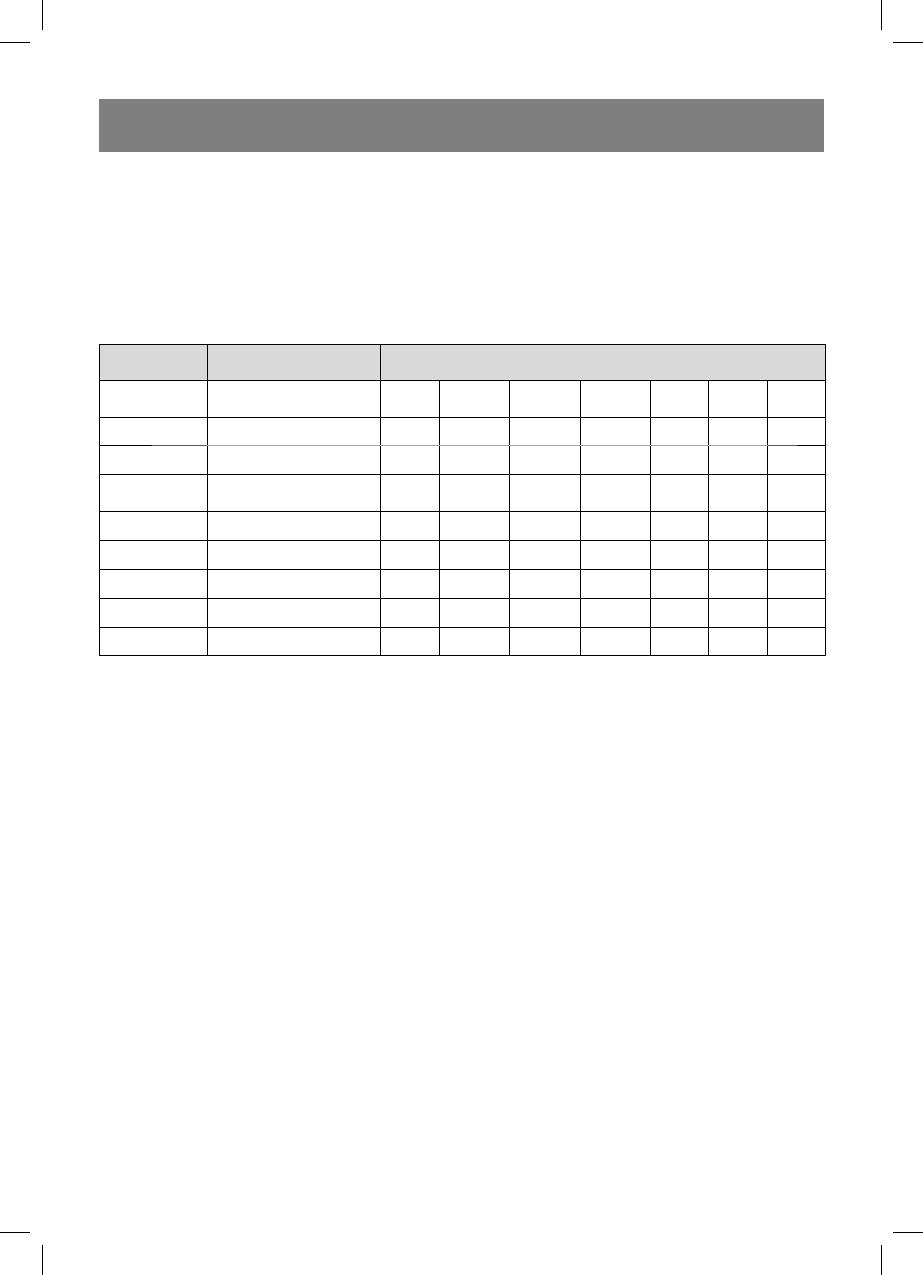
Auto cooking menu
Program
Products Quantity/Weight (g)
number
Milk/Coffee
1
12 3
(cup, 200 ml)
2 Rice 150 300 450 600
3 Spaghetti 100 200 300
Potatoes (230 g
4
12 3
each)
5 Auto heating 200 300 400 500 600 700 800
6 Fish 200 300 400 500 600
7 Poultry 800 1000 1200 1400
8 Meat 200 300 400 500 600
9 Shashlik 100 200 300 400 500
For example you need to cook 400 g of
placement of the product on the glass tray.
fish.
In any case, if you consider the result un-
1. Open the door of the oven, put the prod-
satisfied, please, increase or decrease the
ucts into the chamber and close the
product weight.
door.
2. Turn the “time/menu” knob clock-
Auto defrost of products
wise and select the corresponding auto
The unit supports the auto defrost function.
mode, the indication (21) and the pro-
Defrost time and power levels are set auto-
gram number will light up.
matically, you should set only the product
3. Pres the “weight сooking” button to set
weight.
the product weight, the indication (21)
For example you want to defrost 600 g of
will be lighting and the indication (23) will
shrimps:
be flashing.
1. Put the shrimps in the working chamber.
4. Press the “start” button to start cooking
2. Turn the “time/menu” knob clockwise
the (21) indication will be lighting, and
and set “600g”, the indication (21) and
the indication (23) will go out.
(35) will be lighting and the indication
During the combination cooking mode
(23) will be flashing.
operation the remaining cooking time is
3. Press the “start” button to start defrost
displayed and the indication (21) is dis-
the (21) and (35) indications will be light-
played.
ing, and the indication (23) will go out.
Attention: The result of the cooking in the
During the defrost mode the remaining de-
auto cooking mode depends on the size
frost time is displayed and the indication
and shape of the product, as well as on the
(35) is displayed.
9
1666.indd 91666.indd 9 24.06.2008 12:46:2924.06.2008 12:46:29


