
Vitek VT-3606: 21.REPEAT PLAYBACK BUTTON RPT 22.RANDOM PLAYBACK MODE RDM 13.SCANNING 23, 24. Selecting 10 tracks up/down: (For MP3 discs) CHOOSING MP3 FILES 14.MUTE BUTTON 15.LIQUID CRYSTAL SCREEN LOCATION OF CONTROLS FOR THE CD/MP3 PLAYER 11.FORWARD/BACK TRACK SEARCH 17.CD DISC SLOT 18.EJECTING DISCS (EJ) 19.PAUSE MODE (PAU) 20.INTRO MODE PLAYBACK (Preliminary play-
21.REPEAT PLAYBACK BUTTON RPT 22.RANDOM PLAYBACK MODE RDM 13.SCANNING 23, 24. Selecting 10 tracks up/down: (For MP3 discs) CHOOSING MP3 FILES 14.MUTE BUTTON 15.LIQUID CRYSTAL SCREEN LOCATION OF CONTROLS FOR THE CD/MP3 PLAYER 11.FORWARD/BACK TRACK SEARCH 17.CD DISC SLOT 18.EJECTING DISCS (EJ) 19.PAUSE MODE (PAU) 20.INTRO MODE PLAYBACK (Preliminary play-: Vitek VT-3606
Table of contents
- OPERATING CONTROLS (FIG. A) MAINTENANCE INSTALLATION SAFETY MEASURES INSTALLING THE UNIT IN YOUR AUTOMOBILE ISO JACKS (FIG. C)
- INSTALLATION EXAMPLE (FIG.1,2,3,4) REMOVING THE FRONT PANEL (Fig. D) MASKING OF ALTERNATIVE FREQUENCIES INSTALLING THE FRONT PANEL (Fig. E) RETUNING STATIONS (L / S) (2) AUDIO PROCESSOR (AUDIO DSP) (2)
- TONE COMPENSATION (LOUDNESS) (2) CHOOSING LOCAL/DISTANT RADIO STATIONS ANTI-SHOCK PROTECTION (ESP) (2) AUDIBLE SIGNAL (BEEP) (2) SETTING THE VOLUME LEVEL (VOL SEEK (2) 4. STATION PRESETS (1,2,3,4,5,6) STEREO/MONO (2)
- 8. DISPLAY MODE (DISP) USING THE RDS FUNCTION 5. AF/REG Function (Alternative frequencies) 9. DEVICE OPERATING MODE (MODE) 10.BAND SELECTOR (BAND) 11. AUTOMATIC OR MANUAL RADIO TUNING 6. TA Function (Traffic Information 12. AUTOMATIC PROGRAM SEARCH (A/PS) 7. PTY function (Program type)
- 21.REPEAT PLAYBACK BUTTON RPT 22.RANDOM PLAYBACK MODE RDM 13.SCANNING 23, 24. Selecting 10 tracks up/down: (For MP3 discs) CHOOSING MP3 FILES 14.MUTE BUTTON 15.LIQUID CRYSTAL SCREEN LOCATION OF CONTROLS FOR THE CD/MP3 PLAYER 11.FORWARD/BACK TRACK SEARCH 17.CD DISC SLOT 18.EJECTING DISCS (EJ) 19.PAUSE MODE (PAU) 20.INTRO MODE PLAYBACK (Preliminary play-
- TECHNICAL CHARACTERISTICS GENERAL
ENGLISH
When the signal level is higher than the signal
21.REPEAT PLAYBACK BUTTON RPT
reception threshold, the radio stays tuned to
When this button is pressed, the RPT ON indica-
that preset station for 5 seconds and then con-
tor appears on the display and the current track
tinues scanning.
will be repeated non-stop until the repeat mode
When pressed for more than 1 second, the fre-
is deactivated by pressing the RPT button again.
quencies of the 6 radio stations with the
strongest signals will be saved into the preset
22.RANDOM PLAYBACK MODE RDM
memories. You must use the preset buttons (4)
When this button is pressed, the RDM ON indi-
to select one of these stations.
cator appears on the display and each track on
When the AS operation has ended, the radio will
the disc will be played in random order not
conduct a scan of preset stations.
sequential order. Press the RDM button again to
deactivate the RANDOM playback mode.
13.SCANNING
This button works like a radio scanner. Operating
23, 24. Selecting 10 tracks up/down: (For MP3
in this mode is like a usual search, except that a
discs)
5 second delay occurs at each station found in
23: 10 tracks down / 24: 10 tracks up
the RADIO SCAN mode.
CHOOSING MP3 FILES
14.MUTE BUTTON
1. Searching for a track:
Press this button to quickly turn off the sound.
Press the A/PS button to activate the track
Press it again to return to the previous volume
search.
level.
Press the SEL button; the first number will start
to blink.
15.LIQUID CRYSTAL SCREEN
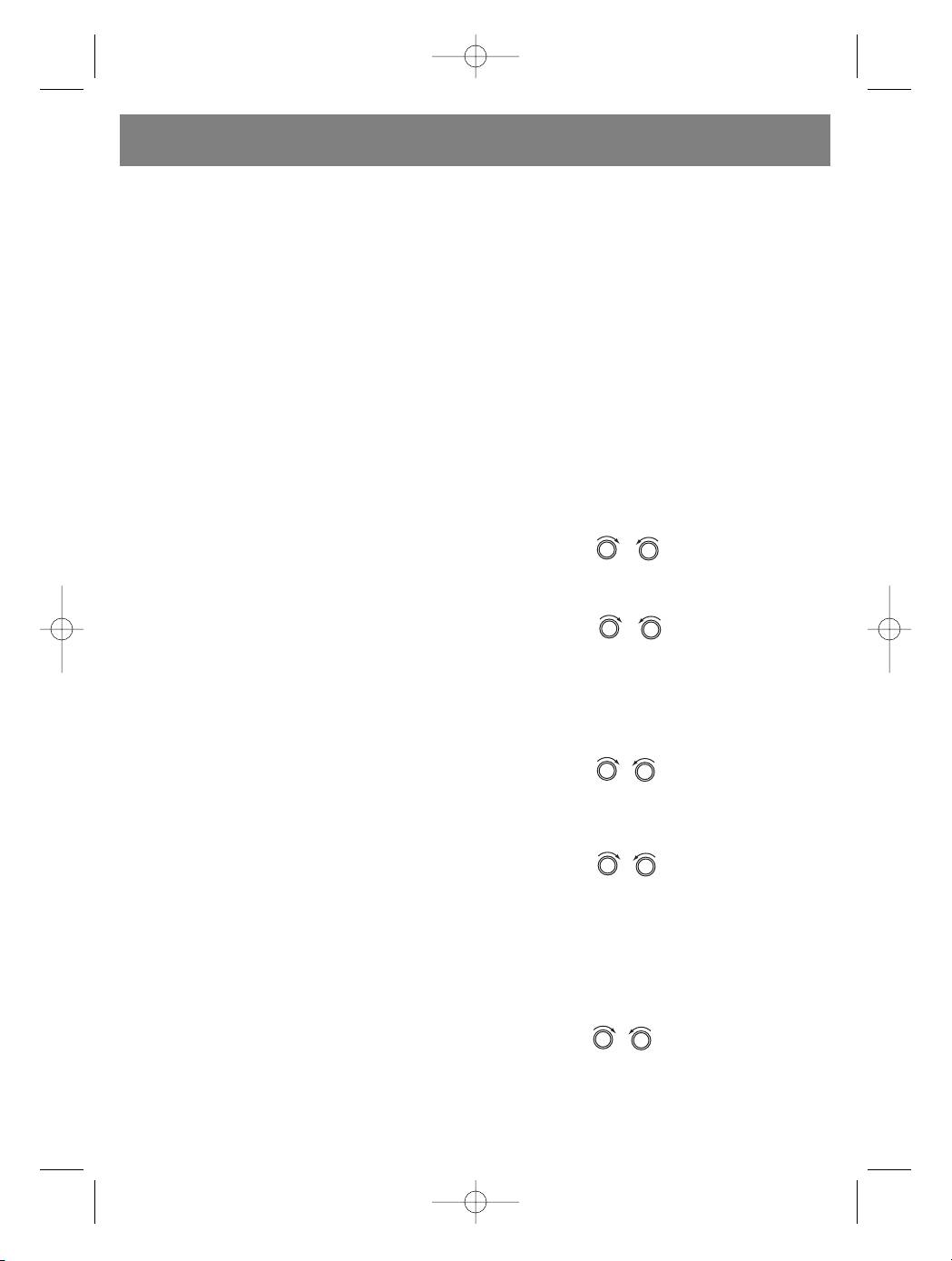
Use the VOL / VOL knob to choose the
The liquid crystal screen displays the current
first number of desired track.
status of the device.
Press SEL to set the first number; the second
number will start to blink.
LOCATION OF CONTROLS FOR THE CD/MP3
PLAYER
Use the VOL / VOL knob to choose
the 2nd and 3rd number accordingly.
11.FORWARD/BACK TRACK SEARCH
The desired track will automatically be played.
Press the SKIP (: or 9) buttons during play-
back to switch to the desired track (song).
2. File name search:
BACK 9 FORWARD :
Press A/PS twice; file search mode will be acti-
Press and hold the SKIP (9 or :) buttons dur-
vated.
ing playback to listen to the disk at high speed.
Press SEL; the first directory is displayed.
Upon finding the desired place on the disc,
release the button. Normal playback will be
Use the VOL / VOL knob to choose the
restored. When the CD/MP3 disc ends, the sys-
desired directory.
tem automatically switches to radio mode.
Press SEL again to set the directory; the first
file name in the chosen directory will be dis-
17.CD DISC SLOT
played.
18.EJECTING DISCS (EJ)
Use the VOL / VOL knob to choose the
Press the EJECT button to remove the CD.
desired file.
Press SEL to begin playback of the chosen
19.PAUSE MODE (PAU)
song.
Press the PAU button during playback to tem-
porarily stop playback. Press it again to continue
3. Symbol search:
playback.
Press the A/PS button 3 times; the symbol
search mode will be activated.
20.INTRO MODE PLAYBACK (Preliminary play-
Press the SEL button; the symbol A will be dis-
back of all tracks)
played.
When this button is pressed, the INT ON indica-
tor appears on the display and each track on the
Use the VOL / VOL knob to choose the
disc is played for several seconds. Press this
desired letter.
button again to stop intro mode playback and
Press the SEL button for more than 2 seconds.
listen to the current track.
All songs whose name contains that symbol will
be displayed.
8
3606_4l.qxd 29.03.05 13:40 Page 8


