
Vitek VT-1687 LACERTA: Automatic cooking menu Automatic defrosting of products Quick start Timer mode
Automatic cooking menu Automatic defrosting of products Quick start Timer mode: Vitek VT-1687 LACERTA
Table of contents
- MICROWAVE OVEN PRECAUTIONS, WHICH MUST BE FOLLOWED IN ORDER TO MINIMIZE THE RISK OF MICROWAVE ENERGY EXPOSURE IMPORTANT SAFETY INSTRUCTIONS SAFETY MEASURES If a fire occurs:
- Rules that should always be remembered: CAUTION
- Dishes for microwave ovens Checking dishes before using them in the microwave Materials you can use in microwave oven Materials to be avoided in microwave oven Description
- Control Panel Display Assembling the microwave oven
- Protective covering Installing the glass tray Installation Using the oven Setting the current time Cooking in the microwave oven
- Choose the power level: Grill Combi cooking mode Automatic cooking of products
- Automatic cooking menu Automatic defrosting of products Quick start Timer mode
- Child lock Special Functions Auto Remind Cooking in three stages Stopping the oven during cooking Care and cleaning
- Eliminating malfunctions Normal operation Technical Characteristics
ENGLISH
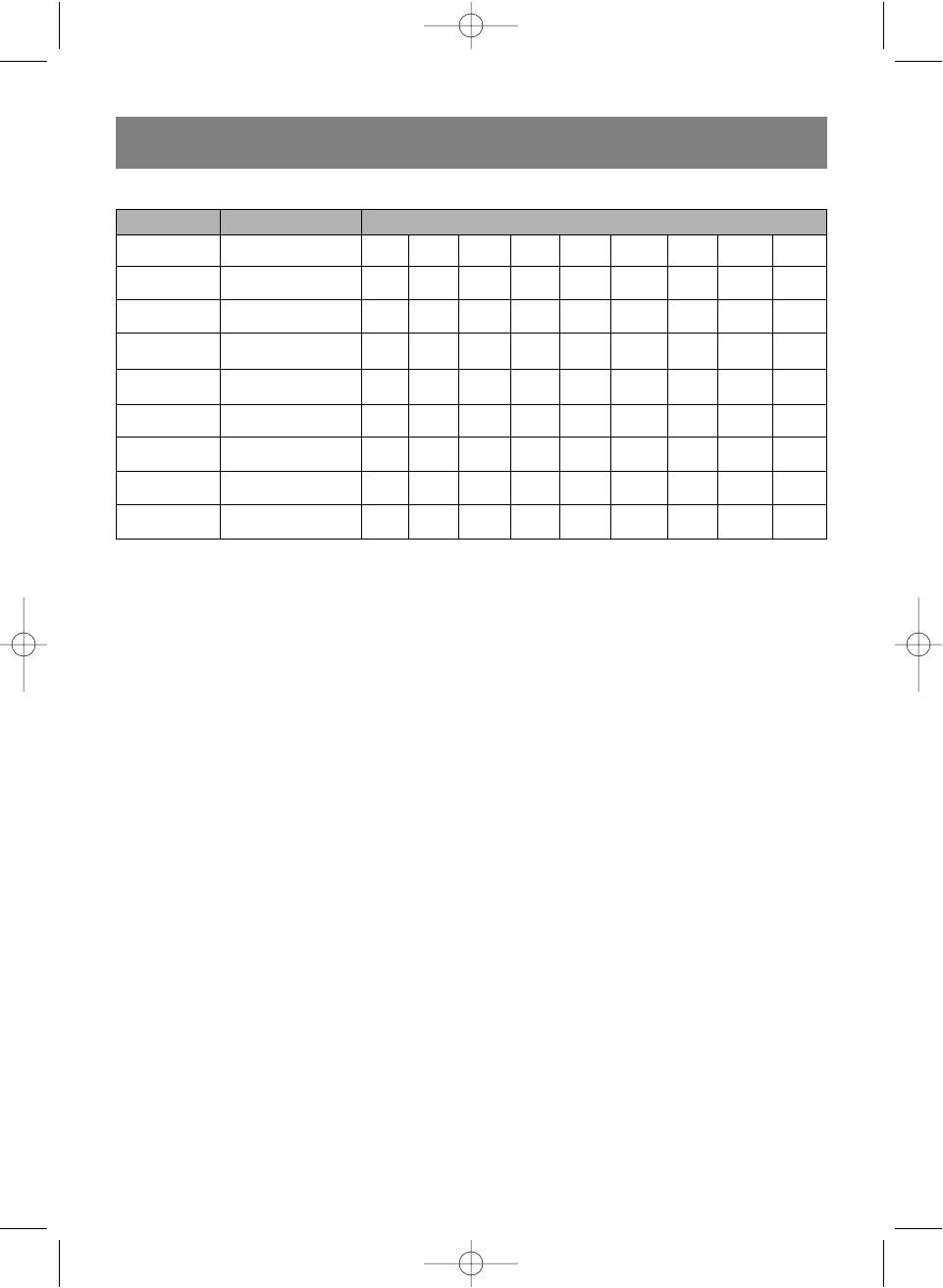
Automatic cooking menu
Program # Type of Food Food weight (grams)
1 Coffee/Soup (cup) 1 2 3
2 Rice 100 200 400 600 800 1000
3 Spaghetti 100 200 300
4 Potato 150 300 450 600
5 Auto reheat 100 200 300 400 500 600 700 800 1000
6 Fish 100 200 400 600 800 1000
7 Whole chicken 800 1000 1200 1300 1400
8 Beef/Veal 300 500 800 1000 1200 1300
9 Beef on a spit 100 200 300 400 500 600 700
The results of automatic food preparation depend on the weight and form of the food, and also on the food's position
on the glass tray. In any case, if you think that the food preparation is unsatisfactory, please increase or decrease the
weight of the food.
Automatic defrosting of products
The oven supports the automatic defrost function. Defrost time and power is set automatically, you only have to set
the product weight.
Example: to defrost 60 g of shrimps.
1. Put the shrimps into the oven cavity.
2. Turn the TIME/MENU knob counterclockwise, until the automatic defrost program number is displayed (in this
case 10), and icon 3 flashes.
3. Press the WEI.ADJ. button 6 times to set the weight on 600 g.
4. Press the TIME/MENU button to start defrosting, icon (3) will be shown on the display and icon (4) will flash.
During the defrosting, the display shows the remaining defrost time, icon (3).
Quick start
This function allows to quickly turn on the oven to warm or cook products at full power.
Turn the TIME/MENU button clockwise to select the cooking time and press on it the oven will start cooking at full
power.
Example: to set the cooking time to 2 minutes.
1. 1. Turn the TIME/MENU knob clockwise until the display shows the desired time: 2:00.
2. 2. Press the TIME/MENU knob to start cooking.
3. During the cooking, the remaining cooking time is shown on the display and the icon (4) is flashing.
Note:
maximum speed cooking time is 95 minutes.
speed cooking setting interval from 10 sec to 5 min: 10 sec.
from 5 min to 10 min. 30 sec.
from 10 min to 30 min: 1 min.
from 30 min to 95 min. 5 min.
Timer mode
Is used to issue a sound signal over the set period of time.
Example: to set the timer to 2 minutes.
1. Press the MICRO button 6 times, the display will show the selected power level (00%) and icon 4 will light up.
2. Turn the TIME/MENU knob clockwise and set the time to "02:00".
3. Press the TIME/MENU knob to start the timer.
4. In the timer mode, the display shows the remaining cooking time and icon 4 is flashing.
In the timer mode, the display shows the remaining cooking time and icon 2 is flashing.
9
Vt-1687im.qxd 07.06.2006 17:53 Page 9


