
Vitek VT-3109 SR: Radio Cassette Recorder PRECAUTIONS
Radio Cassette Recorder PRECAUTIONS: Vitek VT-3109 SR
Table of contents
- Radio Cassette Recorder PRECAUTIONS
- CARE AND MAINTENANCE Specifications
ENGLISH
Radio Cassette Recorder
Notes:
• When you do not use the unit for a long
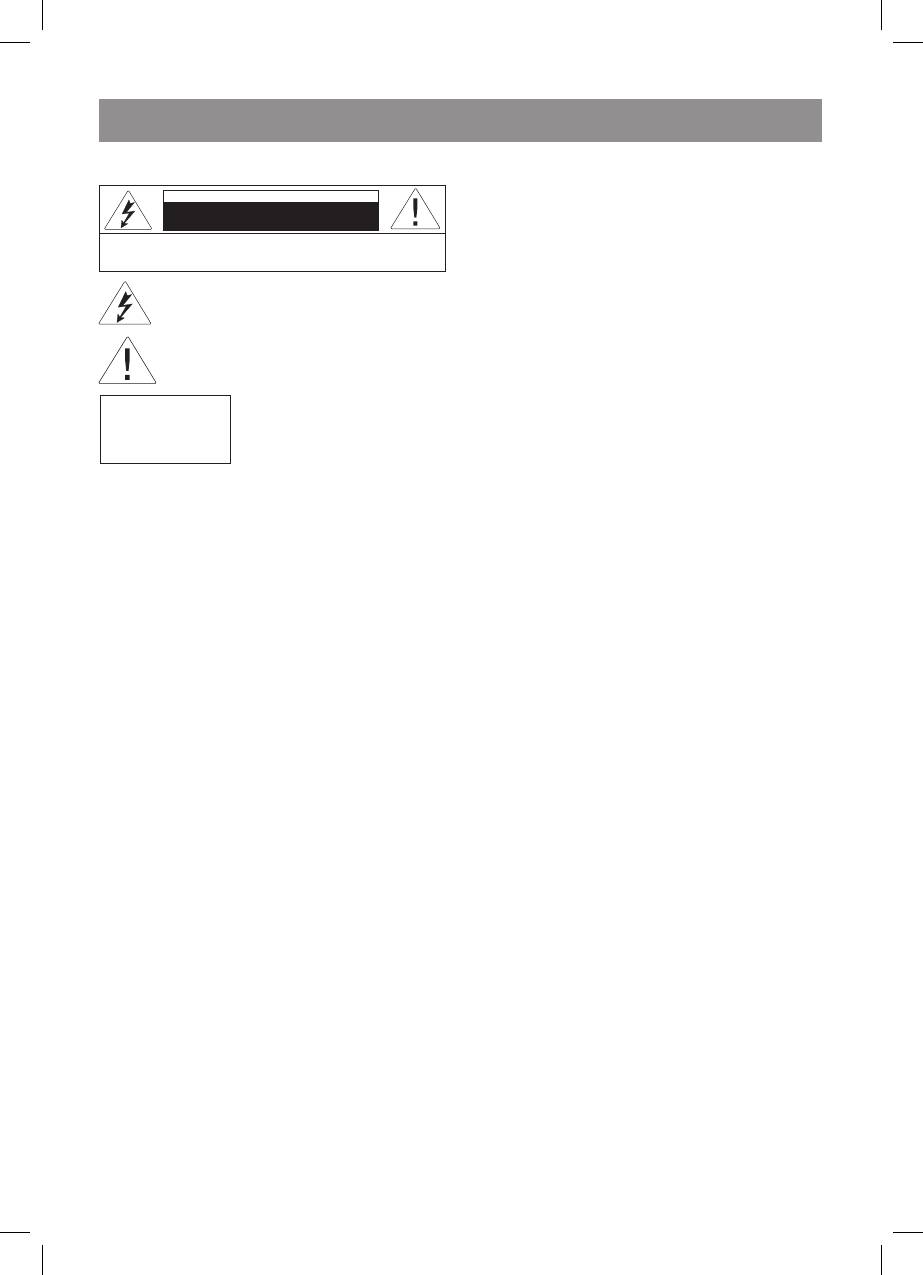
CAUTION
period of time, be sure to unplug the unit
Risk of electric shock
from the AC outlet.
DO NOT OPEN
• Even if batteries are loaded, the unit
WARNING: In order to reduce the risk of fire or electrical shock,
do not remove the device panels. Contact qualified personnel for
switches over to AC power whenever you
service and repairs.
plug it into an AC power source.
The lightning bolt in a triangle symbol indicates to the
user that there are dangerous voltages inside the device
DC Power Operation
that can result in electrical shock.
Open the battery compartment and install four
(“D” size, HP2, R20) with + and - poles facing in
The exclamation point in a triangle symbol indicates to
the user important operating instructions and technical
the correct directions as indicated in the battery
service information in the accompanying literature.
compartment.
Indicates a device using a laser. This symbol
Notes:
must be located on the rear panel of a
CLASS 1
device, indicating that the device contains a
Incorrect using the batteries can cause their
LASER PRODUCT
Class laser and that laser rays are in use.
leakage or burst, and may damage the unit.
The possibility of laser exposure does not
exist without opening the device.
Note the following:
PRECAUTIONS
• Do not mix old and new batteries.
• Never open the cabinet under any
• Remove the batteries when you do not plan
circumstances. Never operate this product
to use the unit for a month or more.
with the cabinet removed. Any repairs of
internal adjustments should be made only
Radio Operation
by a trained service technician.
. Set the FUNCTION selector to RADIO.
• Do not touch the recorder with wet hands. If
2. Set the BAND selector to the desired band.
any liquid enters the recorder cabinet, take
. Tune to the desired station by using the
the recorder to a trained service technician
TUNING control.
for inspection.
4. Adjust the VOLUME control to your
comfortable listening level.
Location of controls
5. To turn the radio off, set the FUNCTION
. HEADPHONES Jack
selector to OFF.
2. PAUSE Button
. STOP/EJ (Stop/Eject) Button
Notes:
4. FF (Fast Forward) Button
• For FM reception, extend the telescopic
5. REW (Rewind) Button
antenna and turn its direction at which the
6. PLAY Button
reception becomes optimal.
7. REC (Record) Button
• For AM reception, a ferrite bar antenna
8. Tuning Scale
is built-in. Since this antenna is direction
9. BAND Selector (LW/MW/FM)
oriented, turn the entire unit to a direction at
0. MIC (microphone)Button
which the reception becomes optimal.
. FUNCTION Selector TAPE/RADIO
2. VOLUME Control
Cassette playback
. Battery Compartment
. Press the STOP/EJ button to open the
4. TUNING Control
cassette compartment door. Insert the
5. AC IN Jack
cassette with the exposed portion facing
upward.
Preparation for use
2. Close the cassette compartment door by
Please keep this instruction for future reference.
hand.
. Set the FUNCTION selector to TAPE.
AC Power Operation
4. Press the PLAY button.
For this unit, the AC plug adaptor is provided. If
5. Adjust the VOLUME control to your
required, use it.
comfortable listening level.
6. To stop the tape, press the STOP/EJ button.
Connection of AC Power cord
7. To eject the cassette, press the STOP/EJ
Connect one end of the supplied AC power cord
button again.
to the AC IN jack, and the other end, to house-
hold AC outlet.
Fast Forward and Rewind
. Press the FF button to rapidly advance the
3109IM.indd 3 30.01.2007 14:59:25


