
Vitek VT-3537 SR: YEAR/"С/"F BUTTON (4) ALARM ON/OFF BUTTON (5) INSERTING/REPLACING BATTERIES CALENDAR SETTING SETTING WEEKDAY LANGUAGE
YEAR/"С/"F BUTTON (4) ALARM ON/OFF BUTTON (5) INSERTING/REPLACING BATTERIES CALENDAR SETTING SETTING WEEKDAY LANGUAGE: Vitek VT-3537 SR
Table of contents
- CONTROLS LCD DISPLAY
- MULTIFUNCTIONAL ALARM CLOCK DEVICE DESCRIPTION: SWITCH AND BUTTONS SWITCH (6) located at the back panel MONTH/HOUR/12/24 Button (2) DATE/MINUTE/LANGUAGE BUTTON (3)
- YEAR/"С/"F BUTTON (4) ALARM ON/OFF BUTTON (5) INSERTING/REPLACING BATTERIES CALENDAR SETTING SETTING WEEKDAY LANGUAGE
- SETTING THE TIME SETTING THE ALARMCLOCK THE ALARMCLOCK OPERATION
ENGLISH
YEAR/"С/"F BUTTON (4)
•
Increasing years count when setting the time.
•
Switching temperature display between Celsius/Fahrenheit scales.
ALARM ON/OFF BUTTON (5)
•
Alarm clock turning on/off
INSERTING/REPLACING BATTERIES
Two AAA batteries are used to power the clock. When the LEDdisplay becomes dim, the batteries
should be replaced. To insert or replace batteries, perform the following steps:
1. Replace the battery compartment lid.
2. Inset the AAA batteries into the battery compartment, observing the polarities.
3. Close the compartment.
CALENDAR SETTING
•
Set the switch on the back panel into the DATE SET position.
•
Year, month and date digits will flash.
•
Press the YEAR button to set the year.
•
Press the MONTH button to set the month.
•
Press the DATE button to set the current date.
•
Set the switch into the LOCK position.
SETTING WEEKDAY LANGUAGE
•
In usual time display mode, press and hold the LANGUAGE button for 3 seconds.
•
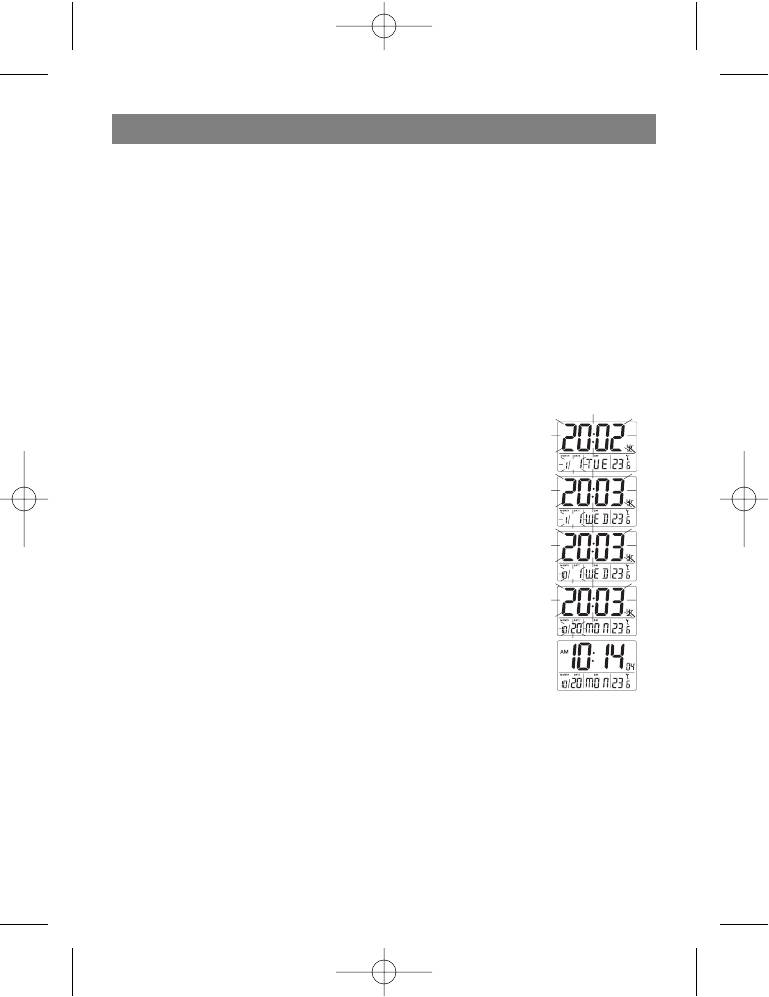
Press the LANGUAGE button to set the language for the weekday, for example ENG, SPN,
FRA, GER, ITA.
•
Set the switch into the LOCK position.
4
3537new.qxd 14.07.05 9:18 Page 4


