
Vitek VT-3537 SR: SETTING THE TIME SETTING THE ALARMCLOCK THE ALARMCLOCK OPERATION
SETTING THE TIME SETTING THE ALARMCLOCK THE ALARMCLOCK OPERATION: Vitek VT-3537 SR
Table of contents
- CONTROLS LCD DISPLAY
- MULTIFUNCTIONAL ALARM CLOCK DEVICE DESCRIPTION: SWITCH AND BUTTONS SWITCH (6) located at the back panel MONTH/HOUR/12/24 Button (2) DATE/MINUTE/LANGUAGE BUTTON (3)
- YEAR/"С/"F BUTTON (4) ALARM ON/OFF BUTTON (5) INSERTING/REPLACING BATTERIES CALENDAR SETTING SETTING WEEKDAY LANGUAGE
- SETTING THE TIME SETTING THE ALARMCLOCK THE ALARMCLOCK OPERATION
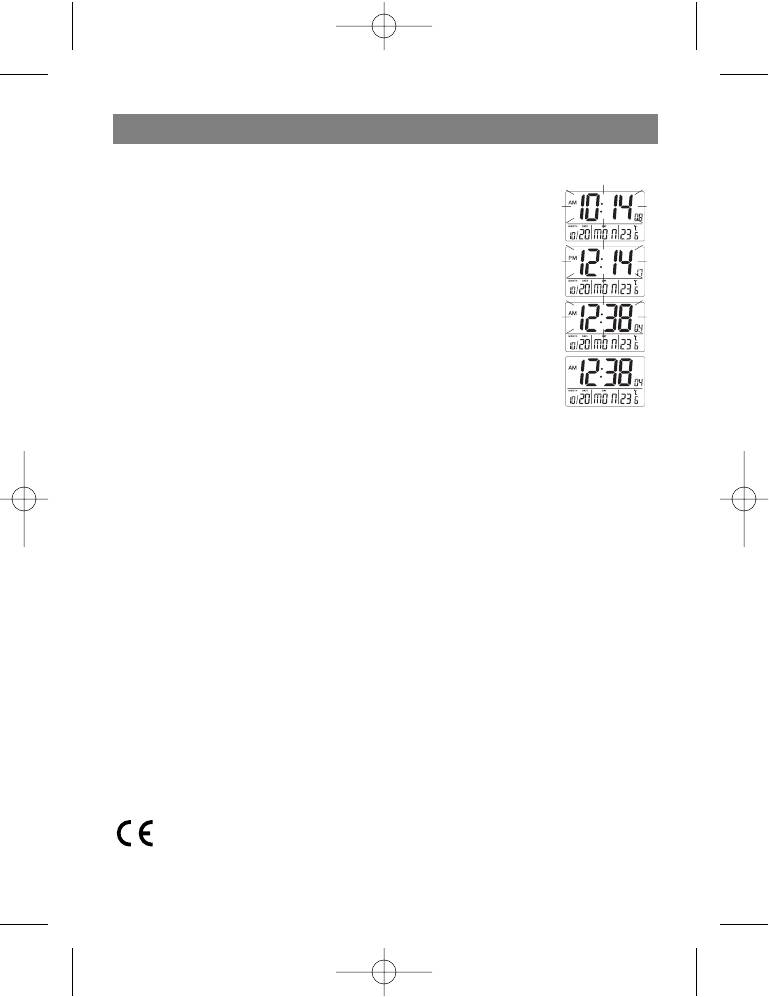
ENGLISH
SETTING THE TIME
•
Set the switch located at the back panel into the TIME SET position.
•
Hour and minute digits will flash.
•
Press the HOUR button to set the hour.
•
Press the MINUTE button to set the minutes.
•
Set the switch into the LOCK position.
SETTING THE ALARMCLOCK
•
Set the switch located at the back panel into the ALARM SET position.
•
Hour and minute digits will flash.
•
Press the HOUR button to set the alarm hour.
•
Press the MINUTE button to set the minutes.
•
Set the switch to the ALARM ON position.
THE ALARMCLOCK OPERATION
•
When the alarm signal is issued, the alarm sign will flash on the LED display.
•
Press the SNOOZE/LIGHT button to temporary turn off the sound signal, after which the LED
display will light up for 3 seconds. In 4 the sound signal will be activated again.
•
Press the ALARM ON/OFF button to turn off the alarm signal. If the alarm signal is not turned
off manually, the sound signal will automatically turn off in 4 minutes.
Service life – no less than 3 years.
Guarantee
Details regarding guarantee conditions can be obtained from the dealer from whom the appliance
was purchased. The bill of sale or receipt must be produced when making any claim under the
terms of this guarantee.
This product conforms to the EMCRequirements as laid down by the Council Directive
89/336/EEC and to the Low Voltage Regulation (23/73 EEC)
5
3537new.qxd 14.07.05 9:18 Page 5


