
Yamaha RX-497: Tuner
Tuner: Yamaha RX-497
Table of contents
- CAUTION: READ THIS BEFORE OPERATING YOUR UNIT.
- CONTENTS
- FEATURES SUPPLIED ACCESSORIES
- CONTROLS AND FUNCTIONS
- CONTROLS AND FUNCTIONS
- Front panel display
- Rear panel
- Remote control
- CONTROLS AND FUNCTIONS
- Installing batteries in the remote control Using the remote control
- CONNECTIONS
- Connecting speakers
- Connecting the AM and FM antennas
- Connecting the AM loop antenna
- Connecting the power supply cord Turning on and off this unit
- PLAYING AND RECORDING Playing a source
- Adjusting the tonal quality
- Recording a source
- Using the sleep timer
- Muting the sound output
- FM/AM TUNING Automatic tuning
- Manual tuning
- Automatic preset tuning
- Customized automatic preset tuning
- Manual preset tuning
- Selecting preset stations Exchanging preset stations
- RADIO DATA SYSTEM (EUROPE MODEL ONLY) Receiving Radio Data System stations Changing the Radio Data System mode
- PTY SEEK function
- EON function
- ADVANCED SETUP Changing the ADVANCED SETUP menu parameters
- Switching the remote control ID
- ZONE 2 Connecting the Zone 2 components
- Controlling Zone 2
- REMOTE CONTROL FEATURES Control area
- Controlling other components
- Setting remote control codes
- General TROUBLESHOOTING
- Tuner
- Remote control
- SPECIFICATIONS
37
TROUBLESHOOTING
ADDITION
AL
IN
FO
RMA
T
IO
N
English
■
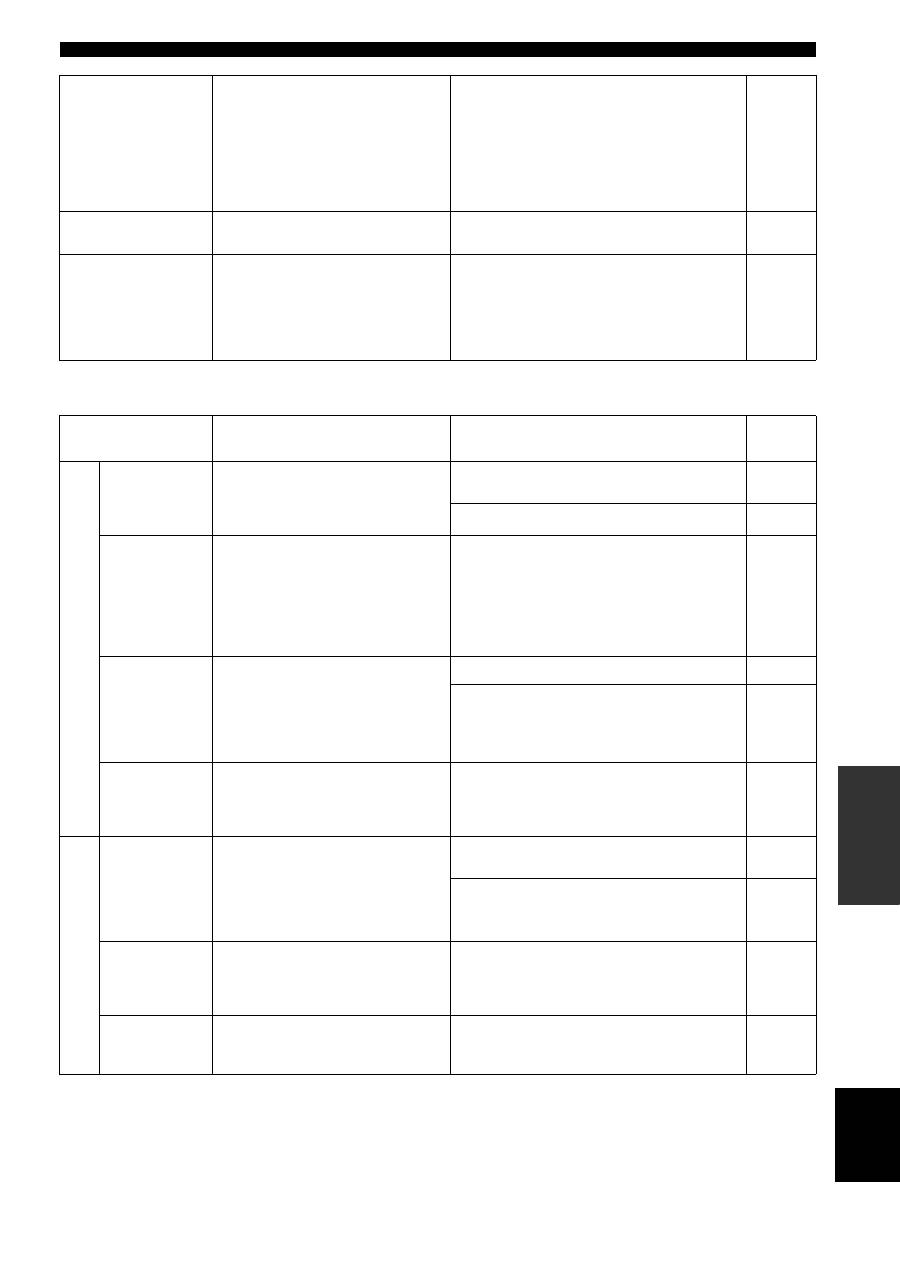
Tuner
The sound is
degraded when
listening with the
headphones
connected to the CD
player or the tape
deck connected to
this unit.
The power of this unit is turned off, or this
unit is set to the standby mode.
Turn on the power of this unit.
14
The sound level is
low.
The LOUDNESS control is functioning.
Set the LOUDNESS control to the FLAT position.
16
Using the BASS,
TREBLE, BALANCE
and LOUDNESS
controls does not
affect the tonal
quality.
The PURE DIRECT button is turned on.
The PURE DIRECT button must be turned off to use
those controls.
16
Problem
Cause
Remedy
See
page
FM
FM stereo
reception is
noisy.
The particular characteristics of the FM
stereo broadcasts being received may
cause this problem when the transmitter is
too far away or the antenna input is poor.
Check the antenna connections.
Try using a high-quality directional FM antenna.
12
Try using the manual tuning method.
21
There is
distortion, and
clear reception
cannot be
obtained even
with a good FM
antenna.
There is multipath interference.
Adjust the antenna position to eliminate the multipath
interference.
—
The desired
station cannot
be tuned in
with the
automatic
tuning method.
The signal is too weak.
Try using a high-quality directional FM antenna.
12
Try using the manual tuning method.
21
Previously
preset stations
can no longer
be tuned in.
This unit has been disconnected for a long
period.
Preset the stations again.
22
AM
The desired
station cannot
be tuned in
with the
automatic
tuning method.
The signal is weak or the antenna
connections are loose.
Tighten the AM loop antenna connections and orient
it for the best reception.
—
Try using the manual tuning method.
21
There are
continuous
crackling and
hissing noises.
The noises may result from lightning,
fluorescent lamps, motors, thermostats or
other electrical equipment.
Try using an outdoor antenna and a ground wire.
This will help somewhat, but it is difficult to
eliminate all noise.
—
There are
buzzing and
whining noises.
A TV set is being used nearby.
Move this unit away from the TV set.
—
