
Yamaha RX-497: Setting remote control codes
Setting remote control codes: Yamaha RX-497
Table of contents
- CAUTION: READ THIS BEFORE OPERATING YOUR UNIT.
- CONTENTS
- FEATURES SUPPLIED ACCESSORIES
- CONTROLS AND FUNCTIONS
- CONTROLS AND FUNCTIONS
- Front panel display
- Rear panel
- Remote control
- CONTROLS AND FUNCTIONS
- Installing batteries in the remote control Using the remote control
- CONNECTIONS
- Connecting speakers
- Connecting the AM and FM antennas
- Connecting the AM loop antenna
- Connecting the power supply cord Turning on and off this unit
- PLAYING AND RECORDING Playing a source
- Adjusting the tonal quality
- Recording a source
- Using the sleep timer
- Muting the sound output
- FM/AM TUNING Automatic tuning
- Manual tuning
- Automatic preset tuning
- Customized automatic preset tuning
- Manual preset tuning
- Selecting preset stations Exchanging preset stations
- RADIO DATA SYSTEM (EUROPE MODEL ONLY) Receiving Radio Data System stations Changing the Radio Data System mode
- PTY SEEK function
- EON function
- ADVANCED SETUP Changing the ADVANCED SETUP menu parameters
- Switching the remote control ID
- ZONE 2 Connecting the Zone 2 components
- Controlling Zone 2
- REMOTE CONTROL FEATURES Control area
- Controlling other components
- Setting remote control codes
- General TROUBLESHOOTING
- Tuner
- Remote control
- SPECIFICATIONS
35
REMOTE CONTROL FEATURES
AD
V
A
NCED
OP
ERA
T
IO
N
English
You can control other components by setting the
appropriate remote control codes. Codes can be set up for
each input source. For a complete list of available remote
control codes, refer to “LIST OF REMOTE CONTROL
CODES” at the end of this manual.
The following table show the default component category
(library) and the remote control code for each input
source.
Remote control code default settings
*
You can only set the TV remote control codes for the DTV/
CBL button. However, other remote control codes can be set
for any input selector buttons except DTV/CBL.
You may not be able to operate your other YAMAHA
components even if the YAMAHA remote control code is
initially set as listed above. In this case, try setting other
YAMAHA remote control codes.
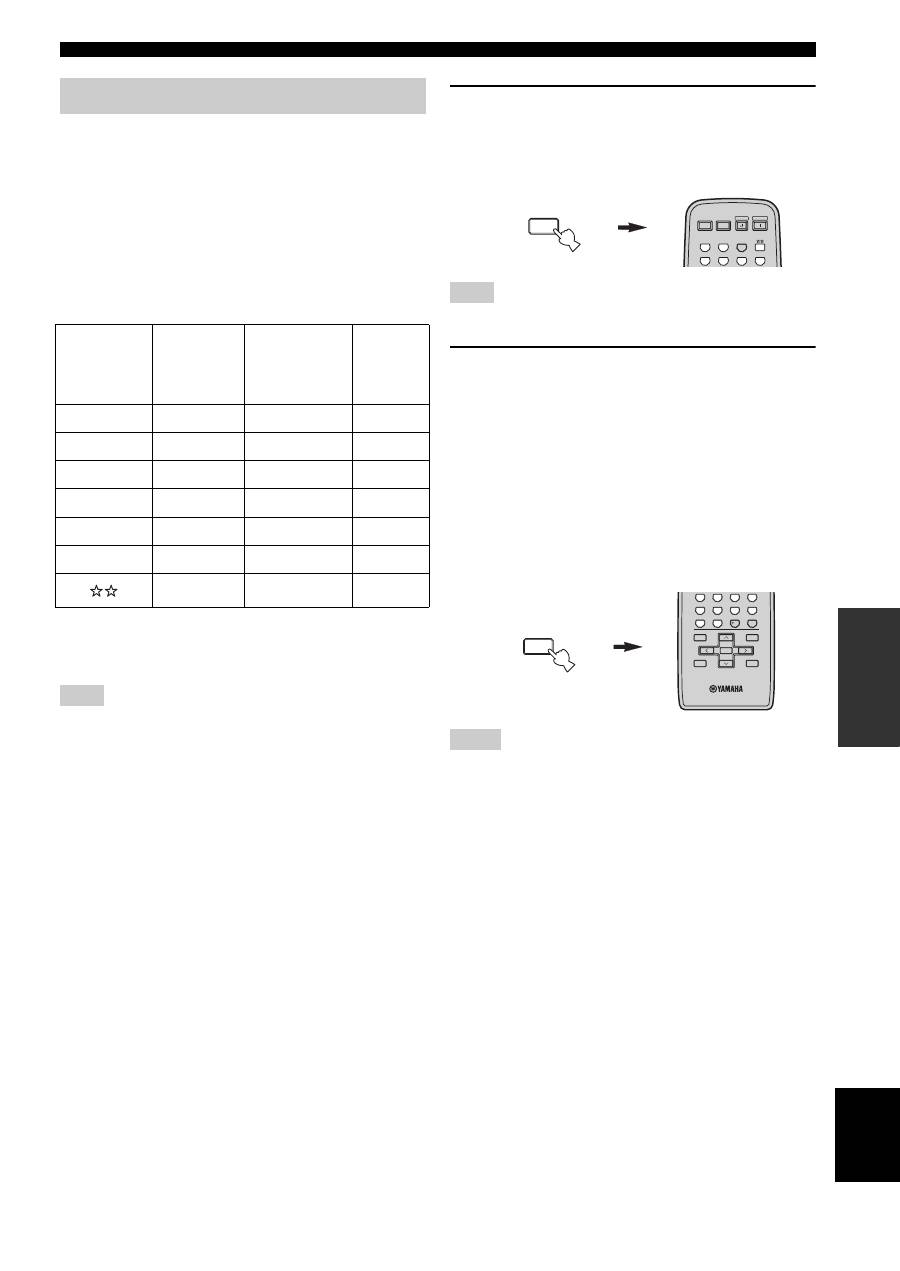
1
Press and hold CODE SET on the remote
control and then press one of the input
selector buttons on the remote control to
select the input source you want to set up.
You must press and hold CODE SET throughout this operation.
2
While holding down CODE SET on the
remote control, use the numeric buttons on
the remote control to enter the three-digit
remote control code for the selected input
source.
When the setting succeeds, “PRESET OK” appears;
however, when it does not, “PRESET NG” appears in
the front panel display.
To reset the code, enter the default code for each
input source listed in the remote control code default
settings table.
• If the manufacturer of your component has more than one code,
try setting each of them until you find the correct one.
• You can only assign one remote control code to each input
selector button.
Setting remote control codes
Input
source
Default
component
category
(library)
Manufacturer
Default
YAMAHA
code
CD
CD
YAMAHA
199
MD/TAPE
TAPE
YAMAHA
499
DVD
DVD
YAMAHA
699
DTV/CBL
*
—
—
—
VCR
—
—
—
PHONO
—
—
—
—
—
—
Note
Note
Notes
MENU
CODE SET
STANDBY
POWER
CD
MD/TAPE
TUNER
PHONO
DVD
POWER
POWER
AV
TV
VCR
DTV/CBL
MENU
CODE SET
MENU
TITLE
BAND
A/B/C/D/E
A/B/C/D/E
PRESET/CH
4
3
2
1
8
10
7
0
9
6
5
ENT.
DISPLAY
RETURN
ENTER
