
Yamaha RX-797: FM/AM TUNING
FM/AM TUNING: Yamaha RX-797
Table of contents
- CAUTION: READ THIS BEFORE OPERATING YOUR UNIT.
- CONTENTS
- FEATURES SUPPLIED ACCESSORIES
- CONTROLS AND FUNCTIONS Front panel
- CONTROLS AND FUNCTIONS
- Front panel display
- CONTROLS AND FUNCTIONS Rear panel
- CONTROLS AND FUNCTIONS Remote control
- CONTROLS AND FUNCTIONS
- Zone 2 remote control
- Installing batteries in the remote controls Using the remote controls
- CONNECTIONS Connecting speakers
- Connecting audio and video components
- Connecting the AM and FM antennas
- ■ Connecting the AM loop antenna
- Connecting the power supply cord
- Turning on and off this unit
- PLAYING AND RECORDING Playing a source
- PLAYING AND RECORDING
- Adjusting the tonal quality
- Recording a source
- Using the sleep timer
- Muting the sound output
- FM/AM TUNING Automatic tuning
- Manual tuning
- Automatic preset tuning
- FM/AM TUNING
- FM/AM TUNING Manual preset tuning
- FM/AM TUNING Selecting preset stations Exchanging preset stations
- RADIO DATA SYSTEM (EUROPE MODEL ONLY) Receiving Radio Data System Changing the Radio Data System stations mode
- PTY SEEK function
- EON function
- ADVANCED SETUP Changing the ADVANCED SETUP menu parameters
- Switching the remote control ID
- ZONE 2 Connecting the Zone 2 components
- Controlling Zone 2
- REMOTE CONTROL FEATURES Control area
- Controlling other components
- Setting remote control codes
- TROUBLESHOOTING ■ General
- ■ Tuner
- ■ Remote control
- SPECIFICATIONS
- LIST OF REMOTE CONTROL CODES
FM/AM TUNING
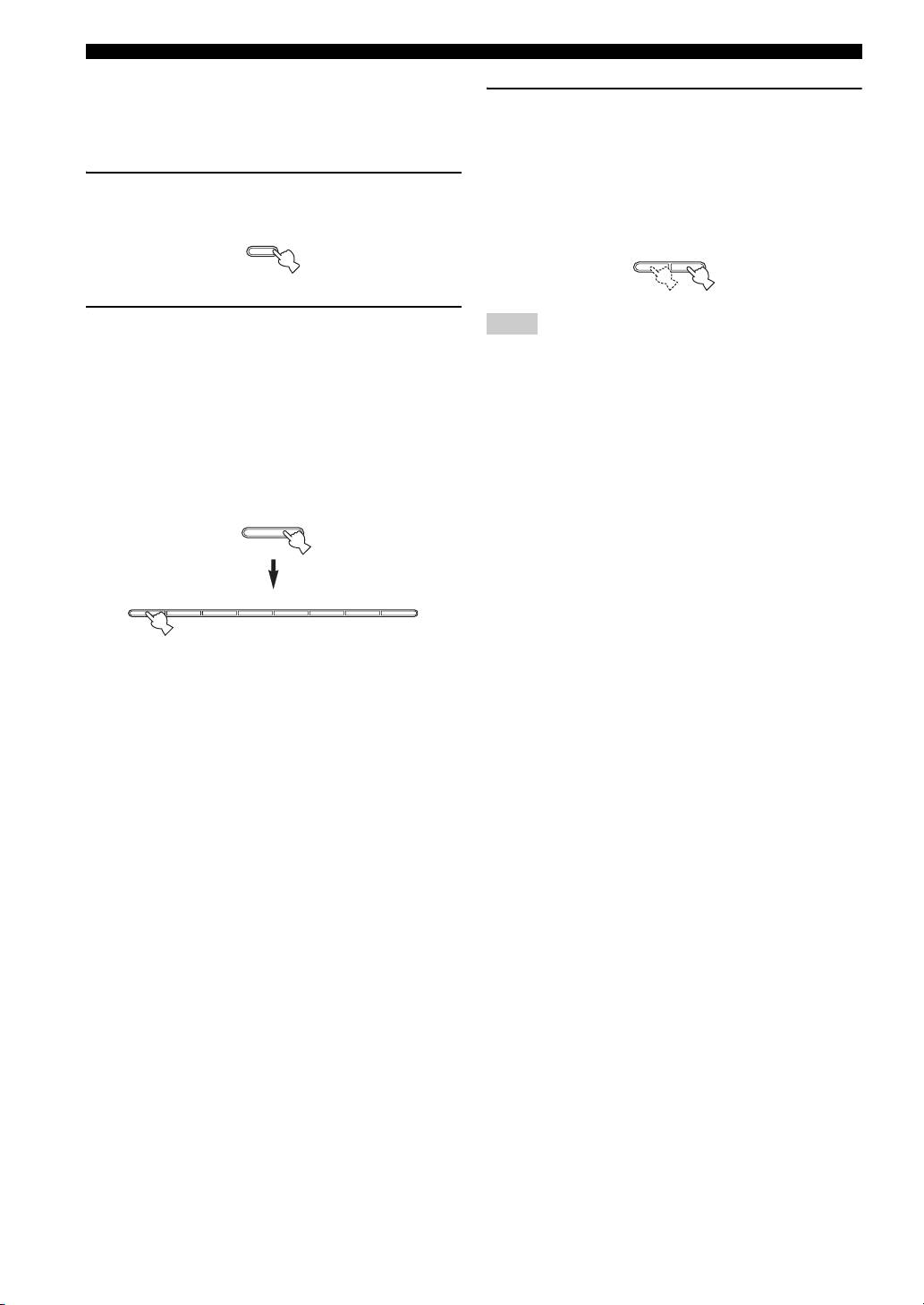
■ Customized automatic preset tuning
You can specify a preset station group and a preset station
3 Press TUNING l / h on the front panel to
number from which this unit stores the FM stations
begin automatic preset tuning.
received by automatic preset tuning.
Press h to tune into higher frequencies.
Press l to tune into lower frequencies.
1 Press and hold MEMORY on the front panel
When automatic preset tuning is complete, the
for more than 3 seconds.
frequency of the last preset station is shown in the
front panel display.
MEMORY
l
TUNING
h
MAN'L/AUTO FM
2 Press A/B/C/D/E and then press one of the
Note
preset station number buttons on the front
Automatic preset tuning stops when the received stations have all
panel to select the preset station group and
been stored up to E8.
the preset station number where the first
received station will be stored.
For example, if you select C5, the first received
station is automatically programmed to C5 and the
next received stations are sequentially programmed
to C6, C7, etc.
A/B/C/D/E
12345678
26
