
Yamaha DV-C6860: Troubleshooting
Troubleshooting: Yamaha DV-C6860
Table of contents
- Important notes for users in the U.K.
- DANGER CAUTION LASER SAFETY
- CAUTION: READ THIS BEFORE OPERATING THIS UNIT.
- Introduction Region codes Cleaning discs Supplied accessories Patent information Notes on discs
- Functional Overview Front panel
- Rear panel
- Remote control
- Connections General notes on connections Audio connections
- Video connections
- Getting Started Step 1: Inserting batteries into the remote control
- Getting Started Step 2: Turning on the power Step 3: Setting a TV type and display
- Getting Started
- Step 4: Setting a language preference
- Disc Operations Basic playback General operation
- Selecting the various repeat/ shuffle functions
- Disc Operations Operations for video playback (DVD/VCD/SVCD)
- Disc Operations Zooming in On-screen display (OSD) DVD Resuming playback from the last stopped point VCD/SVCD
- Disc Operations Special DVD features
- Audio CDs Special VCD & SVCD features Playing MP3/JPEG/Kodak picture CDs
- Disc Operations Special picture disc features
- Scan effect Playing MP3 music and JPEG pictures simultaneously
- Setup Menu UNLOCK General setup menu
- Setup Menu
- Setup Menu Audio setup menu
- Setup Menu
- Setup Menu Video setup menu
- Setup Menu
- Setup Menu
- Setup Menu Preference setup menu
- Setup Menu
- Setup Menu
- Language Code
- Language Code
- Troubleshooting
- Troubleshooting
- Glossary
- Specifications
Troubleshooting
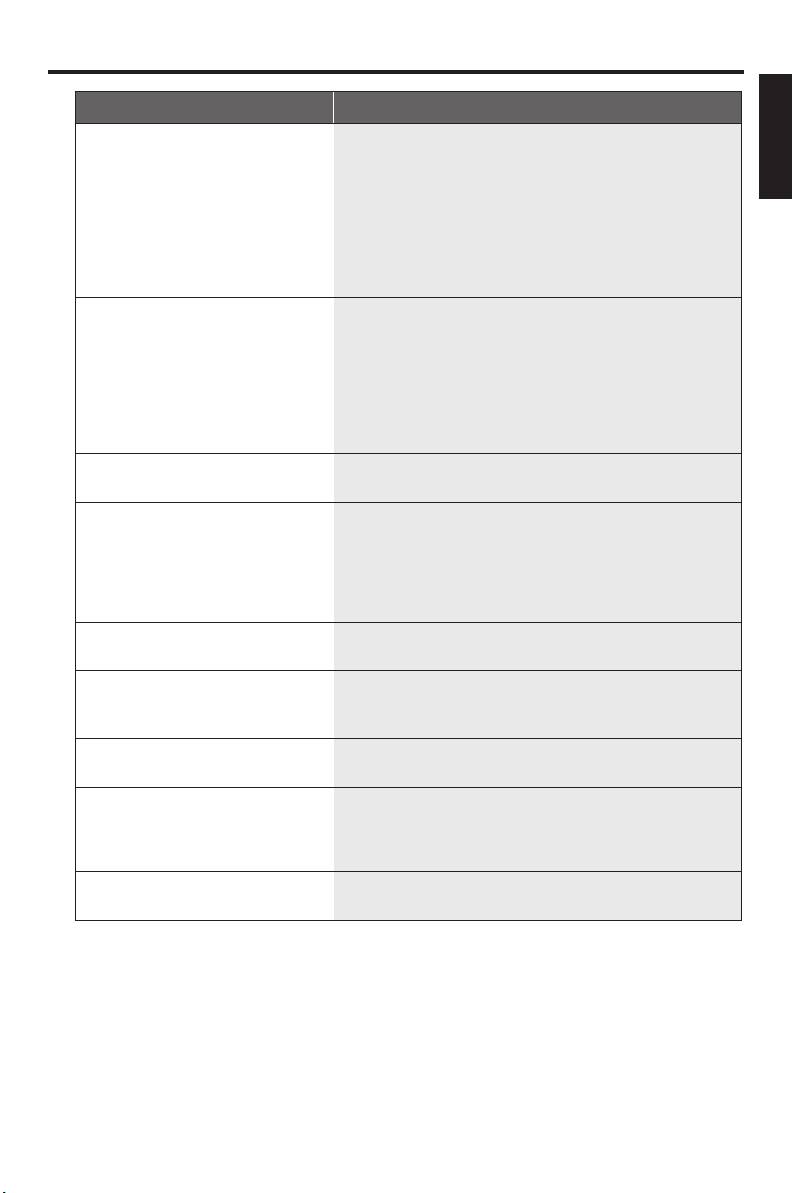
Problem Solution
English
No audio at digital output – Check the digital connections.
– If you are playing a DTS source, check that your receiver can
decode DTS and “DIGITAL OUTPUT” is set to “ALL” (see
page 23).
– If you are playing an MPEG-2 source, check that your
receiver can decode MPEG-2. Otherwise, make sure
“DIGITAL OUTPUT” is set to “PCM ONLY” (see page 23).
– Check if the audio format of the selected audio language
matches your receiver capabilities.
Disc does not play – The DVD+R/RW, DVD-R/RW, CD-R/RW must be
finalized.
– Ensure the disc label is facing up.
– Check if the disc is defective by trying another disc.
– If you have recorded a picture CD or MP3 CD yourself,
ensure that your disc contains at least 10 pictures or 5 MP3
tracks.
– Region code is incorrect (see “Region codes” on page 2).
Picture freezes momentarily
– Check the disc for fingerprints/scratches and clean it with a
during playback
soft cloth wiping from center to edge.
This unit does not respond to
– Aim the remote control directly at the remote control
the remote control
sensor on the front panel of this unit.
– Reduce the distance of the remote control from this unit.
– Replace the batteries in the remote control.
– Reinsert the batteries with their polarities (+/– signs) as
indicated.
Buttons do not work – To completely reset this unit, unplug the AC cord from the
AC outlet for 5-10 seconds.
This unit does not respond to
– Operations may not be permitted by the disc. Refer to the
some operating commands
instructions of the disc jacket.
during playback
This unit cannot read CDs/
– Use a commonly available CD/DVD lens cleaner to clean
DVDs
the lens before sending this unit for repair.
Menu items cannot be selected – Press STOP (9) twice on the remote control before
selecting Setup Menu.
– Depending on the disc availability, some menu items cannot
be selected.
Unable to turn on or off a
– Check that the video signal output is switch to “YUV” (see
progressive scan
“Switching the YUV/RGB” on page 27).
33 En


