
Yamaha DV-C6860: Disc Operations Special picture disc features
Disc Operations Special picture disc features: Yamaha DV-C6860
Table of contents
- Important notes for users in the U.K.
- DANGER CAUTION LASER SAFETY
- CAUTION: READ THIS BEFORE OPERATING THIS UNIT.
- Introduction Region codes Cleaning discs Supplied accessories Patent information Notes on discs
- Functional Overview Front panel
- Rear panel
- Remote control
- Connections General notes on connections Audio connections
- Video connections
- Getting Started Step 1: Inserting batteries into the remote control
- Getting Started Step 2: Turning on the power Step 3: Setting a TV type and display
- Getting Started
- Step 4: Setting a language preference
- Disc Operations Basic playback General operation
- Selecting the various repeat/ shuffle functions
- Disc Operations Operations for video playback (DVD/VCD/SVCD)
- Disc Operations Zooming in On-screen display (OSD) DVD Resuming playback from the last stopped point VCD/SVCD
- Disc Operations Special DVD features
- Audio CDs Special VCD & SVCD features Playing MP3/JPEG/Kodak picture CDs
- Disc Operations Special picture disc features
- Scan effect Playing MP3 music and JPEG pictures simultaneously
- Setup Menu UNLOCK General setup menu
- Setup Menu
- Setup Menu Audio setup menu
- Setup Menu
- Setup Menu Video setup menu
- Setup Menu
- Setup Menu
- Setup Menu Preference setup menu
- Setup Menu
- Setup Menu
- Language Code
- Language Code
- Troubleshooting
- Troubleshooting
- Glossary
- Specifications
Disc Operations
During playback, you can:
• Press S / T to select another
track/file in the current folder.
• Press PAUSE (;) to pause playback.
Note:
– It may not be possible to play certain MP3/
JPEG discs due to the configuration and
characteristics of the discs or the recording
conditions.
Selecting a folder and track/file
2 Press S / T to display the other
pictures on the previous/next page.
1 Press 3 / 4 to select a folder, and then
3 Use
1 / 2/3 / 4 to highlight one of the
press ENTER/OK to open the folder.
pictures, and then press ENTER/OK to
2 Press 3
/ 4 to select a track/file.
start playback.
3 Press ENTER/OK to confirm your
OR
selection.
Move the cursor to highlight on the
➜ Playback starts from the selected track/
bottom of the page to start playback from
file, and continues to all the tracks/files
the first picture on the current page.
on all available folders.
4 Press MENU to return to the picture CD
menu.
Special picture disc features
Zooming pictures
1 Load a picture disc (Kodak Picture CD or
1 During playback, press ZOOM repeatedly
JPEG).
to display the picture at different scales.
➜ For Kodak discs, the slideshow begins.
➜ For JPEG discs, the picture menu
2 Use
1 / 2/3 / 4 to view the zoomed picture.
appears on the TV screen.
2 Press PLAY (B) to start the slideshow.
Playback with multi-angles
• During playback, press 1 / 2/3 / 4 to
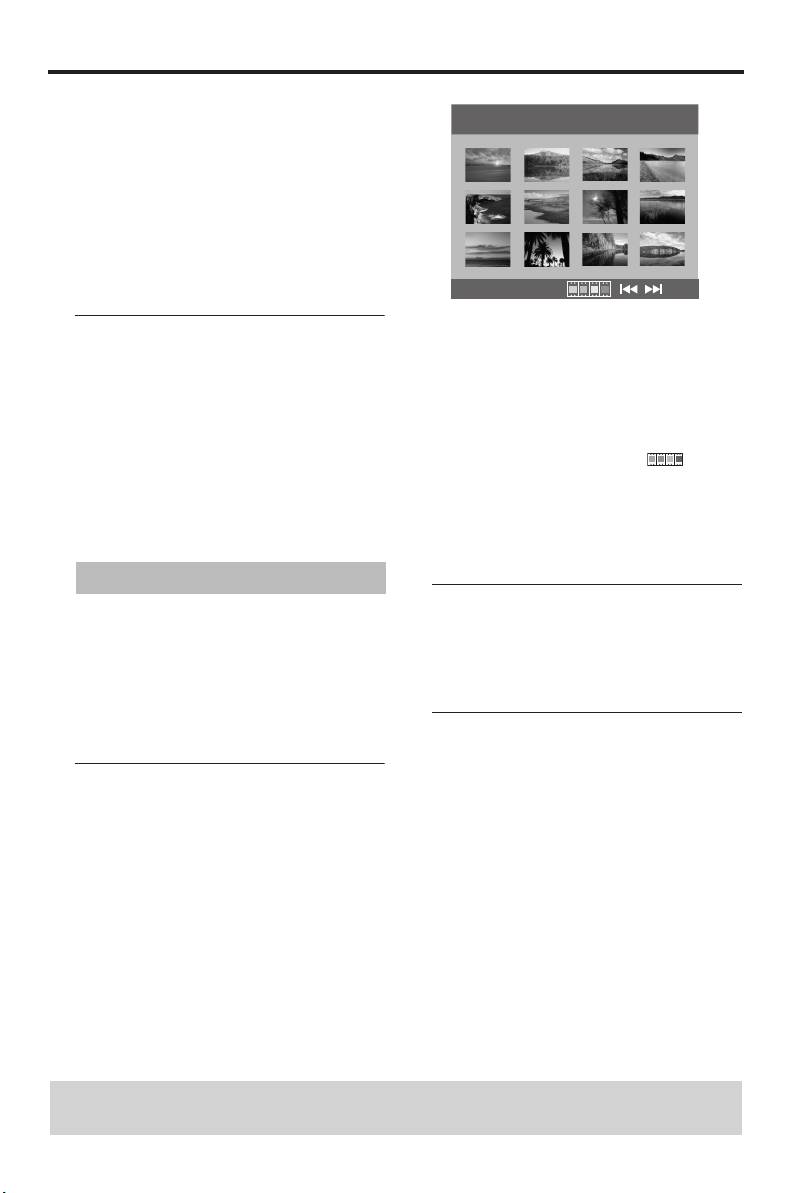
Preview function (JPEG)
rotate the picture on the TV screen.
1:
rotates the picture counter-clockwise
This function displays the content of the
2: rotates the picture clockwise
current folder or the entire disc.
3: flips the picture vertically
1 Press STOP (9) during playback.
4: flips the picture horizontally
➜ 12 thumbnail pictures appear on the TV
screen.
TIPS: The operating features described here might not be possible for certain discs.
Always refer to the instructions supplied with the disc.
18 En


