
Yamaha DV-C6860: Audio CDs Special VCD & SVCD features Playing MP3/JPEG/Kodak picture CDs
Audio CDs Special VCD & SVCD features Playing MP3/JPEG/Kodak picture CDs: Yamaha DV-C6860
Table of contents
- Important notes for users in the U.K.
- DANGER CAUTION LASER SAFETY
- CAUTION: READ THIS BEFORE OPERATING THIS UNIT.
- Introduction Region codes Cleaning discs Supplied accessories Patent information Notes on discs
- Functional Overview Front panel
- Rear panel
- Remote control
- Connections General notes on connections Audio connections
- Video connections
- Getting Started Step 1: Inserting batteries into the remote control
- Getting Started Step 2: Turning on the power Step 3: Setting a TV type and display
- Getting Started
- Step 4: Setting a language preference
- Disc Operations Basic playback General operation
- Selecting the various repeat/ shuffle functions
- Disc Operations Operations for video playback (DVD/VCD/SVCD)
- Disc Operations Zooming in On-screen display (OSD) DVD Resuming playback from the last stopped point VCD/SVCD
- Disc Operations Special DVD features
- Audio CDs Special VCD & SVCD features Playing MP3/JPEG/Kodak picture CDs
- Disc Operations Special picture disc features
- Scan effect Playing MP3 music and JPEG pictures simultaneously
- Setup Menu UNLOCK General setup menu
- Setup Menu
- Setup Menu Audio setup menu
- Setup Menu
- Setup Menu Video setup menu
- Setup Menu
- Setup Menu
- Setup Menu Preference setup menu
- Setup Menu
- Setup Menu
- Language Code
- Language Code
- Troubleshooting
- Troubleshooting
- Glossary
- Specifications
Disc Operations
English
Audio
Audio CDs
Changing the audio language and/or
format
Playing by discs
• Press AUDIO repeatedly to select an
1 Load a disc.
audio language.
➜ Playback starts automatically.
➜ The TV screen displays the current
Subtitles
playback status and the number of
• Press SUBTITLE repeatedly to select
tracks to select the desired track.
a subtitle language.
2 Playback stops at the end of the disc.
3 To stop playback, press STOP (9).
Special VCD & SVCD features
Playing MP3/JPEG/Kodak
Playback control (PBC)
picture CDs
For VCD with playback control
(PBC) feature (version 2.0 only)
General operation
1 Press MENU to toggle between “PBC
1 Load a disc.
ON” and “PBC OFF”.
• The disc reading time may exceed 30
➜ If you select “PBC ON”, the disc menu
seconds due to the complexity of the
(if available) appears on the TV.
directory/file configuration.
2 Use S / T or the numeric buttons
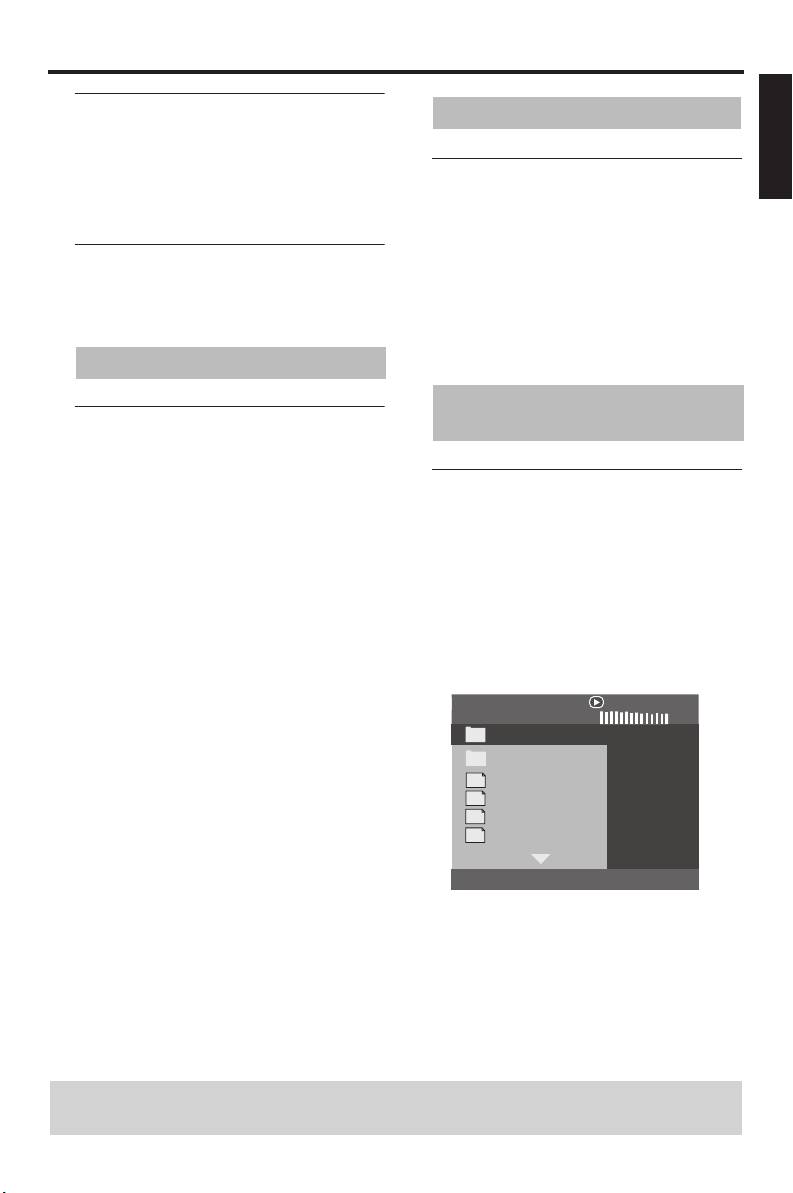
➜ The data disc menu appears on the TV
(0-9) to select a playback option.
screen.
3 During playback, press TOP MENU/
2 Playback starts automatically. If not, press
RETURN to return to the menu screen
PLAY (B).
(if PBC is selected).
00:00 00:00
If you want to skip the index menu
001/020
and play back a disc directly from the
Favorite
beginning,
• Press MENU on the remote control to
MP3
Piano
turn off PBC.
MP3
Cello
MP3
Jazz
MP3
Live
TIPS: The operating features described here might not be possible for certain discs.
Always refer to the instructions supplied with the disc.
17 En


