
Yamaha DV-C6860: Setup Menu Video setup menu
Setup Menu Video setup menu: Yamaha DV-C6860
Table of contents
- Important notes for users in the U.K.
- DANGER CAUTION LASER SAFETY
- CAUTION: READ THIS BEFORE OPERATING THIS UNIT.
- Introduction Region codes Cleaning discs Supplied accessories Patent information Notes on discs
- Functional Overview Front panel
- Rear panel
- Remote control
- Connections General notes on connections Audio connections
- Video connections
- Getting Started Step 1: Inserting batteries into the remote control
- Getting Started Step 2: Turning on the power Step 3: Setting a TV type and display
- Getting Started
- Step 4: Setting a language preference
- Disc Operations Basic playback General operation
- Selecting the various repeat/ shuffle functions
- Disc Operations Operations for video playback (DVD/VCD/SVCD)
- Disc Operations Zooming in On-screen display (OSD) DVD Resuming playback from the last stopped point VCD/SVCD
- Disc Operations Special DVD features
- Audio CDs Special VCD & SVCD features Playing MP3/JPEG/Kodak picture CDs
- Disc Operations Special picture disc features
- Scan effect Playing MP3 music and JPEG pictures simultaneously
- Setup Menu UNLOCK General setup menu
- Setup Menu
- Setup Menu Audio setup menu
- Setup Menu
- Setup Menu Video setup menu
- Setup Menu
- Setup Menu
- Setup Menu Preference setup menu
- Setup Menu
- Setup Menu
- Language Code
- Language Code
- Troubleshooting
- Troubleshooting
- Glossary
- Specifications
Setup Menu
ON
CD upsampling
Select this to level out the volume. This
Use this feature to convert your music CD
feature is only available for movies with the
to a higher sampling rate using
Dolby Digital mode.
sophisticated digital signal processing for
OFF
better sound quality. If you activate the
upsampling function, this unit automatically
Select this when you want to enjoy the full
switches to the stereo mode.
dynamic range of surround sound.
1 In “AUDIO SETUP PAGE”, press 3
/ 4 to
2 Press 3
/ 4 to select a setting, and then
highlight [CD UPSAMPLING], and then
press ENTER/OK to confirm your
press 2.
selection.
OFF
Select this to disable CD-upsampling.
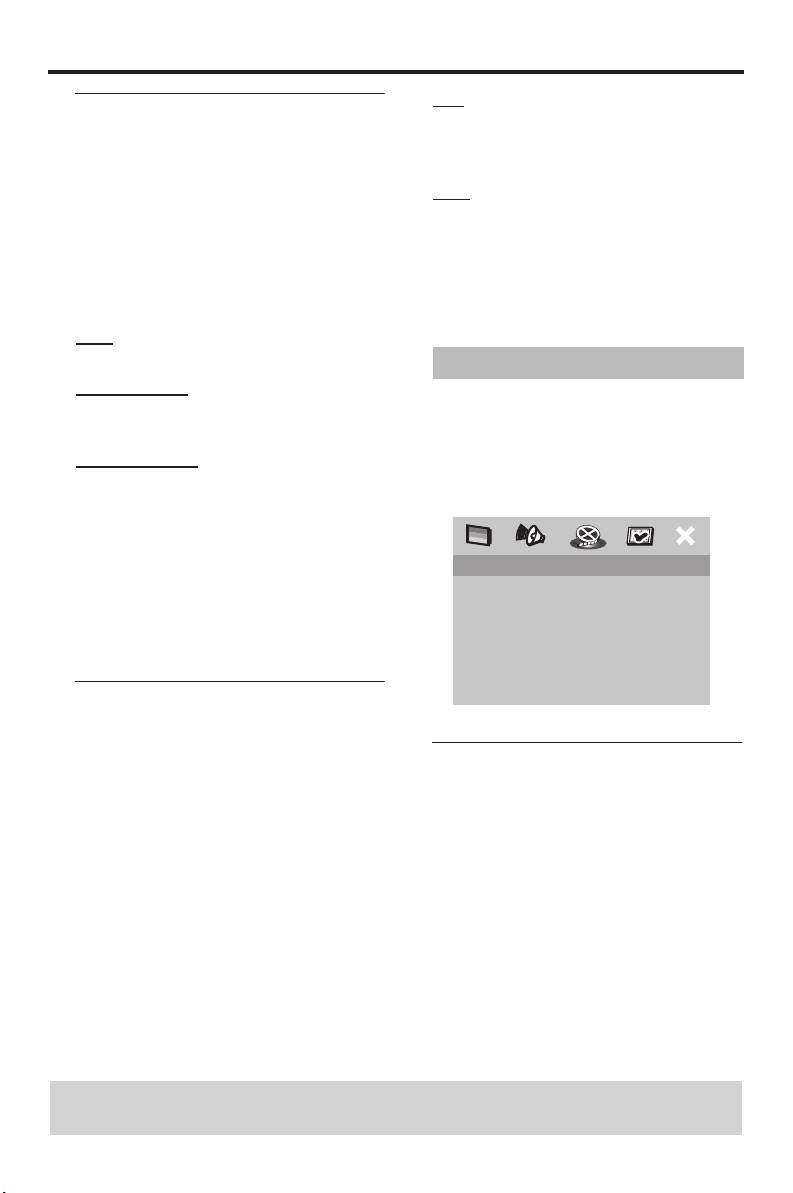
Video setup menu
88.2kHz (X2)
1 Press SETUP.
Select this to convert the sampling rate of
2 Press 1
/ 2 to select the “Video Setup”
CDs to twice that of the original.
icon.
176.4kHz (X4)
3 Press ENTER/OK to confirm your
Select this to convert the sampling rate of
selection.
CDs to four times that of the original.
2 Press 3
/ 4 to select a setting, and then
press ENTER/OK to confirm your
VIDEO SETUP PAGE
selection.
TV TYPE
Note:
TV DISPLAY
PROGRESSIVE
– This setting is only valid for signals output at
PICTURE SETTING
the analog jacks.
COMPONENT
Night mode
In the night mode, high volume output is
softened and low volume output is brought
TV type
upward to an audible level. It is useful when
you watch your favorite action movie
Use this feature to select a color system
without disturbing others at night.
that matches your TV. For details, see
“Setting a TV type and display” on page 9.
1 In “AUDIO SETUP PAGE”, press 3
/ 4
to highlight [NIGHT MODE], and then
press 2.
TIPS: To return to the previous menu, press 1.
To exit from the menu, press SETUP.
24 En


