
Yamaha RX-397: General TROUBLESHOOTING Problem
General TROUBLESHOOTING Problem: Yamaha RX-397
Table of contents
- CAUTION: READ THIS BEFORE OPERATING YOUR UNIT.
- CONTENTS
- FEATURES SUPPLIED ACCESSORIES
- CONTROLS AND FUNCTIONS Front panel
- CONTROLS AND FUNCTIONS
- Front panel display
- CONTROLS AND FUNCTIONS Rear panel
- Remote control
- CONTROLS AND FUNCTIONS Installing batteries in the remote control Using the remote control
- CONNECTIONS CAUTION
- CONNECTIONS Connecting speakers
- Connecting the AM and FM antennas
- CONNECTIONS Connecting the AM loop antenna
- CONNECTIONS Connecting the power supply cord
- CONNECTIONS Turning on and off this unit
- PLAYING AND RECORDING CAUTION Playing a source
- PLAYING AND RECORDING Adjusting the tonal quality
- Recording a source
- Using the sleep timer
- Muting the sound output
- FM/AM TUNING Automatic tuning
- Manual tuning Automatic preset tuning
- Customized automatic preset tuning
- Manual preset tuning
- Selecting preset stations Exchanging preset stations
- RADIO DATA SYSTEM (EUROPE MODEL ONLY) Receiving Radio Data System stations Changing the Radio Data System mode
- PTY SEEK function
- EON function
- Press STANDBY/ON on the front panel to set ADVANCED SETUP Changing the ADVANCED SETUP menu parameters
- Press STANDBY/ON to confirm your setting.
- General TROUBLESHOOTING Problem
- Tuner Problem
- Remote control Problem
- SPECIFICATIONS
TROUBLESHOOTING
30
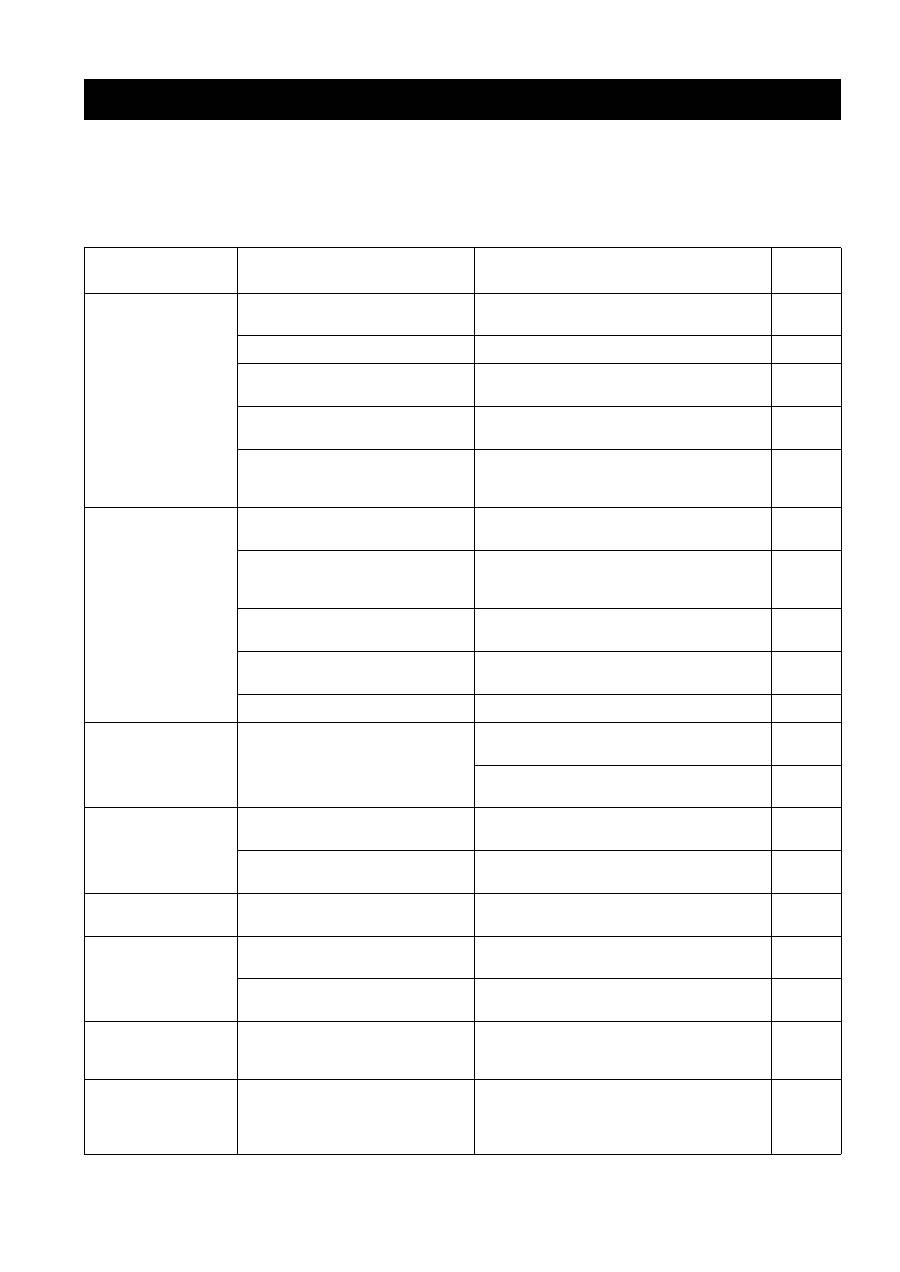
Refer to the chart below if this unit does not function properly. If the problem you are experiencing is not listed below or
if the instructions below do not help, set this unit to the standby mode, disconnect the power cord, and contact the nearest
authorized YAMAHA dealer or service center.
■
General
TROUBLESHOOTING
Problem
Cause
Remedy
See
page
This unit fails to turn
on.
The power supply cord is not connected or
the plug is not completely inserted.
Connect the power supply cord firmly.
—
The impedance setting is incorrect.
Set the impedance to match your speakers.
10
The protection circuitry has been activated
because of a short circuit, etc.
Check that the speaker wires are not touching each
other and then turn the power of this unit back on.
10
The IMPEDANCE SELECTOR switch on
the rear panel is not set to either end.
Set the IMPEDANCE SELECTOR switch to either
end when the power of this unit is turned off.
10
This unit has been exposed to a strong
external electric shock (such as lightning
or strong static electricity).
Set this unit to the standby mode, disconnect the
power supply cord, plug it back in after 30 seconds,
then use it normally.
—
No sound
Incorrect input or output cable
connections.
Connect the cables properly. If the problem persists,
the cables may be defective.
9
No appropriate input source has been
selected.
Select an appropriate input source with the INPUT
selector on the front panel (or one of the input
selector buttons on the remote control).
15
The TAPE MONITOR function is turned
on.
Turn off the TAPE MONITOR function.
3
The SPEAKERS A/B switches are not set
properly.
Turn on the corresponding SPEAKERS A or
SPEAKERS B.
15
Speaker connections are not secure.
Secure the connections.
10
The sound suddenly
goes off.
The protection circuitry has been activated
because of a short circuit, etc.
Check that the IMPEDANCE SELECTOR setting is
correct.
10
Check that the speaker wires are not touching each
other and then turn the power of this unit back on.
10
Only the speaker on
one side can be
heard.
Incorrect cable connections.
Connect the cables properly. If the problem persists,
the cables may be defective.
9
Incorrect setting for the BALANCE
control.
Set the BALANCE control to the appropriate
position.
16
There is a lack of bass
and no ambience.
The + and – wires are connected in
reverse at the amplifier or the speakers.
Connect the speaker wires to the correct + and –
phase.
10
A “humming” sound
can be heard.
Incorrect cable connections.
Connect the audio plugs firmly. If the problem
persists, the cables may be defective.
9
No connection from the turntable to the
GND terminal.
Make the GND connection between the turntable and
this unit.
9
The volume level is
low while playing a
record.
The record is being played on a turntable
with an MC cartridge.
The turntable should be connected to this unit through
the MC head amplifier.
—
The volume level
cannot be increased,
or the sound is
distorted.
The component connected to the TAPE
OUT or the MD OUT jacks of this unit is
turned off.
Turn on the power of the component.
—
