
Canon i-sensys mf6140dn: Replacing Toner Cartridge
Replacing Toner Cartridge: Canon i-sensys mf6140dn
Table of contents
- Contents
- Navigating the Menu and Text Input Method About the Supplied Manuals
- Attach the Optional Cassette to the Machine Connecting the Power Cord and Turning ON the Power Specifying the Initial Settings
- Choosing the Method to Connect the Machine to the Computer Connecting via a Wired LAN
- Specifying Initial Fax Settings and Connecting a Telephone Cable
- Perform Useful Tasks
- Clearing Paper Jams
- Replacing Toner Cartridge
- Symbols Used in This Manual Keys and Buttons Used in This Manual Illustrations and Displays Used in This Manual Important Safety Instructions Installation Power Supply Handling
- Maintenance and Inspections Consumables Others Legal Notices Legal Limitations on Usage of Your Product and the Use of Images
16
En
Replacing Toner Cartridge
Toner cartridges are consumables. When the toner becomes nearly empty or has run out completely in the middle of a job run,
a message appears on the screen, or the following problems may occur. Take the appropriate action accordingly.
When a Message Appears
When the toner becomes nearly empty in the middle of a job run, a message appears on the screen.
Message
When the message is
displayed on the screen
Description and Solutions
<Prepare toner
cartridge.>
When the toner cartridge
needs a replacement
soon.
Shake the toner cartridge to evenly distribute the toner inside the cartridge.
e-Manual “Before Replacing the Toner Cartridge”
We recommend that the toner cartridge be replaced before printing high-
volume documents.
e-Manual “Replacing the Toner Cartridge”
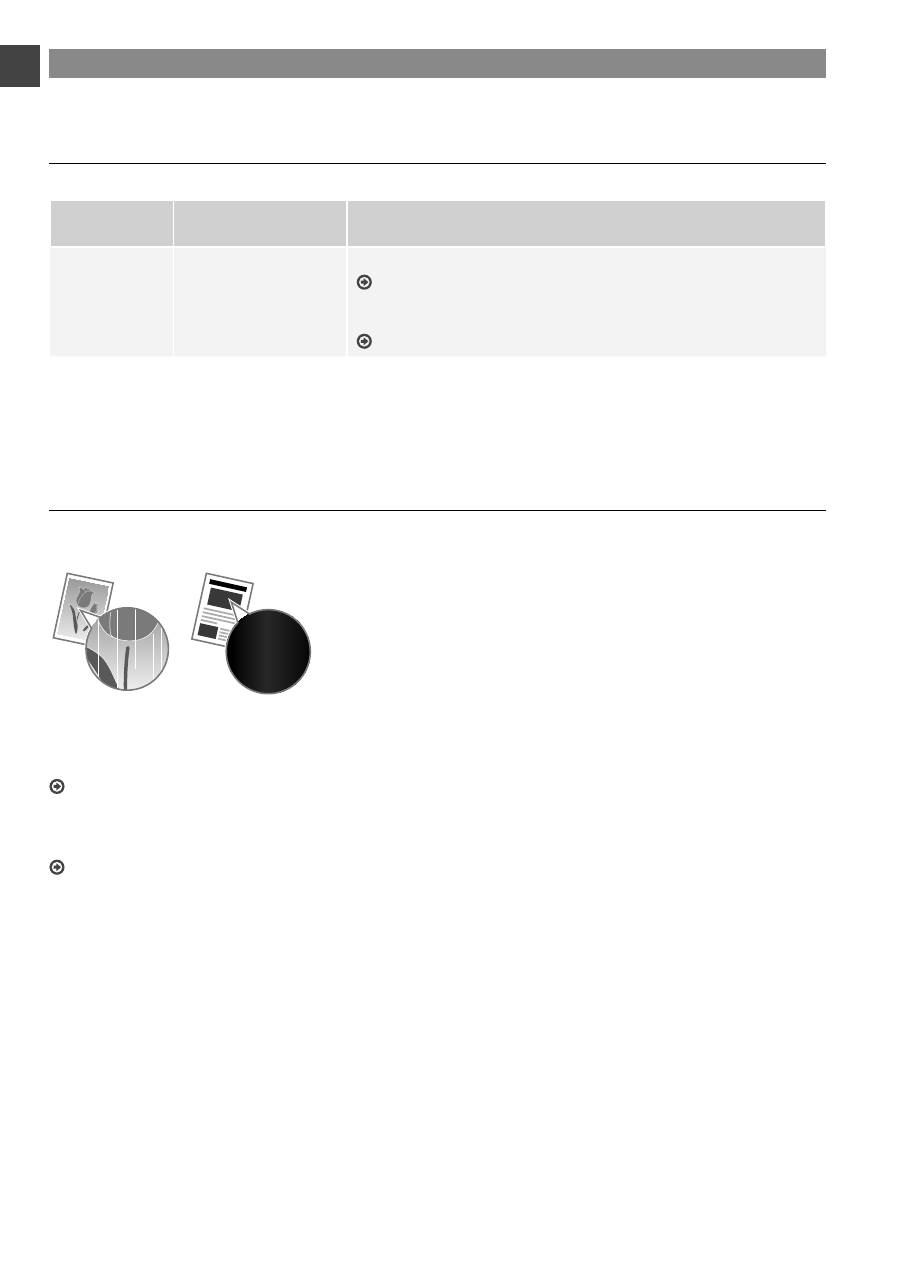
When white streaks appear on the output, or the output is partially faded:
When white streaks appear on the output or the output is partially faded, the toner cartridge has almost reached the end of
its life, even if no message appears on the screen. When the print quality becomes unacceptable, see the following to
fi
x the
problem.
When White Streaks Appear on the Output or the Output Is Partially Faded
When the toner nearly runs out, white streaks appear on the output, or the output is partially faded.
No message appears on the screen, if the toner nearly runs out.
Replace the toner cartridge when white streaks appear on the
output, or the output is partially faded.
Do not perform <Copy Image Adjustment> in such situations
above. Even you try to adjust using this function, the condition
may not be improved.
When this problem occurs:
Follow the steps in the procedure below before replacing the toner cartridge. The machine continues printing until the toner runs
out completely.
e-Manual “Before Replacing the Toner Cartridge”
When the print quality is still unacceptable:
If the problem persists after you have followed the steps in the procedure below, replace the toner cartridge.
e-Manual “Replacing the Toner Cartridge”

17
En


