
Acme MP01: Aspect Ratio TV SYSTEM 3.1.4 Miscellaneous
Aspect Ratio TV SYSTEM 3.1.4 Miscellaneous: Acme MP01
Table of contents
- 1 USER INFORMATION 1.1 Preface
- 2 PRODUCT INTRODUCTION 2.1 Product Overview
- 2.2 Package Contents 2.3 Connection 2.3.1 Power connection
- 2.3.2 Connect to Computer 2.3.3 TV connection 2.3.3.1 A/V OUT
- 2.3.3.2 HDMI OUT 2.3.4 USB Mass Storage Device (like USB stick, USB drive etc.) Connection
- 2.3.5 Connecting a Memory Card 2.4 Front Panel
- 2.5 Back Panel 2.7 Menu Language
- 2.7 Remote Control
- No. Button Function
- 3 MAIN FUNCTIONS 3.1 Setup Menu 3.1.1 Changing System Settings
- Menu Language Screen Saver
- 3.1.2 Changing Audio Settings 3.1.3 Changing Video Settings
- Aspect Ratio TV SYSTEM 3.1.4 Miscellaneous
- 3.2 Movie Playback 3.2.1 Movie Library Options
- 3.2.2 Movie Playback Control 3.2.3 Movie Playback Options
- 3.3 Photo Playback 3.3.1 Photo Library Options
- 3.3.2 Photo Playback Control 3.3.3 Photo Playback Options
- 3.4 Music Playback 3.4.1 Music Library Options
- 3.4.2 Music Playback Control 3.4.3 Music Playback Options
- 3.5 File Manager 3.5.1 File Manager Options
- 3.6 Playlist management 3.6.1 Music playlist
- 3.6.2 Photo Album
- 3.7 Copy Function 3.7.1 Copy under Media Library
- 3.7.2 Copy under File Manager 4 UPGRADING THE FIRMWARE
- 5 APPENDIXES 5.1 Specifications
- 5.2 Frequently Asked Questions
- 6 COPYRIGHTS AND TRADEMARKS
GB
Aspect Ratio
- Pan Scan 4:3:Displayawidepictureontheentirescreenandcutsoffthe
redundantportions.Selectwhenastandard4:3TVisconnected.
- Letter Box 4:3:Displayawidepicturewithtwoblackbordersonthetopand
bottomof4:3screen.Selectwhenastandard4:3TVisconnected.
- 16:9:Compresstheimagetoconvertthewholeimage.Selectwhena16:9TV
is connected.
- 16:10:Compresstheimagetoconvertthewholeimage.Selectwhena16:10
TV is connected
TV SYSTEM
- Select to adjust TV Type and video output resolution. This setting depends on
yourregionallocation.Include:
NTSC–UnitedStates,Canada,Japan,Mexico,thePhilippines,SouthKorea,
andTaiwan.
PAL – Europe, Greenland, parts of Africa and South America, the Mideast,
China,India,Australia,andIndonesia.
Resolution - video output resolution
Digital Noise Reduction
- Selecttoturnon/offdigitalnoisereduction.
1080p 24Hz
- Choosethisoptiontoenableordisable1080P24HZsupport.ATVsetwith
1080P24HZ(24P)modeisneeded.
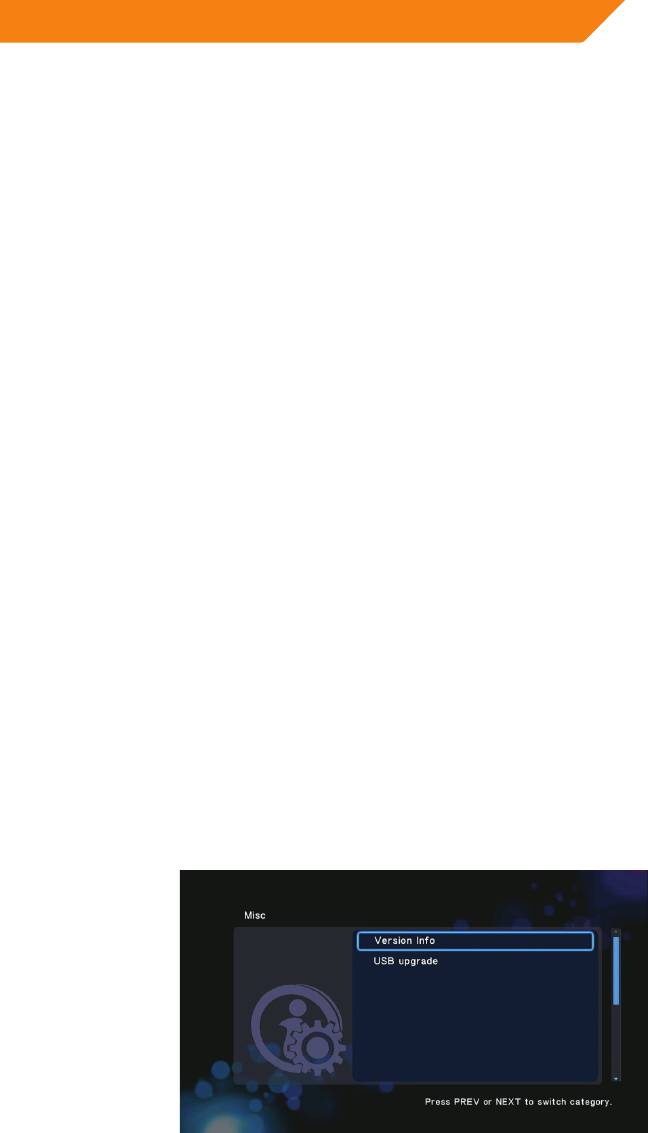
3.1.4 Miscellaneous
Use this menu to adjust miscellaneous settings.
15


