
Acme V-160: Folder Controls Settings Mode
Folder Controls Settings Mode: Acme V-160
Table of contents
- Thank You Package Contents Features Controls at a Glance
- Getting Started Charging the Battery Charging with a Computer Turning the Player On/Off Main Menu
- Play Music Mode Play Music Screen Play Music Controls
- Repeat A-B Mode Repeat Mode FM Tuner Mode FM Tuner Controls
- FM Tuner Menu Automatically Saving Preset Stations Manually Saving Preset Stations Deleting Preset Stations Folder Mode
- Folder Controls Settings Mode
- Connecting to a Computer Transferring/Managing Files Disconnecting from a Computer
- Specications Troubleshooting
GB
Folder Controls
A directory tree will be displayed on-screen when you enter FOLDER mode from the Main Menu.
Use the following controls in FOLDER mode.
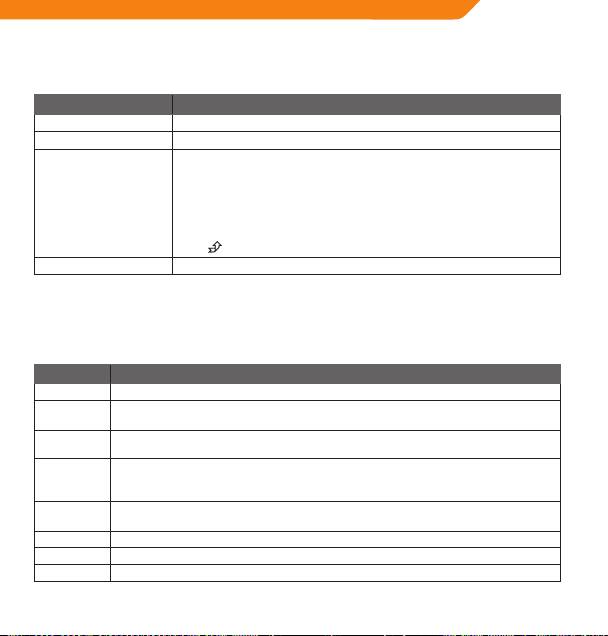
Key Function
Press <LEFT> Select the previous le or folder (up).
Press <RIGHT> Select the next le or folder (down).
If a folder is selected, the folder’s contents will be displayed.
If a le is selected, an option box will be displayed:
Select “Play Now” to play the selected le.
Select “Delete?” to delete the selected le
Press <OK>
To change your choice press the <LEFT> or <RIGHT> buttons
To conrm your choice press <OK>
To cancel your choice of menu press <MENU>
If the
icon is selected, the previous folder’s contents will be displayed.
Press <MENU> Return to Main Menu.
Settings Mode
Enter SETTINGS mode from the Main Menu to change your player’s internal option settings.
• To select an option, press <LEFT> or <RIGHT>. To conrm and enter, press <OK>.
• To exit the Settings Menu, press <MENU>.
Item Description
Equalizer Set a digital equalizer preset. The options are Normal, Pop, Rock, Classical, Jazz, and Bass.
Repeat
Set a Repeat Mode option. The options are Normal, Repeat One, Repeat All, Shue Repeat, Dir
Mode
Normal, Dir All Repeat, Dir Shue Repeat.
Contrast Set the contrast level of the display.
Set the backlight option to change the duration of time (in seconds) that the backlight will
Backlight
remain on after a key press. A setting of “Always O” will disable the backlight completely. A
setting of “Always On” will keep the backlight on continuously.
Set the Power Set option to change the duration of time (in minutes) that the player will remain
Power Set
on when it is idle. A setting of “Disable” will turn this power saving feature o.
Language Set the Language that the menus appear in.
Version View your player’s rmware information.
Info View your player’s memory information.
9
