
JVC KD-G441: Disc / USB device operations
Disc / USB device operations: JVC KD-G441

10
ENGLISH
Disc / USB device operations
: For built-in CD player operations.
: For external USB device operations.
Playing a disc in the unit
All tracks will be played repeatedly until you change the
source or eject the disc.
To stop play and eject the disc
• Press SRC to listen to another
playback source.
Playing from a USB device
This unit can play MP3/WMA tracks stored in a USB
device (except HDD).
All tracks in the USB device will be played repeatedly
until you change the source.
~ Ÿ
If a USB device has been attached...
Playback starts from where it has been stopped
previously.
• If a different USB device is currently attached,
playback starts from the beginning.
To detach the USB device,
straightly pull it out from
the unit.
• Removing the USB device will also stop playback.
Then, press SRC to listen to another playback source.
Cautions:
• Avoid using the USB device if it might hinder your
safety driving.
• Do not pull out or attach the USB device
repeatedly while “READING” appears on the
display.
• Do not start a car engine if a USB device is
connected.
• This unit may not be able to play the files
depending on the type of the USB device.
• Operation and power supply may not work as
intended for some USB devices.
• You cannot connect a computer to the USB input
jack of the unit.
• Make sure all important data has been backed up
to avoid losing the data.
• Do not leave a USB device in the car, expose to
direct sunlight, or high temperature to avoid
deformation or cause damage to the USB device.
• Some USB devices may not work immediately
after you turn on the power.
• For more details about USB operations, see pages
19 and 20.
USB input jack
USB memory
EN08-17_KD-G441_003A_4.indd 10
EN08-17_KD-G441_003A_4.indd 10
10/24/07 5:55:25 PM
10/24/07 5:55:25 PM

11
ENGLISH
Other main functions
Skipping tracks quickly during play
• For MP3/WMA, you can skip tracks within the same
folder.
Ex.: To select track 32 while playing tracks whose
number is a single digit (1 to 9)
1
2
Each time you press the button, you can skip 10
tracks.
• After the last track, the first track will be selected
and vice versa.
3
Prohibiting disc ejection
You can lock a disc in the loading slot.
To cancel the prohibition,
repeat the same
procedure.
To fast-forward or reverse the track
To go to the next or previous track
To go to the next or previous folder (for
MP3/WMA)
To locate a particular track (for CD) or folder
(for MP3/WMA) directly
To select a number from 01 – 06:
To select a number from 07 – 12:
• To use direct folder access on MP3/WMA, it is
required that folders are assigned with 2-digit
numbers at the beginning of their folder names—
01, 02, 03, and so on.
To select a particular track in a folder
(for MP3/WMA):
EN08-17_KD-G441_003A_4.indd 11
EN08-17_KD-G441_003A_4.indd 11
10/26/07 5:48:05 PM
10/26/07 5:48:05 PM
12
ENGLISH
Changing the display information
While playing an audio CD or CD Text
A
=
B
=
Disc title/performer
*
1
=
Track
title
*
1
[
]
=
(back to the beginning)
While playing an MP3/WMA disc or
USB device
• When “TAG DISPLAY” is set to “TAG ON”
(see page 16)
A
=
B
=
Album name/performer (folder
name
*
2
)
[
]
=
Track title (file
name
*
2
)
[
]
=
(back to the beginning)
• When “TAG DISPLAY” is set to “TAG OFF”
A
=
B
=
Folder name
[
]
=
File name
[
]
=
(back to the beginning)
A
: The elapsed playing time with the current track
number
B
: Clock with the current track number
[ ] : Corresponding indicator lights up on the display
*
1
If the current disc is an audio CD, “NO NAME” appears.
*
2
If an MP3/WMA file does not have Tag information,
folder name and file name appear. In this case, the
TAG indicator will not light up.
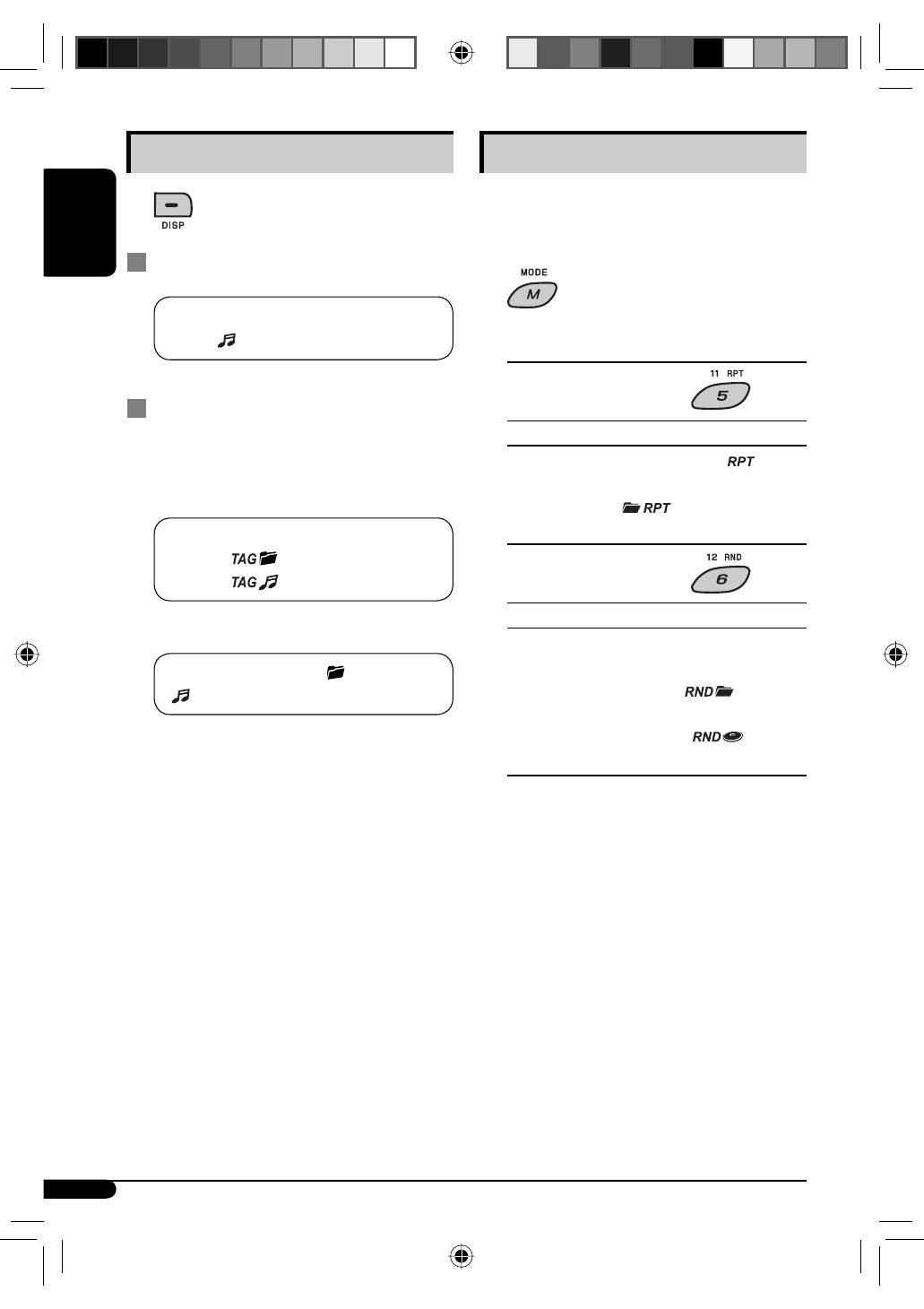
Selecting the playback modes
You can use only one of the following playback modes
at a time.
1
2
Select your desired playback mode.
7
Repeat play
Mode
Plays repeatedly
TRACK RPT
: The current track. [
]
FOLDER RPT
*
: All tracks of the current folder.
[
]
RPT OFF
: Cancels.
7
Random play
Mode
Plays at random
FOLDER RND
*
: All tracks of the current folder,
then the tracks of the next folder
and so on. [
]
ALL RND
: All tracks of the current disc or
USB device. [
]
RND OFF
: Cancels.
*
Only while playing a media (MP3/WMA/USB).
[ ] : Corresponding indicator lights up on the
display
EN08-17_KD-G441_003A_4.indd 12
EN08-17_KD-G441_003A_4.indd 12
10/24/07 10:04:16 AM
10/24/07 10:04:16 AM
Table of contents
- CONTENTS
- Control panel —
- Getting started
- Radio operations ~Ÿ!
- FM RDS operations
- !
- Disc / USB device operations
- Sound adjustments
- General settings — PSM
- ~
- Remote controller —
- More about this unit
- Maintenance
- Troubleshooting
- Specifications
- INHALT
- Bedienfeld —
- Erste Schritte
- Bedienung des Tuners ~Ÿ!
- UKW-RDS-Funktionen
- !
- Disc/USB-Gerätebetrieb
- Klangeinstellungen
- Allgemeine Einstellungen — PSM
- ~
- Fernbedienung —
- Weitere Informationen zu Ihrem Receiver
- Wartung
- Störungssuche
- Technische Daten
- CОДЕРЖАНИЕ
- Панель управления —
- Начало работы
- Операции с радиоприемником ~Ÿ!
- Операции с FM RDS
- !
- Операции с дисками или устройством USB
- Настройки звучания
- Общие настройки — PSM
- ~
- Пульт дистанционного управления —
- Дополнительная информация о приемнике
- Обслуживание
- Устранение проблем
- Технические характеристики


