
Yamaha CD-S300: PLAYABLE DISC AND FILE FORMAT
PLAYABLE DISC AND FILE FORMAT: Yamaha CD-S300
Table of contents
- CAUTION: READ THIS BEFORE OPERATING YOUR UNIT.
- CONTROLS AND FUNCTIONS Front panel
- Rear panel connections
- Remote control
- Program playback
- PLAYING BACK iPod/USB DEVICE Connecting iPod/USB devices Playing back iPod Playing back USB devices
- Disconnecting iPod/USB devices Supported iPod/USB devices
- PLAYABLE DISC AND FILE FORMAT
- PLAYABLE DISC AND FILE FORMAT USING THE ADVANCED SETUP
- TROUBLESHOOTING Problems Possible Causes Solutions
- Problems Possible Causes Solutions SPECIFICATIONS
ADDITIONAL INFORMATION
PLAYABLE DISC AND FILE FORMAT
■ Playable MP3 and WMA files (USB
■ Playable discs
device and Data Disc)
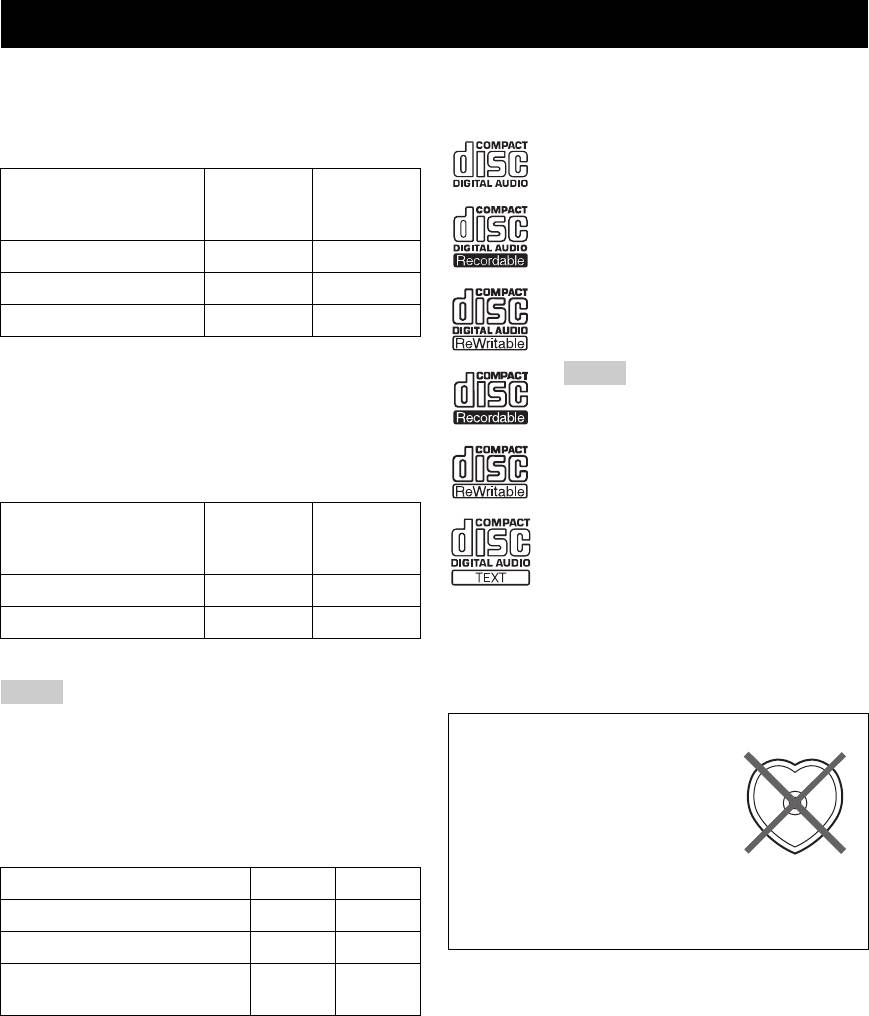
Use compact discs bearing the marks below.
MP3
....
Compact discs (digital audio)
Sampling
Bitrate
Format
frequency
....
(kbps)
CD-R, CD-RW digital audio discs
(kHz)
• CD-R or CD-RW discs bearing one of
MPEG 1 Audio Layer-3
32-320 * 32/44.1/48
the following phrases.
FOR CONSUMER
MPEG 2 Audio Layer-3, 2
8-160 * 16/22.05/24
FOR CONSUMER USE
MPEG-2.5 Audio Layer-2
8-160 * 8/11.025/12
FOR MUSIC USE ONLY
• Finalized CD-R or CD-RW discs.
* Variable bitrate is also supported.
Note
WMA
This compact disc player may not be able to
• Version 8
play some CD-R/CD-RW discs or discs on
• Version 9 (Standard and variable bitrates are
which recording was not made correctly.
supported. Professional and Lossless are not
supported.)
Sampling
....
CD-TEXT discs
Bitrate
Profile
frequency
(kbps)
• The disc title, artist name, and track
(kHz)
name are also displayed in addition to
High Profile
32-320 * 32/44.1/48
the time displays when playing back a
CD with CD TEXT.
Mid Profile
16-32 16/22.05
* Variable bitrate is also supported.
To play back an 8-cm (3-inch) CD
Place it in the inner recessed area of the disc tray. Do not
Notes
put a normal (12-cm) CD on top of an 8-cm (3-inch) CD.
• Playback for Data Disc starts in alphanumeric order.
To prevent a malfunction of this unit:
• Playback for USB starts in order by date and time of creation.
• Do not use any nonstandard
• Copyright-protected WMA (DRM) files cannot be played back
shaped disc (heart, etc.) available
by this unit.
• The disc must be ISO 9660 compatible.
on the market because it might
• Elapsed time may not be displayed correctly while playing back
damage the unit.
variable bitrate contents.
Data Disc USB
• Do not use a disc with tape, stickers, or paste on it. If
you use such a disc, the disc may get stuck in the
Maximum file number
999 32767
unit, or damage to the unit may result.
Maximum folder number
256 256
Maximum file number per
512 512
folder
8 En
