
Acme PB01: NOTICE: Waste Electrical and Electronic Equipment (WEEE) Symbol
NOTICE: Waste Electrical and Electronic Equipment (WEEE) Symbol: Acme PB01
Table of contents
- Introduction Features Specification Instruction
- 2. How to charge devices with PB01: Connect device to PB01 using
- 3. How to check power level of PB01: Keep pressing the switch button 4. How to turn on/o the LED lamp: Quickly double click the switch button.
- NOTICE: Waste Electrical and Electronic Equipment (WEEE) Symbol
GB
NOTICE:
1. It is normal for the PB01 to become warm when charging.
2. Do not cover the PB01 when in use.
3. Do not expose the PB01 to excessive heat or cold.
4. Avoid exposure to drops and impacts.
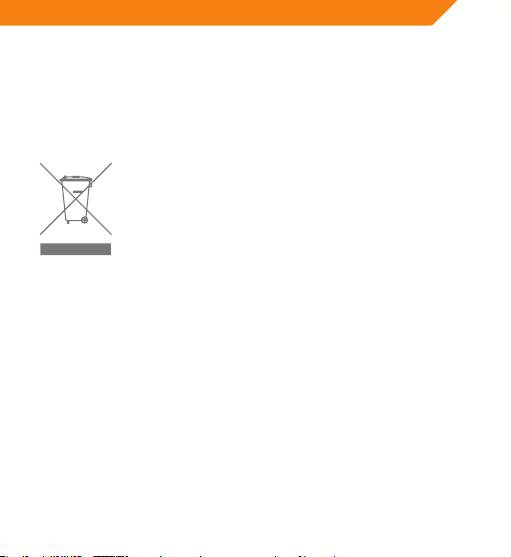
Waste Electrical and Electronic Equipment (WEEE) Symbol
The use of the WEEE symbol indicates that this product
may not be treated as household waste. By ensuring this
product is disposed of correctly, you will help protect
the environment. For more detailed information about
the recycling of this product, please contact your local
authority, your household waste disposal service provider
or the shop where you purchased the product.
6 7
Top 10 manuals
100.00
NZXT HALE90 1000W99.99
Samsung SM-R38099.97
AEG BSB 18C99.97
Dell 2700W99.97
Smeg KSEC70X99.96
Beurer HDE 4099.96
Pyramida KH 50 v.299.96
MSI CSM-H81M-P3299.96
AEG HR 562799.95
Melissa 640-048