
Acme Extreme Rally wheel: System Requirements Specication details Exiting program mode
System Requirements Specication details Exiting program mode: Acme Extreme Rally wheel
Table of contents
- Introduction Electromechanical components D-Pad LED USB/PS2/PS3 Cable Motor
- Button Assigment: Buttons layout on PS3/PS2/PC
- System Requirements Specication details Exiting program mode
- Erase the mapping (PS3/PS2/PC) Vibration “Precision Drive” Mode (PS3/PS2/PC) rd Default setting(3 level setting) :
- First and second level: Fourth level: Fifth level:
- Sixth level: Troubleshooting CAUTION!
GB
System Requirements
•AllPC’swithWindowsXPSP1,SP2andVista32or64bit.
•Playstation2,Playstation3.
Note:
1. USB operation is not supported by Windows 95/NT.
2. Do not connect the steering wheel to a USB hub. It only works when
connected directly to the USB port of the PC.
Specication details
Firmware
Support force vibration and button mapping on PC/PS2/PS3
Mapping (PC/PS2/PS3)
Create a mapping
• Press the “Select” button and stay 3 seconds.
• Light blue LED blinks quickly.
• Press the control to be mapped
• Blue LED blinks quickly.
• Press the destination control
• Light blue LED stops blinking and return to its initial state, and you can go
on button mapping.
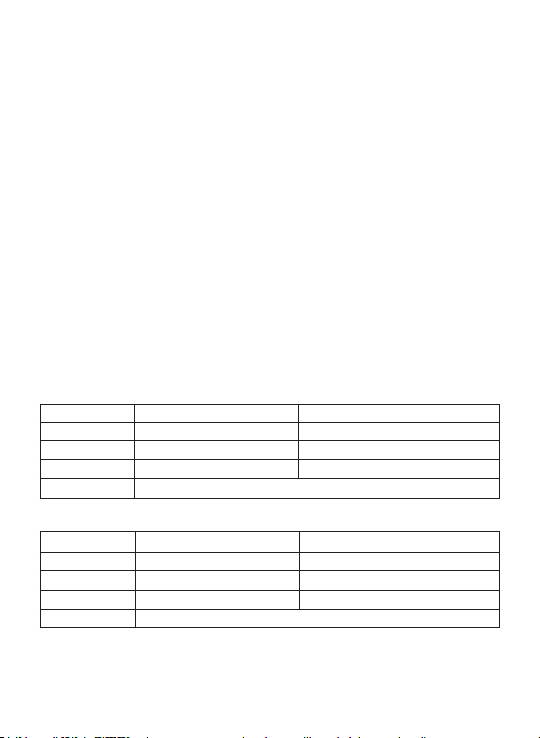
Example 1:
Stage Direction Then :
1 Press “Select” 3 seconds Light blue LED blinks quickly
2 Press “O” Blue LED blinks quickly
3 Press “GAS Pedal” Light blue LED stops blinking
Result Now “O” is “ GAS Pedal “ & “ GAS Pedal” is “GAS Pedal”
Example 2:
Stage Direction Then :
1 Press “Select” 3 seconds Light blue LED blinks quickly
2 Press “L1” Blue LED blinks quickly
3 Press “ X “ Light blue LED stops blinking
Result Now “L1” is “ X” & “ X “ is “X”
Exiting program mode
Method 1
Auto-exiting program after 6 second when unpressing any button.
6
