
Yamaha NS-SW310: TROUBLESHOOTING Problem Cause What to Do
TROUBLESHOOTING Problem Cause What to Do: Yamaha NS-SW310
Table of contents
- CAUTION: Read this before operating your unit
- • VOLTAGE SELECTOR SPECIAL INSTRUCTIONS FOR U.K. MODEL
- CONTENTS FEATURES
- SUPPLIED ACCESSORIES ATTACHING THE NON- SKID PADS
- PLACEMENT
- CONTROLS AND THEIR FUNCTIONS
- CONTROLS AND THEIR FUNCTIONS
- CONNECTIONS Connecting to line output (pin jack) terminals of the amplifier ■ Using one subwoofer
- ■ Using two subwoofers ■ Connecting to the LFE (INPUT3) terminal(s)
- Connecting to speaker output terminals of the amplifier ■ Using one subwoofer (with speaker cables) ■ Using two subwoofers (with speaker cables)
- ■ Using one subwoofer (with speaker cables) ■ Using two subwoofers (with speaker cables)
- Connecting to the INPUT1/OUTPUT Plug in the subwoofer to the AC outlet terminals of the subwoofer
- AUTOMATIC POWER-SWITCHING FUNCTION Changing the AUTO STANDBY setting
- ADJUSTING THE SUBWOOFER BEFORE USE
- Frequency characteristics
- ADVANCED YAMAHA ACTIVE SERVO TECHNOLOGY II
- TROUBLESHOOTING Problem Cause What to Do
- SPECIFICATIONS Limited Guarantee for European Economic Area (EEA) and Switzerland
TROUBLESHOOTING
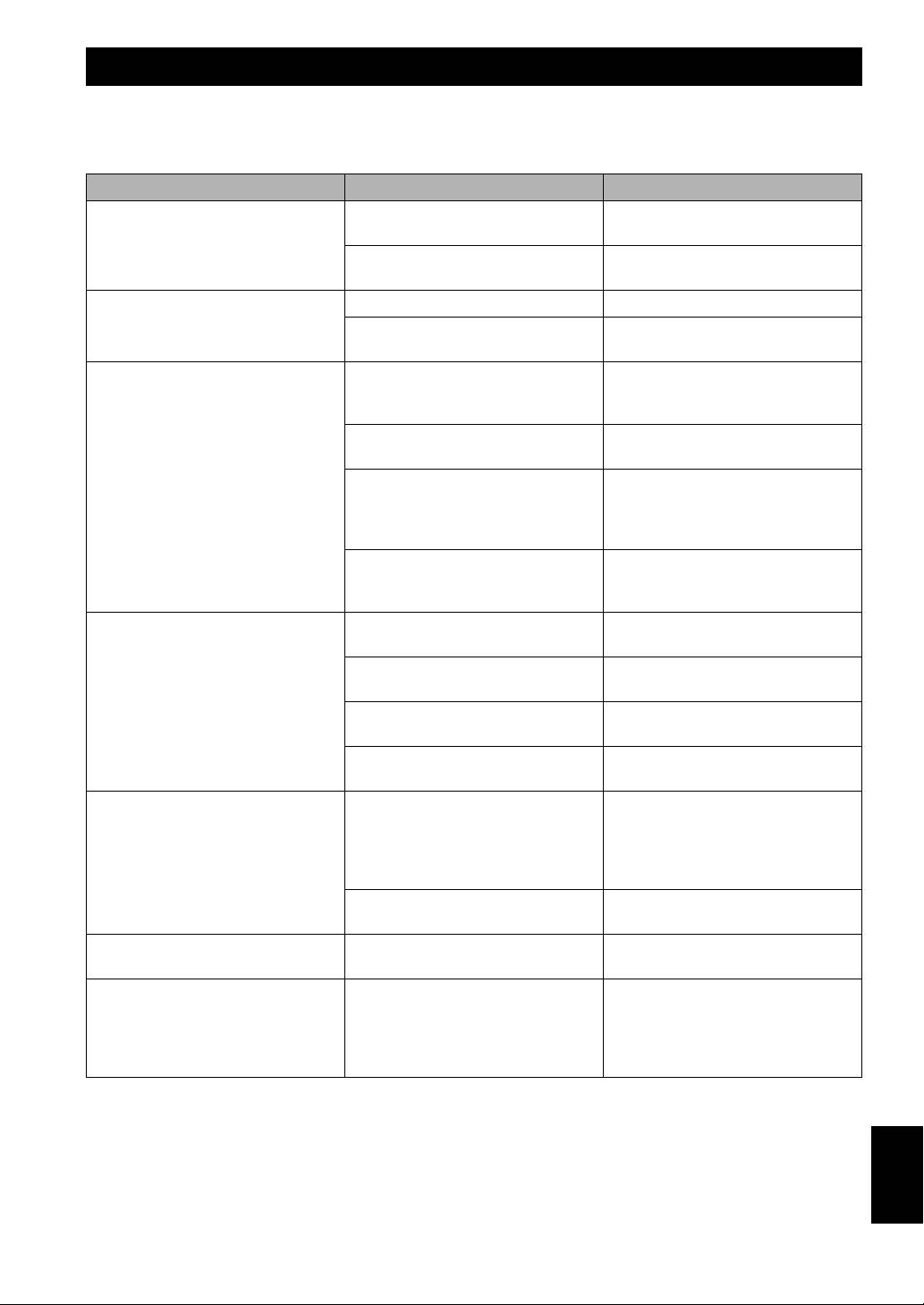
Refer to the chart below if this unit does not function properly. If the problem you are experiencing is not listed below, or
if the instructions given below do not help, disconnect the power cord and contact an authorized YAMAHA dealer or
service center.
Problem Cause What to Do
Power is not supplied even though the
The power plug is not securely
Connect it securely.
STANDBY/ON button is set to the ON
connected.
position.
The POWER switch is set to the OFF
Set the POWER switch to the ON
position.
position.
No sound. The volume is set to minimum. Raise the volume up.
Speaker cables are not connected
Connect them securely.
securely.
Sound level is too low. Speaker cables are not connected
Connect them correctly, that is L (left) to
correctly.
L, R (right) to R, “+” to “+” and
“–” to “–”.
The PHASE switch is not set correctly. Set the PHASE switch to the other
position.
A source sound with little bass
Play a source sound with bass
frequency content is being played.
frequencies.
Set the HIGH CUT control to a higher
position.
It is influenced by standing waves. Reposition the subwoofer or break up
parallel surfaces by placing bookshelves,
etc., along the walls.
The subwoofer does not turn on
The POWER switch is set to the OFF
Set the POWER switch to the ON
automatically.
position.
position.
The STANDBY/ON button is set to the
Set the STANDBY/ON button to the ON
STANDBY position.
position.
The AUTO STANDBY switch is set to
Set the AUTO STANDBY switch to the
the OFF position.
“HIGH” or “LOW” position.
The level of input signal is too low. Set the AUTO STANDBY switch to the
“HIGH” position.
The subwoofer does not turn into the
Noise generated from external
Move the subwoofer farther away from
standby mode automatically.
appliances etc., is activating the
such appliances, and/or reposition the
subwoofer.
connected speaker cables.
Otherwise, set the AUTO STANDBY
switch to the “OFF” position.
The AUTO STANDBY switch is set to
Set the AUTO STANDBY switch to the
the OFF position.
“HIGH” or “LOW” position.
The subwoofer turns into the standby
The level of input signal is too low. Set the AUTO STANDBY switch to the
mode unexpectedly.
“HIGH” position.
The subwoofer turns on unexpectedly. Noise generated from external
Move the subwoofer farther away from
appliances etc., is activating the
such appliances, and/or reposition the
subwoofer.
connected speaker cables.
Otherwise, set the AUTO STANDBY
switch to the “OFF” position.
English
15 En
