
Cambridge Audio 80 Series: 85/86/89 DVD player 70 Series
85/86/89 DVD player 70 Series: Cambridge Audio 80 Series
85/86/89 DVD player
70 Series
Locating
a
specific
point
in
the
DVD
Repeating
CD
discs
and
tracks
Start the disc as mentioned in the previous chapter. It is often possible
1. Ensure that the disc is playing.
to locate the point that you wish to view through the Chapter/Scene
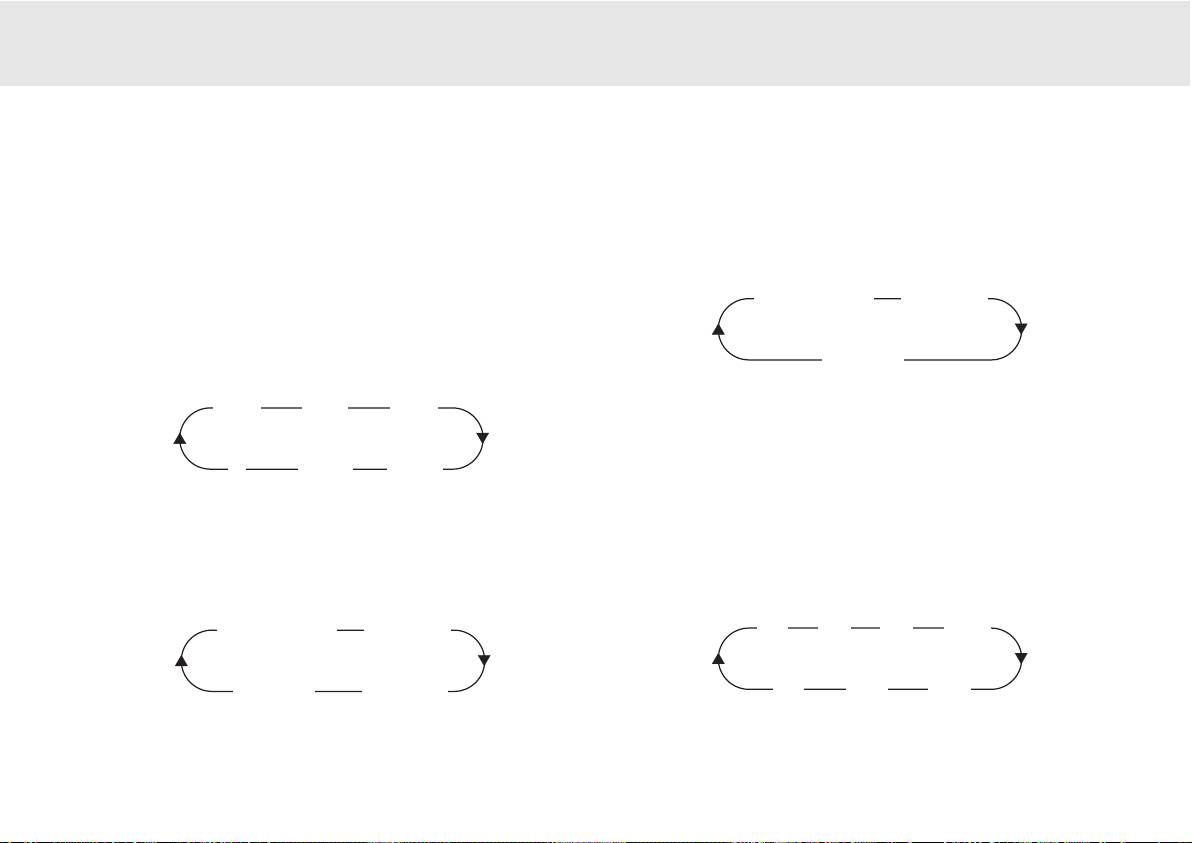
2. Each press of the REPEAT button scrolls through the available options
Selection on the disc menu that is navigated by the cursor keys. These
displayed on your TV screen.
chapters can be accessed by the skip buttons on the remote or on the
front panel of the player.
Repeat
track
Repeat
all
It is also possible to search within the chapter using the Search buttons
on the remote control handset. Pressing the Search button repeatedly
will speed the playback up from x2 through x32 speed. This can also be
Repeat
off
done in reverse.
>>
x2
>>
x4
>>
x8
It is also possible to repeat a favourite point of a CD/DVD disc by using
the A-B function. Pressing the button once "marks" the beginning of the
section you wish to repeat, pressing it again "marks" the end. The player
<
<<
x32
<<
x16
will now repeat this section of the disc.
Note:
This function is unavailable on certain discs.
Repeating
DVD
discs
and
tracks
1. Ensure that the disc is playing.
Zoom
2. Each press of the REPEAT button scrolls through the available options
1. When playing a disc, press the Zoom button repeatedly to zoom into
displayed on your TV screen.
a specific area of the TV screen display.
Repeat
chapter
Repeat title
x2
x3
x4
x1/2
Repeat
off
Repeat
all
x1
x1/4
x1/3
80 Series DVD player 17

MPEG4
Playback
Playing
MPEG4
Files
The MPEG4 is the standard publicised by MPEG4 (Moving Picture
When you insert a MPEG4 disc, the TV screen displays the operation
Experts Group). MPEG4 allows video and audio to be compressed to a
menu as shown in Figure A (the displayed contents vary with the disc.)
fraction of its original size.
With a scalable bitstream, it can be adapted to dynamically varying
requirements.
Press UP/DOWN arrows to select the desired directory. Press SELECT for
verification. For example, you select the directory DU000 in Figure A and
press SELECT as shown in Figure B.
The window returns back to the Press UP/DOWN arrows to select the
desired directory. Press SELECT for verification. For example, you select
the directory DU000 in Figure A and press SELECT as shown in Figure B.
The window returns back to the previous directory when you select
[ .. ] in the first line or press LEFT arrow.
Press UP/DOWN arrows in Figure B to select the desired MPEG4 file.
Press SELECT for verification. The player will then play the MPEG4 files.
18 80 Series DVD Player
00:00 00:00
001/004
\
Du000
Du001
Du002
Du003
00:00 00:00
001/369
\Du000\
..
A/V
MP000
A/V
MP001
A/V
MP002
A:
B:
PPCC-ccrreeaatteedd
ddiisscc
ccoommppaattiibbiilliittyy
: Discs created using a computer may not be
playable in this unit due to the setting of the application software used to create
the disc. In these particular instances, check with the software publisher for
more detailed information.
Discs recorded in packet write mode (UDF format) are not compatible with this
player. Check the DVD-R/RW or CD-R/RW software disc boxes for additional
compatibility information.
NNoottee::
DivX version is still upgrading continuously and the latest version of this
unit is DivX 5.1. Some discs labelled with MPEG4 on the market actually
are*.rm/*.ram/*.rmm and others which are incompatible. Please take care
when buying discs.
Table of contents
- 85/86/89 DVD player
- 85/86/89 DVD player
- 85/86/89 DVD player
- 85/86/89 DVD player
- 85/86/89 DVD player
- 85/86/89 DVD player
- 85/86/89 DVD player 70 Series
- 85/86/89 DVD player
- 85/86/89 DVD player
- 85/86/89 DVD player
- 85/86/89 DVD player
- 85/86/89 DVD player
- 85/86/89 DVD-Spieler
- 85/86/89 DVD-Spieler
- 85/86/89 DVD-Spieler
- 85/86/89 DVD-Spieler
- 85/86/89 DVD-Spieler
- 85/86/89 DVD-Spieler
- 85/86/89 DVD-Spieler
- 85/86/89 DVD-Spieler
- 85/86/89 DVD-Spieler
- 85/86/89 DVD-Spieler
- 85/86/89 Lecteur de DVD
- 85/86/89 Lecteur de DVD
- 85/86/89 Lecteur de DVD
- 85/86/89 Lecteur de DVD
- 85/86/89 Lecteur de DVD
- 85/86/89 Lecteur de DVD
- 85/86/89 Lecteur de DVD
- 85/86/89 Lecteur de DVD
- 85/86/89 Lecteur de DVD
- 85/86/89 Lecteur de DVD
- 85/86/89 Reproductor DVD
- 85/86/89 Reproductor DVD
- 85/86/89 Reproductor DVD
- 85/86/89 Reproductor DVD
- 85/86/89 Reproductor DVD
- 85/86/89 Reproductor DVD
- 85/86/89 Reproductor DVD
- 85/86/89 Reproductor DVD
- 85/86/89 Reproductor DVD
- 85/86/89 Reproductor DVD
- 85/86/89 Lettore DVD
- 85/86/89 Lettore DVD
- 85/86/89 Lettore DVD
- 85/86/89 Lettore DVD
- 85/86/89 Lettore DVD
- 85/86/89 Lettore DVD
- 85/86/89 Lettore DVD
- 85/86/89 Lettore DVD
- 85/86/89 Lettore DVD
- 85/86/89 Lettore DVD
- 85/86/89 dvd-speler
- 85/86/89 dvd-speler
- 85/86/89 dvd-speler
- 85/86/89 dvd-speler
- 85/86/89 dvd-speler
- 85/86/89 dvd-speler
- 85/86/89 dvd-speler
- 85/86/89 dvd-speler
- 85/86/89 dvd-speler
- 85/86/89 dvd-speler
- 85/86/89 dvd-afspiller
- 85/86/89 dvd-afspiller
- 85/86/89 dvd-afspiller
- 85/86/89 dvd-afspiller
- 85/86/89 dvd-afspiller
- 85/86/89 dvd-afspiller
- 85/86/89 dvd-afspiller
- 85/86/89 dvd-afspiller
- 85/86/89 dvd-afspiller
- 85/86/89 dvd-afspiller
- DVD-проигрыватель 85/86/89
- DVD-проигрыватель 85/86/89
- 85/86/89 DVD player
