
Sharp Autentificación de Usuario: ADMINISTRATOR SETTINGS ADMINISTRATOR SETTINGS LIST Using the administrator settings SECURITY SETTINGS
ADMINISTRATOR SETTINGS ADMINISTRATOR SETTINGS LIST Using the administrator settings SECURITY SETTINGS: Sharp Autentificación de Usuario
Table of contents
- Contents Introduction Note:
- ■ Backing up and clearing data stored with the document filing function ■ About passwords for the Web page
- When the data security kit is installed About confidential folders and confidential files of the document filing function Restrictions on tandem copying and tandem printing
- Security settings in the Web page ■ Procedure for directly printing a file on an FTP server when user authentication is enabled About transfer of copied data to the machine
- ADMINISTRATOR SETTINGS ADMINISTRATOR SETTINGS LIST Using the administrator settings SECURITY SETTINGS
- CLEAR ALL MEMORY
- CLEAR DOCUMENT FILING DATA CLEAR ALL DATA IN JOB STATUS JOBS COMPLETED LIST CLEAR ADDRESS BOOK DATA/IMAGE SEND REGISTERED DATA
- NUMBER OF TIMES DATA CLEAR IS REPEATED POWER UP AUTO CLEAR NUMBER OF TIMES POWER UP AUTO CLEAR PROGRAM IS REPEATED
- NUMBER OF TIMES AUTO CLEAR AT JOB END PROGRAM IS REPEATED About the repeat setting DISABLING OF DOCUMENT FILING DISABLING OF LIST PRINT
- DISABLING OF PRINT JOBS OTHER THAN PRINT HOLD JOB JOB STATUS JOBS COMPLETED LIST DISPLAY SETTINGS
- DISABLING RESEND KEY RELEASE THE LOCK ON DOCUMENT FILING OUTPUT OPERATION PRODUCT KEY
MX-FRX5U.book 5 ページ 2007年3月20日 火曜日 午後5時8分
ENGLISH
ADMINISTRATOR SETTINGS
Among the administrator settings used by the administrator for the data security kit, this
section explains the settings that are related to the security function.
The following explanations assume that the machine has the printer, fax, network scanner,
and Internet fax functions, and that the application communication module is installed.
ADMINISTRATOR SETTINGS LIST
Setting name
Page
Setting name
Page
SECURITY SETTINGS
DISABLING OF DOCUMENT
CLEAR ALL MEMORY 6
9
FILING
CLEAR DOCUMENT FILING DATA
7 DISABLING OF LIST PRINT 9
CLEAR ALL DATA IN JOB STATUS
DISABLING OF PRINT JOBS
7
10
JOBS COMPLETED LIST
OTHER THAN PRINT HOLD JOB
CLEAR ADDRESS BOOK DATA/
JOB STATUS JOBS COMPLETED
7
10
IMAGE SEND REGISTERED DATA
LIST DISPLAY SETTINGS
NUMBER OF TIMES DATA
8 DISABLING RESEND KEY 11
CLEAR IS REPEATED
RELEASE THE LOCK ON
POWER UP AUTO CLEAR 8
DOCUMENT FILING OUTPUT
11
OPERATION
NUMBER OF TIMES POWER UP
AUTO CLEAR PROGRAM IS
8
REPEATED
PRODUCT KEY
NUMBER OF TIMES AUTO
CLEAR AT JOB END PROGRAM
9 DATA SECURITY KIT 11
IS REPEATED
Using the administrator settings
Follow the procedure on pages 4 and 5 of the administrator settings guide to configure the
settings in the administrator settings.
When the data security kit is installed, entry of the administrator password will be prohibited
for 5 minutes if an incorrect administrator password is entered 3 times in a row.
For explanations of each of the settings, see the following pages.
SECURITY SETTINGS
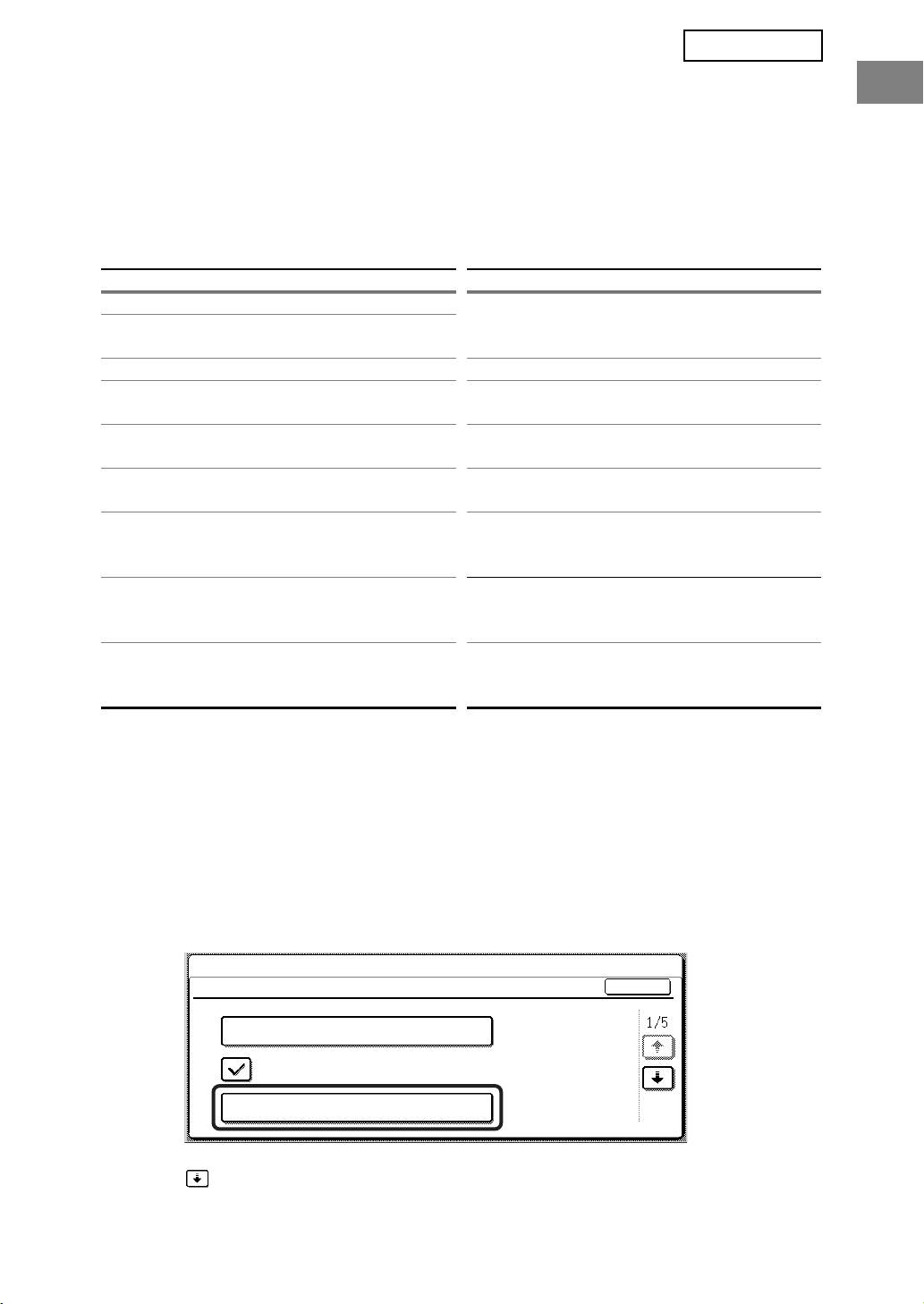
When the data security kit is installed, settings related to security (with the exception of [SSL SETTINGS] and
[ENABLE IPsec]) are added to the settings that appear when the [SECURITY SETTINGS] key is touched.
SYSTEM SETTINGS
SECURITY SETTINGS
OK
SSL SETTINGS
ENABLE IPsec
CLEAR ALL MEMORY
The security settings menu consists of several screens.
Touch the key in the lower right corner of the screen to move to the next screen.
5
