
Acme MS11: Installation Safety instructions: Waste Electrical and Electronic Equipment (WEEE) Symbol
Installation Safety instructions: Waste Electrical and Electronic Equipment (WEEE) Symbol: Acme MS11
Table of contents
- Installation Safety instructions: Waste Electrical and Electronic Equipment (WEEE) Symbol
GB
Installation
Plug the mouse into USB port of your computer.
Weight-turning by used AAA batteries
There is possibility to change mouse weight. Open the battery door
and install batteries (2 x AAA).
Safety instructions:
• Do not disassemble the product or remove any parts
• Do not put the product into water or any liquid. Should this happen,
take the product o computer and contact your vendor or after sales
service center for maintenance
• Do not put the product close to heat source, or expose it to high
temperature.
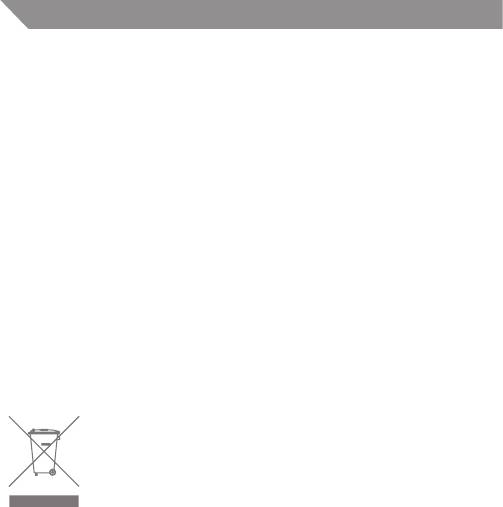
Waste Electrical and Electronic Equipment (WEEE) Symbol
The use of the WEEE symbol indicates that this product
may not be treated as household waste. By ensuring this
product is disposed of correctly, you will help protect
the environment. For more detailed information about
the recycling of this product, please contact your
local authority, your household waste disposal service
provider or the shop where you purchased the product.
6


