
Nikon Otro-control-remoto: Timed Photography (7/7)
Timed Photography (7/7): Nikon Otro-control-remoto
Table of contents
- For Your Safety (1/2)
- For Your Safety (2/2) Notices (1/2)
- Body
- When the MC-36 Is Not in Use
- Parts of the MC-36 (3/3) Connecting the MC-36
- Using the MC-36 Timed Photography (1/7)
- Timed Photography (2/7)
- Timed Photography (3/7)
- Timed Photography (5/7) 3. Start the Timer
- 4. End Shooting
- Timed Photography (7/7)
- Manual Release
- Precautions for Use Caring for the MC-36
- Speci cations
Timed Photography (7/7)
Using the Camera to Select Shutter Speed
Using the Timer
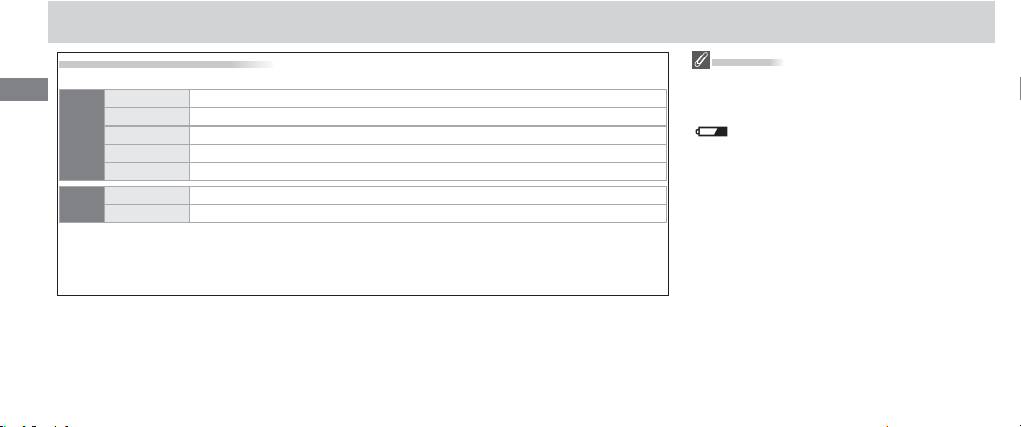
To take photographs at the shutter speed selected with the camera, adjust settings as follows:
Before using the timer for extended periods,
En
Exposure mode M (manual) or S (shutter-priority auto)
check that the batteries have enough charge. Re-
Shutter speed Any
place the batteries when the low battery indicator
Camera
Interval timer Off
( ) fl ashes in the control panel ().
*
Focus mode AFC (continuous-servo autofocus)
or M (manual)
Shooting mode S (single frame)
Exposure time 0 s
MC-36
†
Interval Longer than camera shutter speed
* Select “release priority” if available.
†When using autofocus, choose an interval at least two seconds longer than the camera shutter speed
to allow the camera time to focus. When using long exposure noise reduction (available with some
digital cameras), choose an interval at least double the camera shutter speed.
14
