
Nikon Autre-télécommande: Parts of the MC-36 (3/3) Connecting the MC-36
Parts of the MC-36 (3/3) Connecting the MC-36: Nikon Autre-télécommande
Table of contents
- For Your Safety (1/2)
- For Your Safety (2/2) Notices (1/2)
- Body
- When the MC-36 Is Not in Use
- Parts of the MC-36 (3/3) Connecting the MC-36
- Using the MC-36 Timed Photography (1/7)
- Timed Photography (2/7)
- Timed Photography (3/7)
- Timed Photography (4/7)
- Timed Photography (5/7) 3. Start the Timer
- 4. End Shooting
- Timed Photography (7/7)
- Manual Release
- Precautions for Use Caring for the MC-36
- Speci cations
En
7
The Illuminator/Lock Button
Parts of the MC-36 (3/3) Connecting the MC-36
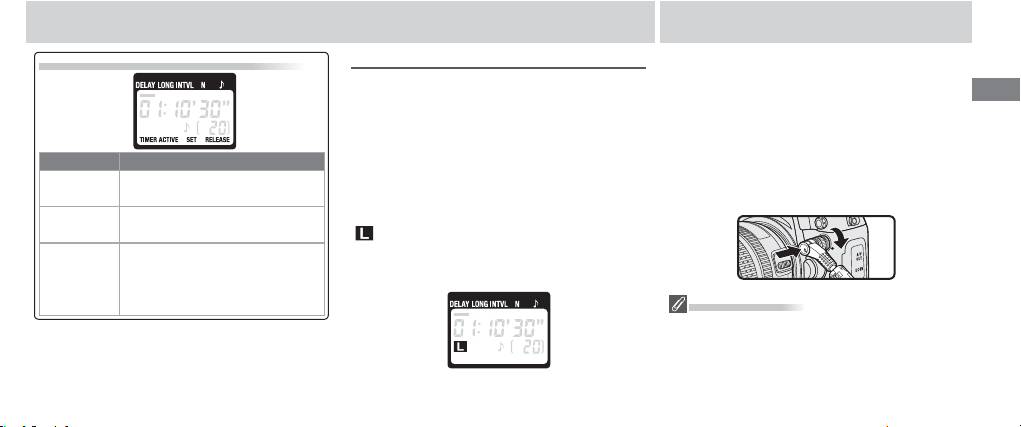
The “TIMER ACTIVE,” “SET,” and “RELEASE” Indicators
The Illuminator/Lock Button
1 Turn the camera off .
Press the illuminator/lock button () briefl y to
2 Check that the “TIMER ACTIVE” () and “RE
activate the control panel backlight. The back-
LEASE” () indicators are not displayed.
light will remain lit for about six seconds; press-
3 Remove the 10-pin terminal cover from the
ing the arrow button () while the backlight is
camera. Keeping the mark on the 10-pin
If this ashes It means this; do this to turn it o
on extends the timer for another six seconds.
connector () aligned with the mark on the
Timer active (page 13); press TIM
To lock all controls except the shutter-re-
camera body, insert the connector as shown
TIMER ACTIVE
ER START/STOP button ().
lease () and illuminator/lock buttons, press
and then tighten the locking nut.
Settings can be modifi ed (page
the illuminator lock button until the lock icon
SET
8); press SET button ().
(
) is displayed in the control panel. To release
RELEASE
Manual release active (page 15);
the lock, press the illuminator/lock button until
(TIMER
release shutter-release button
the lock icon is no longer displayed.
ACTIVE not
(; if button is in HOLD position,
fl ashing)
release shutter-release lock).
Disconnecting the MC-36
After checking that the “TIMER ACTIVE” () and “RE
LEASE” () indicators are not displayed, turn the
camera off and disconnect the MC-36. Replace
the 10-pin terminal cover.
