
Yamaha AX-397: FEATURES SUPPLIED ACCESSORIES
FEATURES SUPPLIED ACCESSORIES: Yamaha AX-397
Table of contents
- CAUTION: READ THIS BEFORE OPERATING YOUR UNIT.
- FEATURES SUPPLIED ACCESSORIES
- CONTROLS AND FUNCTIONS
- CONTROLS AND FUNCTIONS Remote control sensor Opening and closing the front panel door
- Remote control
- Installing batteries in the remote control Using the remote control
- Rear panel
- Connecting speakers and other components
- Remove approximately 10 mm (3/8 in) of insulation from the end of each speaker cable and twist the exposed wires of the cable together to prevent short circuits. Connecting the banana plug (With the exception of Asia, Korea, U.K. and Europe models)
- Connecting the power supply cord
- Play the source. Playing a source
- Adjust the tonal quality by using the BASS, TREBLE, BALANCE and LOUDNESS controls or the CD/DVD DIRECT AMP switch on the front panel.
- Adjusting the BALANCE control Using the CD/DVD DIRECT AMP switch Using the PURE DIRECT switch Adjusting the BASS and TREBLE controls Adjusting the LOUDNESS control Adjusting the tonal quality
- AX-497 Recording a source to a tape or an MD
- AX-397
- General TROUBLESHOOTING Problem
- Remote control Problem
- SPECIFICATIONS
FEATURES
2
◆
Highly dynamic power, low impedance drive
capability
◆
Continuously variable loudness control
◆
CD/DVD DIRECT AMP switch used to reproduce the
purest CD and DVD sound
◆
Remote control capability
[ AX-497 ]
◆
Minimum RMS output power
85 W + 85 W (8
Ω
), 0.019% THD, 20 Hz to 20 kHz
◆
REC OUT selector independent of input source
selection
◆
PURE DIRECT switch used to reproduce the purest
source sound
[ AX-397 ]
◆
Minimum RMS output power
60 W + 60 W (8
Ω
), 0.019% THD, 20 Hz to 20 kHz
◆
TAPE MONITOR switch used to monitor the sound
being recorded
• This document is the owner’s manual for both AX-497 and AX-397. Model names are given where the details of functions are unique
to each model. Illustrations for AX-497 are mainly used for explanations.
•
y
indicates a tip for your operation.
• Some operations can be performed by using either the buttons on the main unit or on the remote control. In cases when the button
names differ between the main unit and the remote control, the names of the buttons on the remote control are given in parentheses.
• This manual is printed prior to production. Design and specifications are subject to change in part as a result of improvements, etc. In
case of differences between the manual and the product, the product has priority.
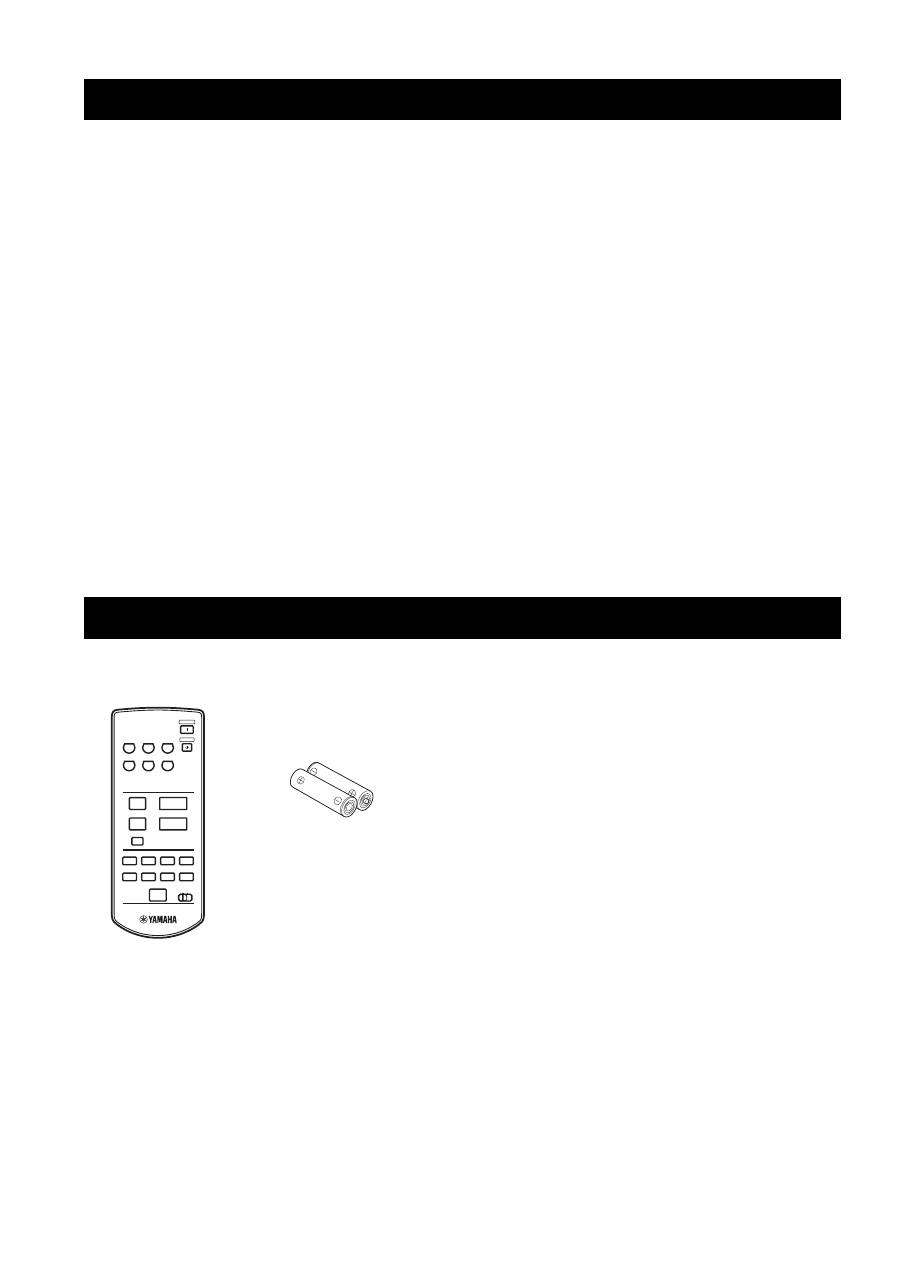
Please check that you received all of the following parts.
FEATURES SUPPLIED ACCESSORIES
CD/DVD
PHONO
TUNER
POWER
STANDBY
MD
TAPE
AUX
+
–
u
d
DISPLAY
A/B
REC
DISC
DIR A
p
DIR B
A/B/C/D/E
PRESET
VOLUME
TAPE
CD
w
e
f
b
s
a
DISPLAY
Remote control
Batteries (2)
(AAA, R03, UM-4)
