
Sharp AR-5618N: CAUTIONS CAUTIONS ON USING AND HANDLING IMPORTANT POINTS WHEN SELECTING AN INSTALLATION SITE CAUTIONS ON LASER HOW TO USE THE OPERATION GUIDE (on the accessory CD-ROM)
CAUTIONS CAUTIONS ON USING AND HANDLING IMPORTANT POINTS WHEN SELECTING AN INSTALLATION SITE CAUTIONS ON LASER HOW TO USE THE OPERATION GUIDE (on the accessory CD-ROM): Sharp AR-5618N
Table of contents
- CAUTIONS CAUTIONS ON USING AND HANDLING IMPORTANT POINTS WHEN SELECTING AN INSTALLATION SITE CAUTIONS ON LASER HOW TO USE THE OPERATION GUIDE (on the accessory CD-ROM)
- SPECIFICATIONS INFORMATION ON DISPOSAL
EN1
CAUTIONS
Follow the cautions below when using and handling this machine.
CAUTIONS ON USING AND HANDLING
Warning:
• The fusing area is hot. Exercise care in this area when removing misfed paper.
• Do not look directly at the light source. Doing so may damage your eyes.
Caution:
• Do not switch the machine rapidly on and off. After turning the machine off, wait
10 to 15 seconds before turning it back on.
• Machine power must be turned off before installing any supplies.
• Place the machine on a firm, level surface.
• Do not install the machine in a humid or dusty location.
• When the machine is not used for a long time, for example, during prolonged
holidays, turn the power switch off and remove the power cord from the outlet.
• When moving the machine, be sure to turn the power switch off and remove the
power cord from the outlet.
• Do not cover the machine with a dust cover, cloth or plastic film while the power is
on. Doing so may prevent heat dissipation, damaging the machine.
• Use of controls or adjustments or performance of procedures other than those
specified herein may result in hazardous laser radiation exposure.
• The socket-outlet should be installed near the machine and should be easily
accessible.
• Do not drop the machine, subject it to shock or strike it against any object.
• Store spare toner cartridges in a cool dry place without removing from the
package before use.
If they are exposed to direct sunlight or excessive heat, poor copies may result.
• Do not touch the photoconductive drum (green portion).
Scratches or smudges on the drum will cause dirty copies.
IMPORTANT POINTS WHEN SELECTING AN
INSTALLATION SITE
Improper installation may damage the machine. Please note the following during
initial installation and whenever the machine is moved.
Do not install your machine in areas that are:
•
damp, humid, or very dusty
•
exposed to direct sunlight
•
poorly ventilated
•
subject to extreme temperature or humidity changes, e.g., near an air
conditioner or heater
Caution:
• The machine should be installed near an accessible power outlet for easy
connection and disconnection.
Be sure to connect the power cord only to a power outlet that meets the specified
voltage and current requirements. Also make certain the outlet is properly
grounded.
• Connect the machine to a power outlet which is not used for other electric
appliances. If a lighting fixture is connected to the same outlet, the light may
flicker.
• If the machine is moved from a cool place to a warm place, condensation may
form inside the machine. Operation in this condition will cause poor copy quality
and malfunctions. Leave the machine at room temperature for at least 2 hours
before use.
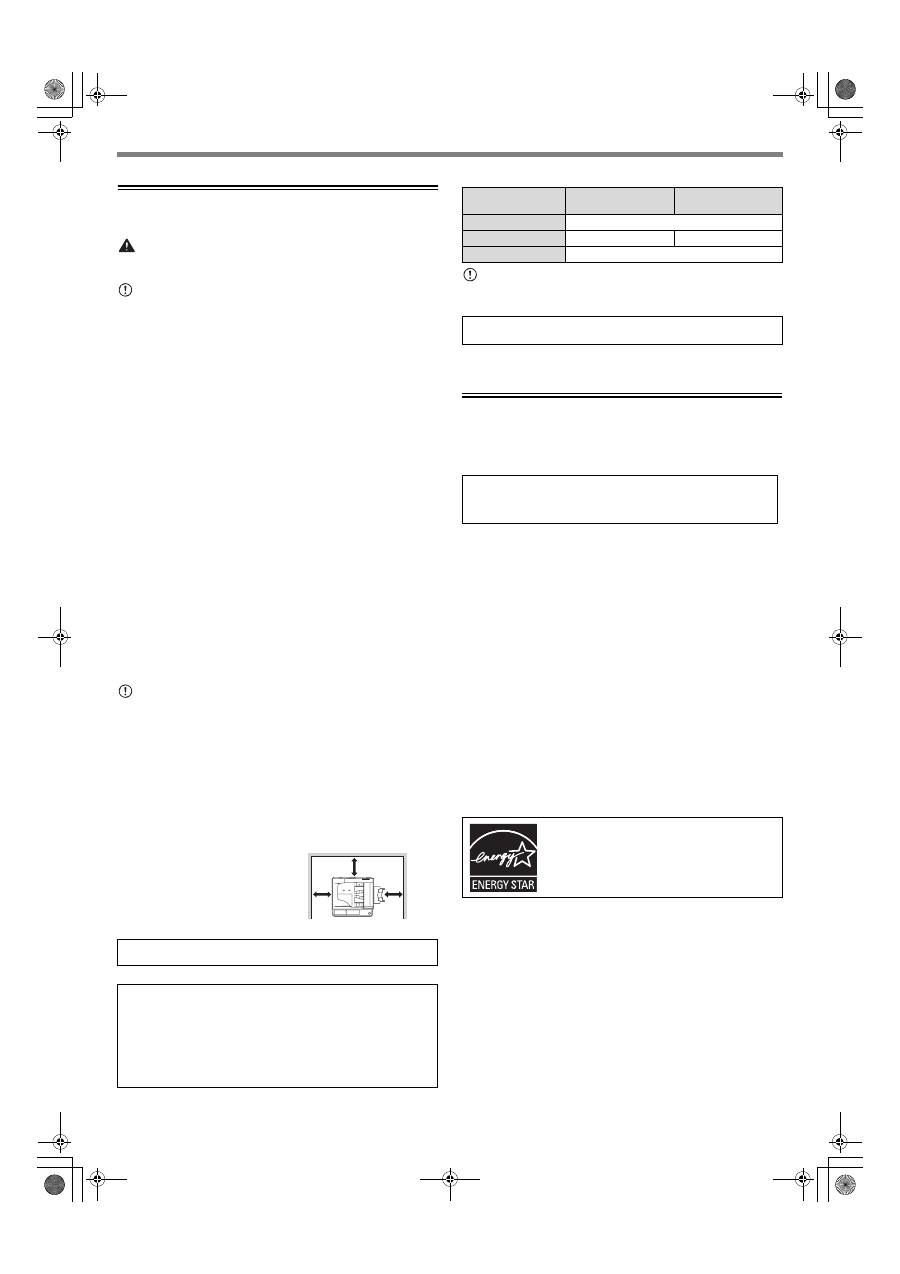
Be sure to allow the required space
around the machine for servicing
and proper ventilation.
CAUTIONS ON LASER
Caution:
Use of controls or adjustments or performance of procedures other than those
specified herein may result in hazardous radiation exposure.
HOW TO USE THE OPERATION GUIDE (on the accessory CD-ROM)
The Operation Guide on the accessory CD-ROM provides detailed instructions for
operating the machine. The Operation Guide is provided in PDF format.
Insert the supplied CD-ROM into your CD-ROM drive.
CD-ROM will run automatically.
If it does not start automatically, double-click the CD-ROM icon or display the
contents of the CD-ROM and double-click "index.html".
Note:
• If you will be viewing the Operation Guide repeatedly, you may find it convenient
to copy the Operation Guide file to your computer.
• The Operation Guide can be printed out using Acrobat Reader. SHARP
recommends printing out the sections which you refer to regularly.
• Refer to "Help" of Acrobat Reader for more details on how to use Acrobat Reader.
SOFTWARE LICENSE
The SOFTWARE LICENSE will appear when you install the software from the
CD-ROM. By using all or any portion of the software on the CD-ROM or in the
machine, you are agreeing to be bound by the terms of the SOFTWARE LICENSE.
TRADEMARK ACKNOWLEDGEMENTS
The following trademarks and registered trademarks are used in conjunction with the
machine and its peripheral devices and accessories.
• Microsoft
®
, Windows
®
, Windows
®
2000, Windows
®
XP, Windows Vista
®
, and
Windows
®
7 are registered trademarks or trademarks of Microsoft Corporation in
the U.S.A. and other countries.
• IBM, PC/AT, and PowerPC are trademarks of International Business Machines
Corporation.
• Adobe, the Adobe logo, Acrobat, the Adobe PDF logo, and Reader are registered
trademarks or trademarks of Adobe Systems Incorporated in the United States
and other countries.
• All other trademarks and copyrights are the property of their respective owners.
ENVIRONMENTAL INFORMATION
The products that meet the ENERGY STAR
®
guidelines carry the logo shown above.
The products without the logo may not meet the ENERGY STAR
®
guidelines.
A small amount of ozone is produced within the copier during operation. The
emission level is insufficient to cause any health hazard.
CAUTION:
Do not install the machine in a location with poor air circulation.
A small amount of ozone is created inside the machine during printing. The
amount of ozone created is not sufficient to be harmful; however, an unpleasant
odor may be noticed during large copy runs, and thus the machine should be
installed in a room with a ventilation fan or windows that provide sufficient air
circulation. (The odor may occasionally cause headaches.)
*Install the machine so that people are not directly exposed to exhaust from the
machine.
20 cm
(8")
20 cm
(8")
20 cm (8")
Model
AR-5618/AR-5620
AR-5618D/AR-5620D
AR-5623
AR-5623D
Wave length
785 nm ± 15 nm
Pulse times
(10.34 µs ± 0.1 µs)/7 mm
(8.665 µs ± 0.1 µs)/7 mm
Output power
Max. 0.3 mW
This Digital Equipment is CLASS 1 LASER PRODUCT (IEC 60825-1 Edition
2-2007)
To view the manual in PDF format, Acrobat Reader or Adobe Reader of Adobe
Systems Incorporated is required. If neither program is installed on your
computer, the programs can be downloaded from the following URL:
http://www.adobe.com/
Products that have earned the ENERGY STAR
®
are
designed to protect the environment through superior
energy efficiency.
AR-5618_5623D_StartGuide_EX.book Page 1 Friday, March 4, 2011 11:44 AM
