
Gorenje GMO-25 DGE: 10. Start/Reset Care of your microwave oven
10. Start/Reset Care of your microwave oven: Gorenje GMO-25 DGE
Table of contents
- SPECIFICATIONS Radio interference Before you call for service Installation
- Important safety instructions Safety instructions for general use
- IMPORTANT-COOKWARE NOT TO USE IN YOUR MICROWAVE OVEN
- Computer control panel Feature diagram
- Operation Instruction 6. Auto-Menu
- 10. Start/Reset Care of your microwave oven
- Environment Guarantee & service
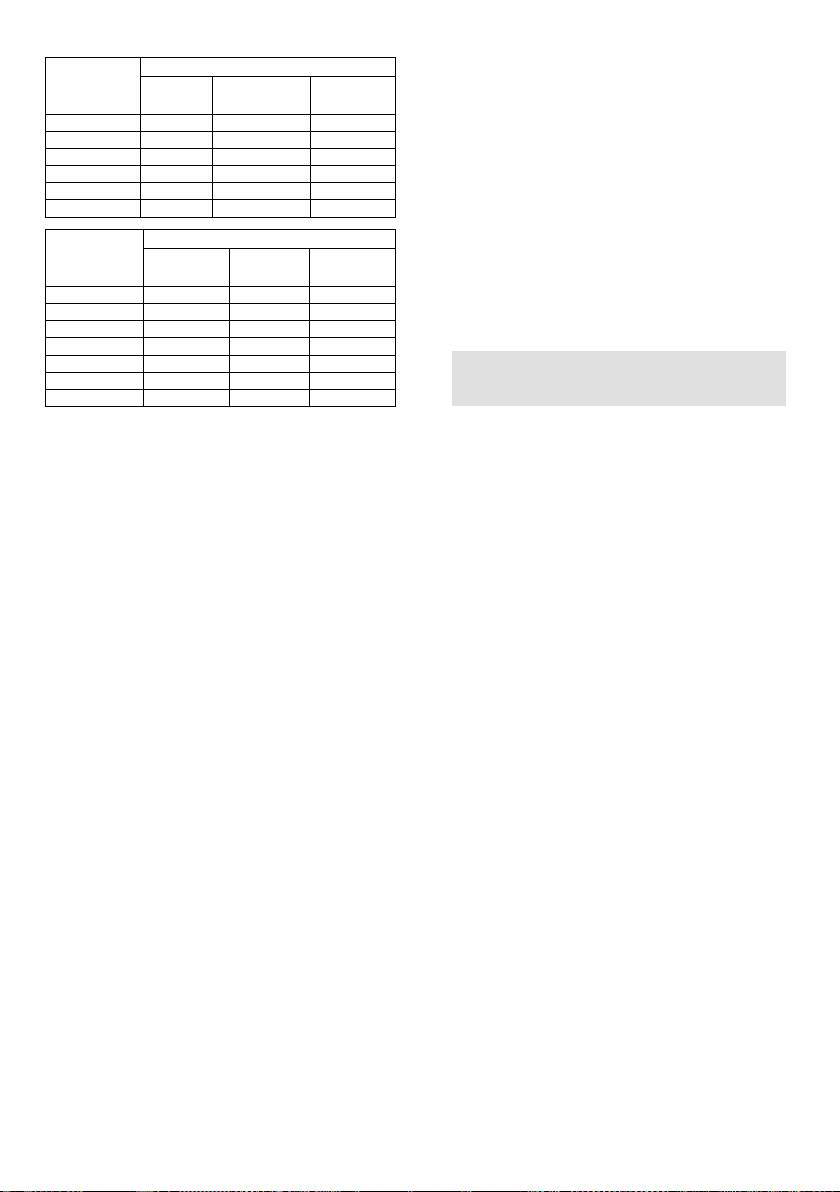
37
Touching
Times
"1min"
Menu, Weight (kg)
A-1
Rice
A-2
Vegetable
A-3
Noodles
1
0,1
0,1
1
2
0,2
0,2
2
3
0,3
0,3
4
0,4
0,4
5
0,5
0,5
6
0,6
Touching
Times
"1min"
Menu, Weight (kg)
A-4
Meat
A-5
Fish
A-6
Chicken
1
0,2
0,2
0,2
2
0,3
0,3
0,4
3
0,4
0,4
0,6
4
0,5
0,5
0,8
5
0,6
0,6
1,0
6
0,8
0,8
7
1,0
1,0
9. Child-safety-lock
To activate the child safety lock, press "1
Min" and "10 Sec" at the same time for 2
seconds.
Press press "1 Min" and "10 Sec" at the
same time for 2 seconds again, it will
unlock the machine.
10. Start/Reset
a) In the course of operation, press
"Start/Reset" button will stop
operation.
b) If any program was set before
pressing start, press this button will
cancel all the set program.
Care of your microwave
oven
1. Turn the oven off and remove the power
7. Clock
plug from the wall socket before
The oven has a 24-hour digital clock,
cleaning.
To set the time for example to 4:30pm:
2. Keep the inside of the oven clean. When
a) Press the "Clock/Timer" button.
food splatters of spilled liquids adhere to
Display will start flashing, adjust the
oven walls,wipe with a damp cloth. The
hour with "1 Min" and "10 Sec"
use of harsh detergent or abrasives is
buttons.
not recommended.
b) Press "Clock/Timer" again, adjust
3. The outside oven surface should be
the minutes with buttons "1Min" and
cleaned with a damp colth. To prevent
"10 Sec".
damage to the operating parts inside the
c) Press "Clock/Timer" again and the
oven, water should not be allowed to
clock will be set.
seep into the ventilation openings.
d) If you want to change the time,
4. Do not allow the Control Panel to
repeat the procedure above.
become wet. Clean with a soft, damp
cloth, Do not use detergents, abrasives
8. Timer
or spray-on cleaners on the control
This allows you to set the microwave
Panel.
oven to start and finish cooking at pre-
5. If steam accumulates inside or around
set time.
the outside of the oven door, wipe with a
The clock must be set before you use
soft cloth.This may occur when the
this feature.
microwave oven is operated under high
Example: The current time is 16:30 and
humidity conditions and in no way
you want to start cooking at 18:15 on
indicates malfunction of the unit.
70% power for 10minutes:
6. It is occasionally necessary to remove
a) Press "Clock/Timer", set the time to
the glass tray for cleaning. Wash the tray
"18:15" by pressing "1Min" and "10
in warm sudsy water or in a dishwasher.
Sec" buttons, (same procedure as
7. The roller ring and oven cavity floor
setting clock)
should be cleaned regularly to avoid
b) Press "Micro" to select
excessive noise. Simply wipe the bottom
70% power.
surface of the oven with mild detergent,
c) Set cooking time to 10 minutes.
water or window cleaner and dry. The
d) Press "Start/Reset"
roller ring may be washed in mild sudsy
If you do not set the power and cooking
water or sish washer. Cooking vapours
time and directly press the start button
collect during repeated use but in no way
once you have programmed the time, the
affect the bottom surface or roller ring
appliance will only work as a clock.
wheels.
At 18:15 there will be 10 bleeps and the
appliance will switch off.


