
Toshiba JournE Air1000: To use the on-screen keypad: RSS
To use the on-screen keypad: RSS: Toshiba JournE Air1000
Table of contents
- Table of Contents
- Regulatory information . . . . . . . . . . . . . . . . . . . . . . . . . . . . . 20
- Introduction Safety instructions
- Step 1: Check the package contents
- Step 2: Identify the parts Rear view Left view
- Remote control
- Step 3: Use the foot stand
- Step 4: Connect the AC power Step 5: Insert or remove a memory card
- Step 6: Operate the unit
- Step 7: Use the OSD menus Controls on the Photo menu
- Zooming the photo Controls on the Calendar menu
- Controls on the Music menu Controls on the Video menu
- Controls on the WiFi menu Using WiFi-enabled services
- To use the on-screen keypad: RSS
- Flickr / Picasa
- Radio
- Frequently asked questions
- TOSHIBA support Regulatory information
- Indication of restrictions of use Working environment
- Following information is only valid for EU-member states:
Air1000-QSG-EEMEA-V1-1208.book Page 16 Tuesday, November 18, 2008 11:54 PM
• indicates that this station is password-protected. You will have
to enter its password and/or set up its security level/settings
accordingly.
• indicates the current signal strength of the selected station.
4. After successful connection, continue to use the selected WiFi
service.
This unit supports IEEE 802.11 b/g connectivity with WPA/WPA2-PSK.
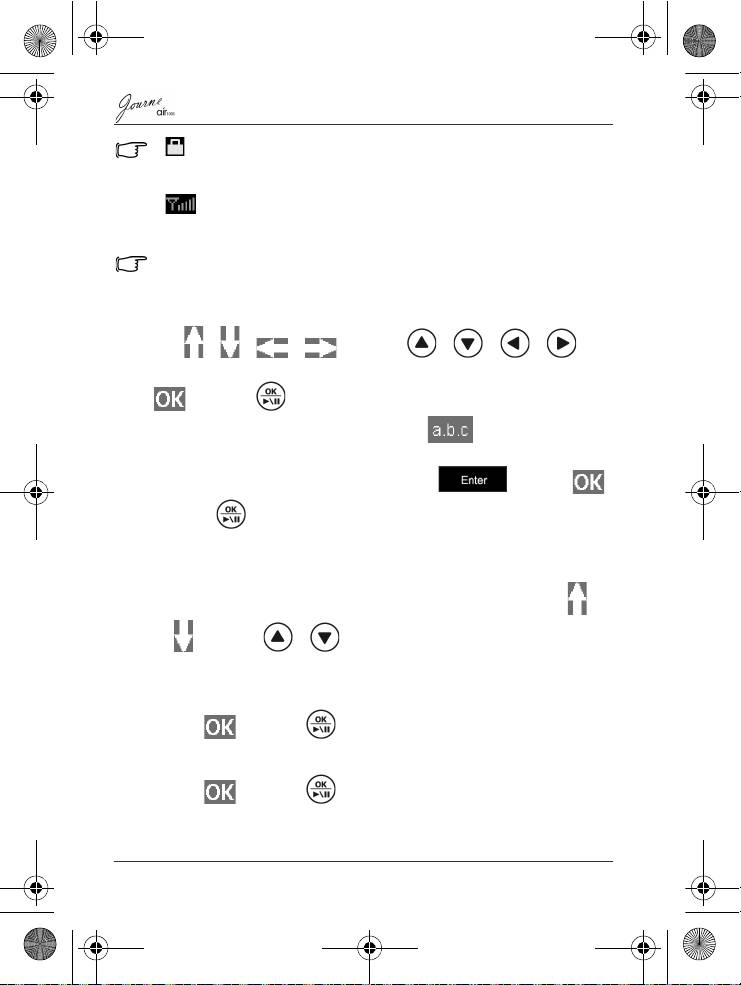
To use the on-screen keypad:
Tap / / / or press / / / on
the remote control to move to the letter/symbol you want, and tap
or press on the remote control to enter the letter/
symbol. To change input methods, tap repeatedly to
switch among uppercase texts, lowercase texts and numbers.
Upon completion, move the selection to and tap
or press on the remote control to confirm inputs.
RSS
1. A list of preset RSS entries appears on the screen. Tap /
or press / on the remote control to select a
preferred entry.
Or
Tap or press on the remote control in the Add box.
Enter a desired RSS feed directory using the keypad below.
2. Tap or press on the remote control.
EN-16
Quick Start Guide
