
Acer AO533: Networkconfiguration
Networkconfiguration: Acer AO533
Table of contents
Series
Networkconfiguration
This guide will help you configure your LAN and wireless network settings to enable you to connect to the Internet.
SettingupLANconnection
Simply plug in the LAN cable to the Ethernet (RJ-45) port. Please refer to "Rightview"onpage6 for the location of the Ethernet
port.
Settingupawirelessconnection
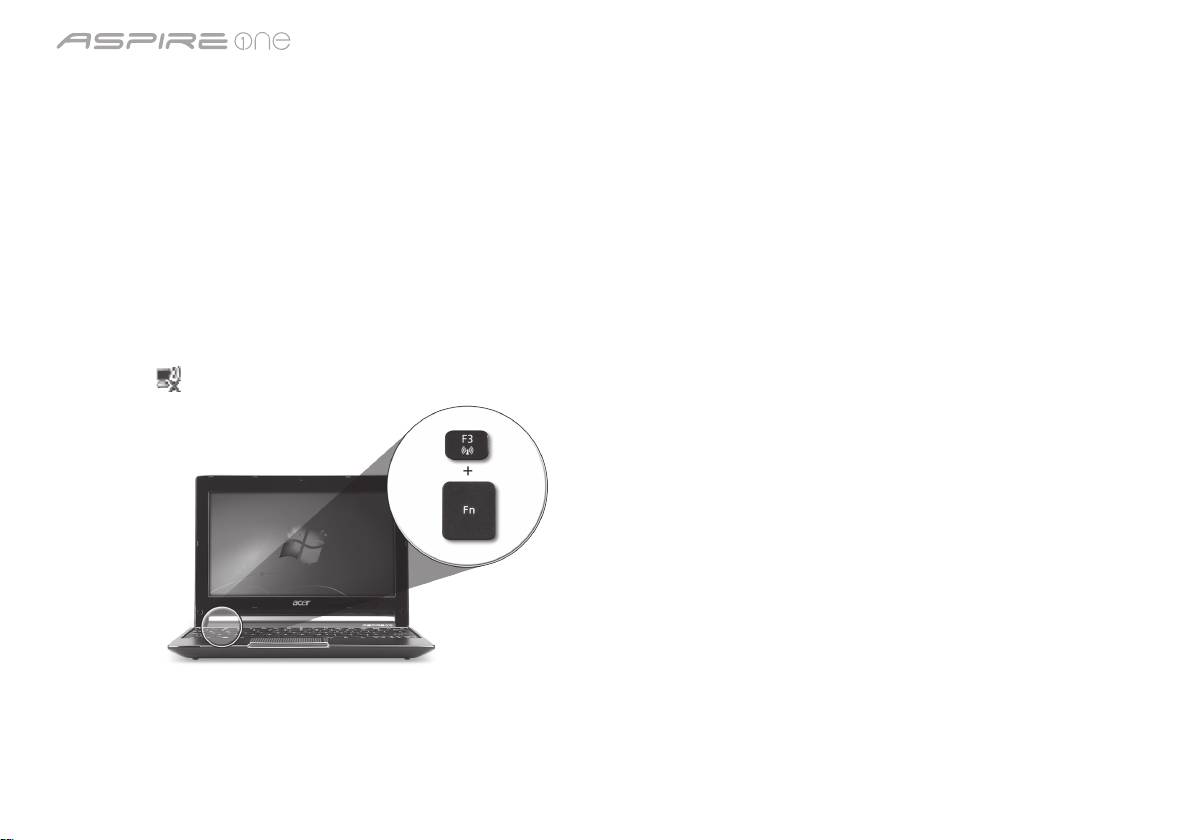
1. Press <Fn> + <F3> to access the communication manager. Here you can turn on the Wi-Fi connection by clicking on the red
button next to Wi-Fi.
Note: 3G and Bluetooth are also accessible through the communication manager. Communication devices vary by model.
2. Click the icon on your system tray and choose the wireless access point you want to connect to.
Insertinga3GSIMcard(onlyforcertainmodels)
Remove the battery and carefully insert a 3G SIM card into the 3G SIM card slot. Please refer to "Rear&baseviews"onpage6
for the location of the 3G SIM card slot.
3
