
JVC KW-AV50: BLUETOOTH OPERATIONS
BLUETOOTH OPERATIONS: JVC KW-AV50
BLUETOOTH OPERATIONS
Operations on a Bluetooth device (using JVC KS-BTA100,
ENGLISH
separately purchased)
For Bluetooth operations, it is required to connect the Bluetooth adapter, KS-BTA100 (separately purchased) to the
LINE IN terminals on the rear of the unit. (☞ the Installation/Connection Manual)
• KS-BTA100 is not available in some countries. Please contact your dealer where you purchased this unit.
• For details, refer also to the instructions supplied with the Bluetooth adapter and the Bluetooth device.
• Operations may be different according to the connected device.
Caution
When JVC KS-U30 and JVC KS-BTA100 are connected at the same time, videos of iPod with video (5th
Generation) cannot be played.
Preparation
1 Register (pair) a Bluetooth device with KS-BTA100.
• Refer to the instructions manual supplied with KS-BTA100.
2 Select <BT> for <Audio Input> setting. (☞ page 44)
• “
Bluetooth
” is selectable as the source on <AV Menu>.
Using the Bluetooth audio player
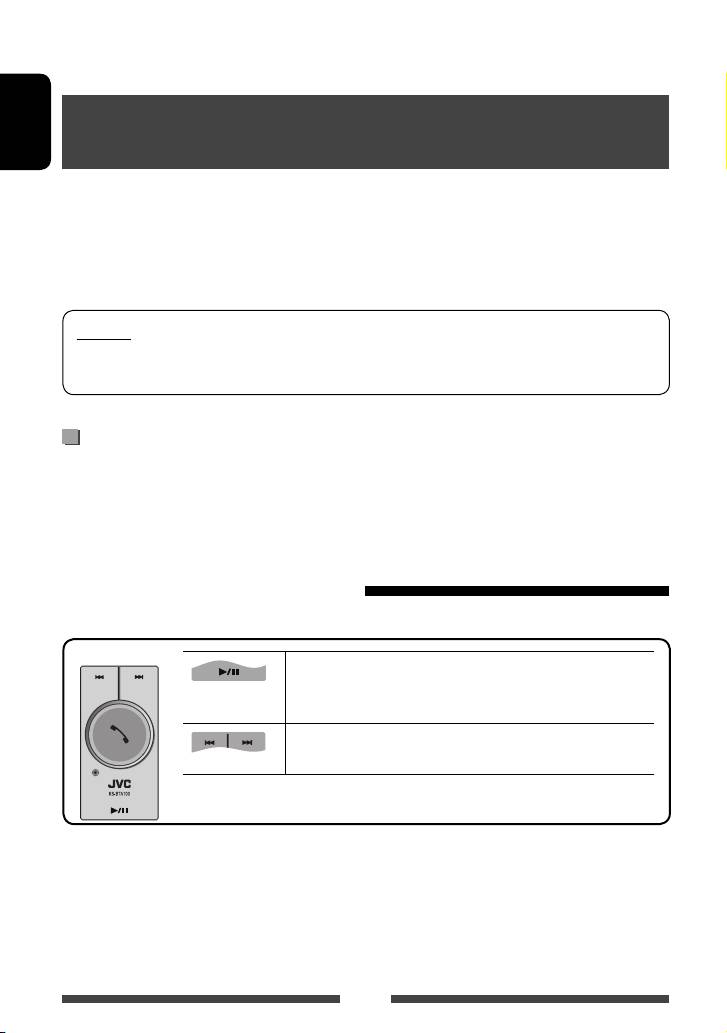
1 Select “Bluetooth” as the source. (☞ page 13)
KS-BTA100
Starts playback/pauses.
• If playback does not start, operate the Bluetooth audio player to
start playback.
• Selects track. (Press)
• Fast-forwards or reverses the track. (Hold)
48
EN_KW-AV50EU.indb 48EN_KW-AV50EU.indb 48 11/09/16 14:2011/09/16 14:20
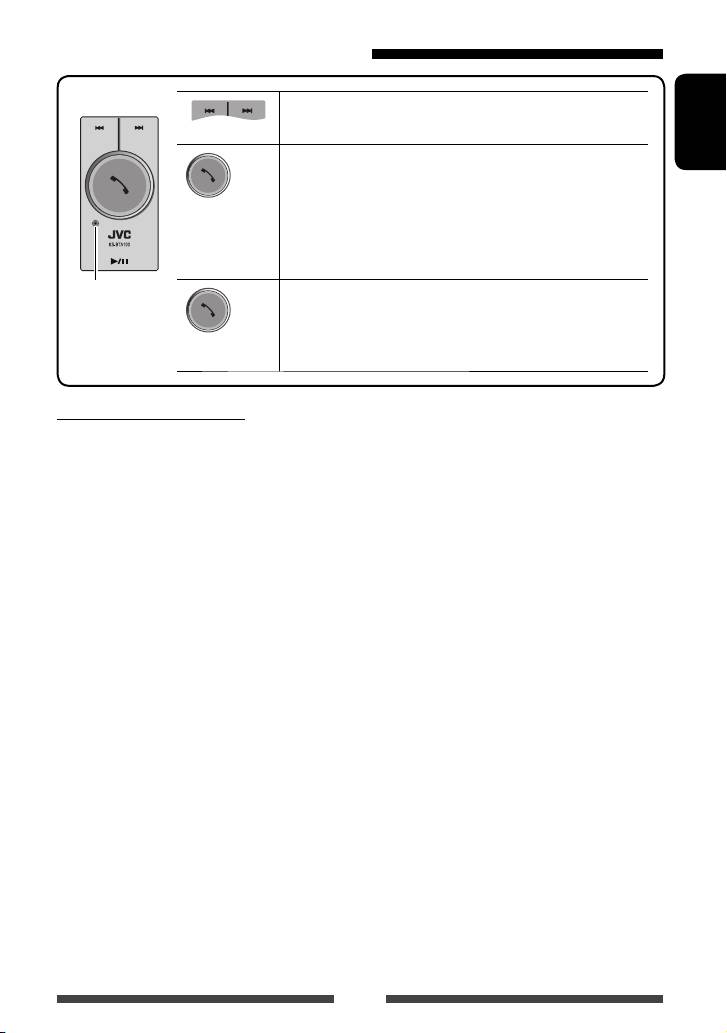
Using the Bluetooth mobile phone
KS-BTA100
Adjusting the microphone volume
(Low) (High)
Volume level: High/Normal (initial)/Low
ENGLISH
• Receiving a call
When a call comes in...
• Making a call
(Press)
Making a call to the last connected number from your phone.
• Switching between handsfree and phone
While talking...
Microphone
• Ends/rejects call
• Voice dialing
Voice dialing is available only when the connected mobile phone
(Hold)
has the voice recognition system.
About microphone volume:
• When you turn off the power of the unit, the volume level changes to Normal.
49
EN_KW-AV50EU.indb 49EN_KW-AV50EU.indb 49 11/09/16 14:2011/09/16 14:20
