
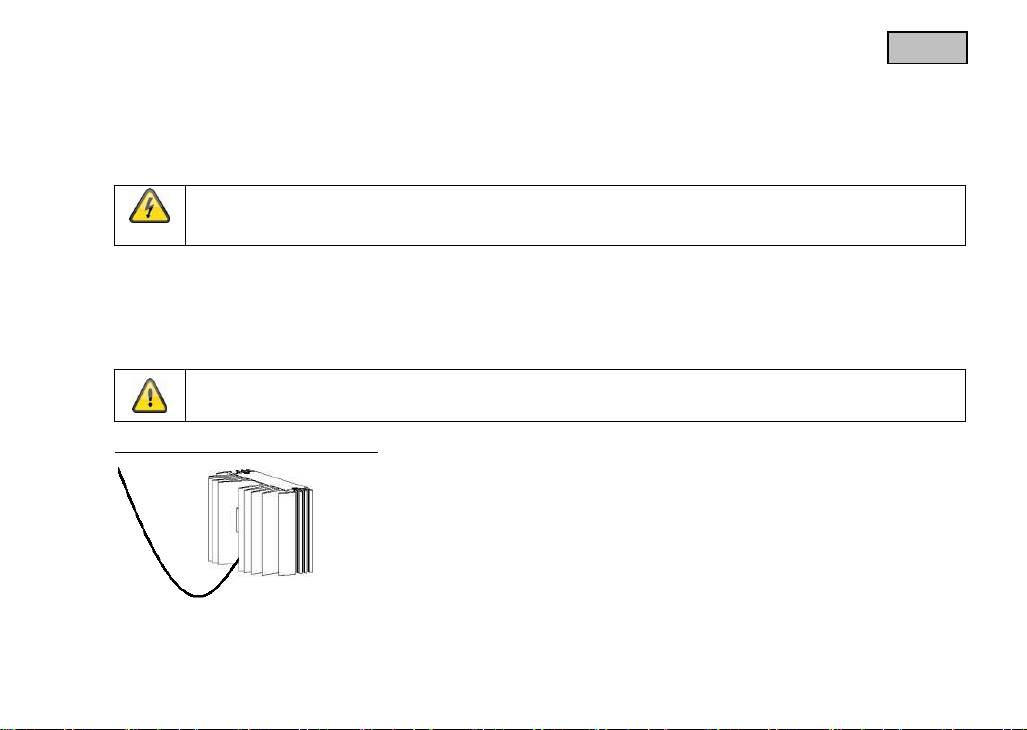
ABUS TVAC710x0: 5. Mounting / installation Installation example for installing the cable
5. Mounting / installation Installation example for installing the cable: ABUS TVAC710x0
Оглавление
- These user manual contains important information for installation and operation. This should be also noted when this product is passed on to a third party.Therefore look after these operating instructions for future reference!
- User guide
- Introduction
- Icon explanation Important safety advice The following safety information and hazard notes are not only intended to protect your health, but also to protect the device from damage. Please read the following points carefully: Avoid the following adverse conditions during operation:
- General safety information: Safety information
- Warnings Unpacking
- Table of contents
- 1. Intended use 2. Scope of delivery 3. Features and Functions 4. Description of the illuminators
- 5. Mounting / installation Installation example for installing the cable
- 6. Notes on using infrared illuminators 7. Maintenance and cleaning 7.1 Maintenance
- 7.2 Cleaning Wipe the product with a clean, dry cloth. If the device is very dirty, you can moisten the cloth with lukewarm water. 8. Disposal
- 9. Technical data Model
- Model
23
English
There is a photo sensor on the underside of the illuminator that switches the illuminator on and off.
When light intensity falls below 3 lux, the illuminator turns on automatically.
On the back of the illuminator, there is a 1/4" thread for installing the illuminator with a mount.
5. Mounting / installation
IMPORTANT!
The illuminator must be disconnected from the mains power during installation.
The polarity is unimportant.
For ceiling or wall installation, use the ceiling/wall bracket supplied as an optional accessory. Proceed as follows:
1. First fix the wall/ceiling bracket in the position required using the screws supplied.
2. Connect the illuminator to a stabilised 12–24 VDC/VAC power source with sufficient power (up to 12 Watt, depending on the
model).
3. Mount the infrared/white light illuminator on the wall/ceiling bracket.
4. Adjust the direction of the illuminator and fix the position.
Please note:
Ensure that the cable remains taut during installation.
Installation example for installing the cable
