
Lenovo IDEAPAD U110: instruction
Class: Computer equipment, hardware, accessories
Type: Laptop/Notebook Computer
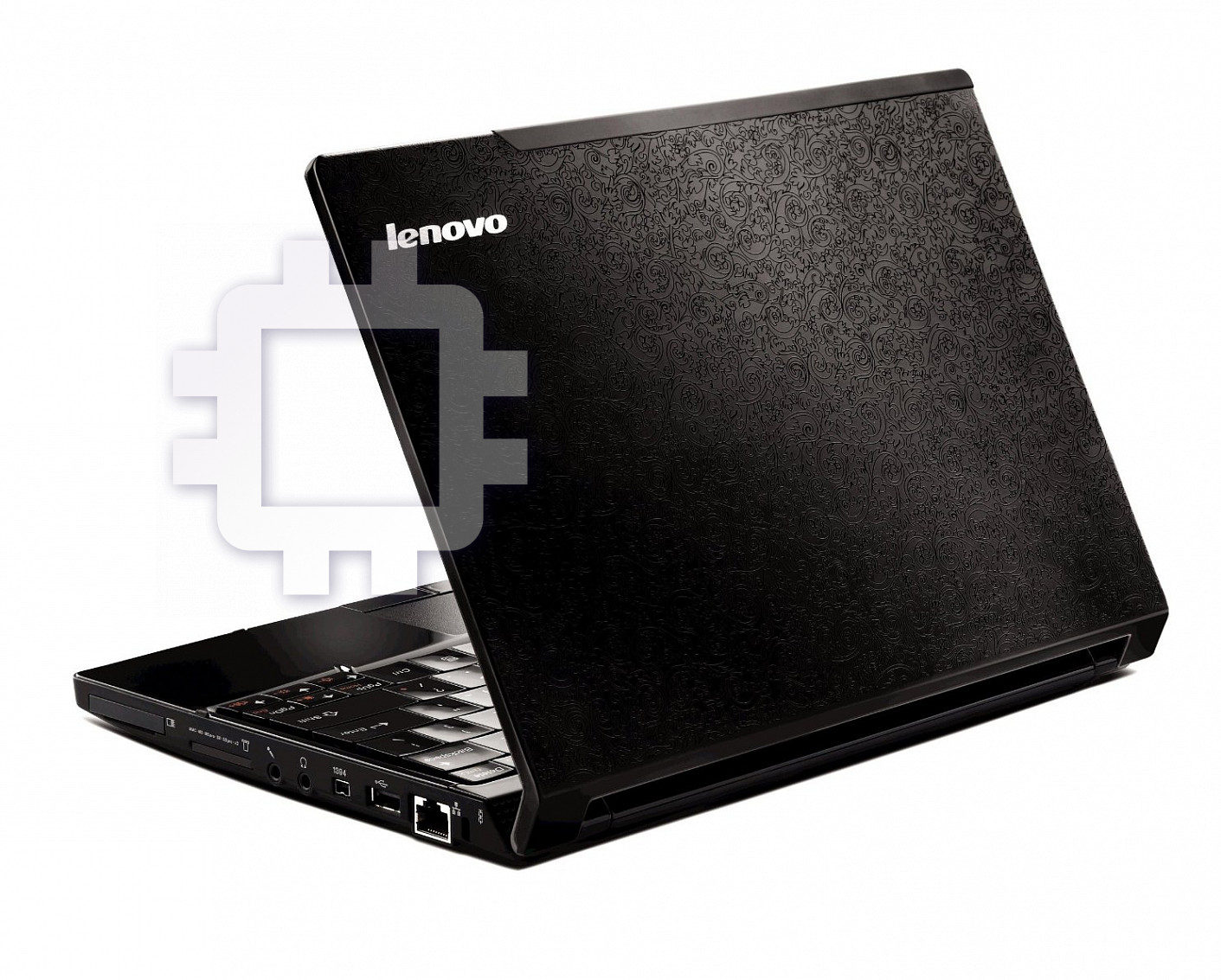
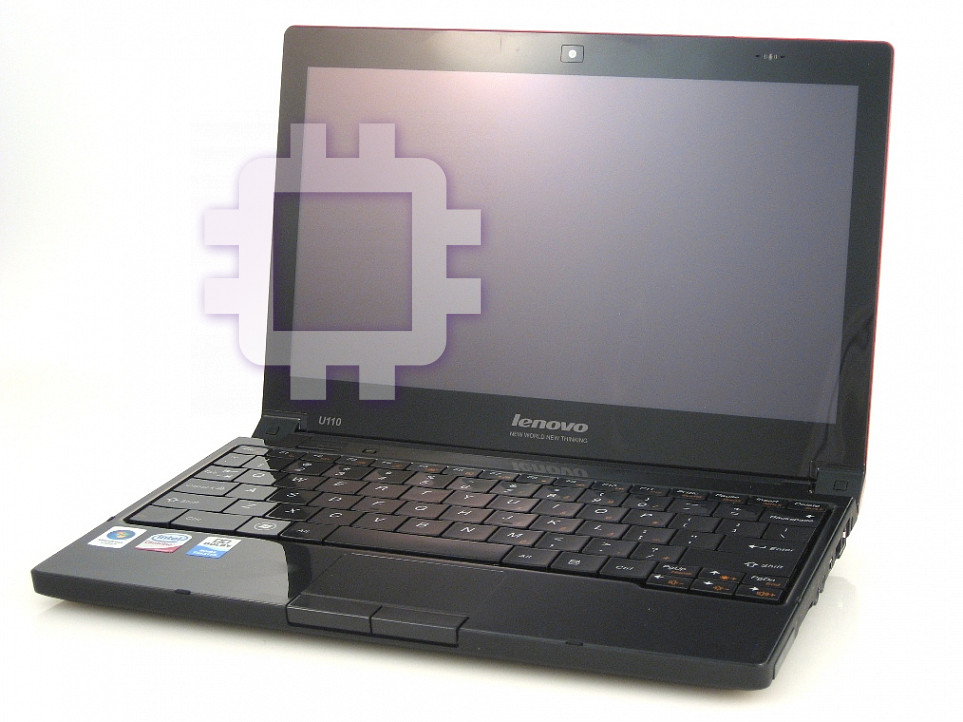
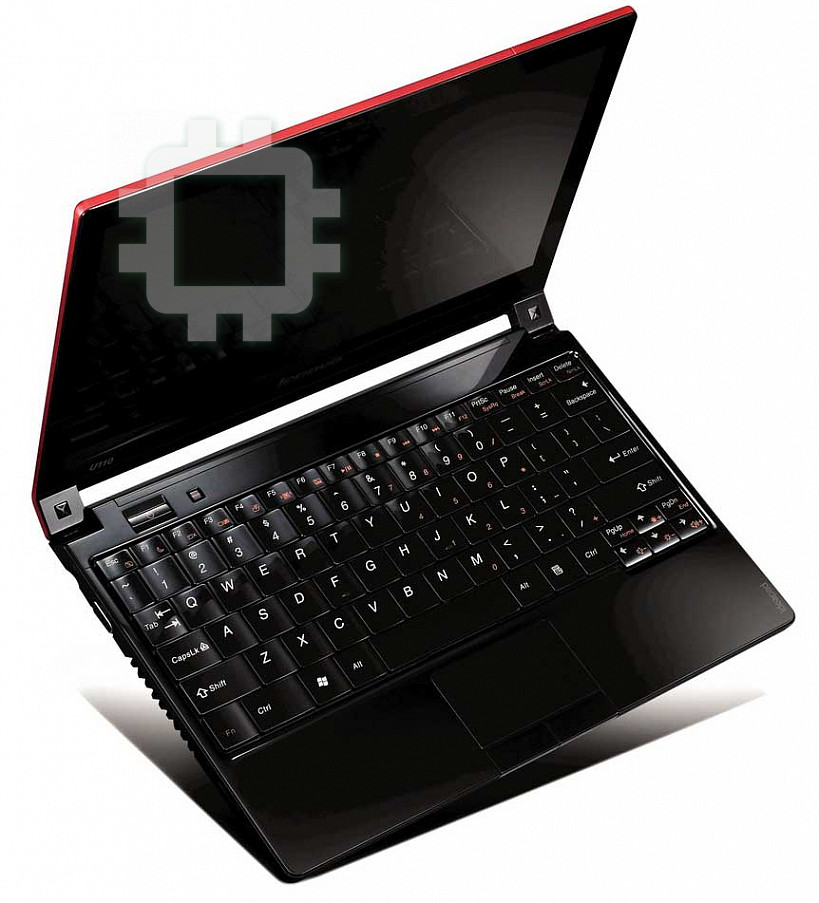
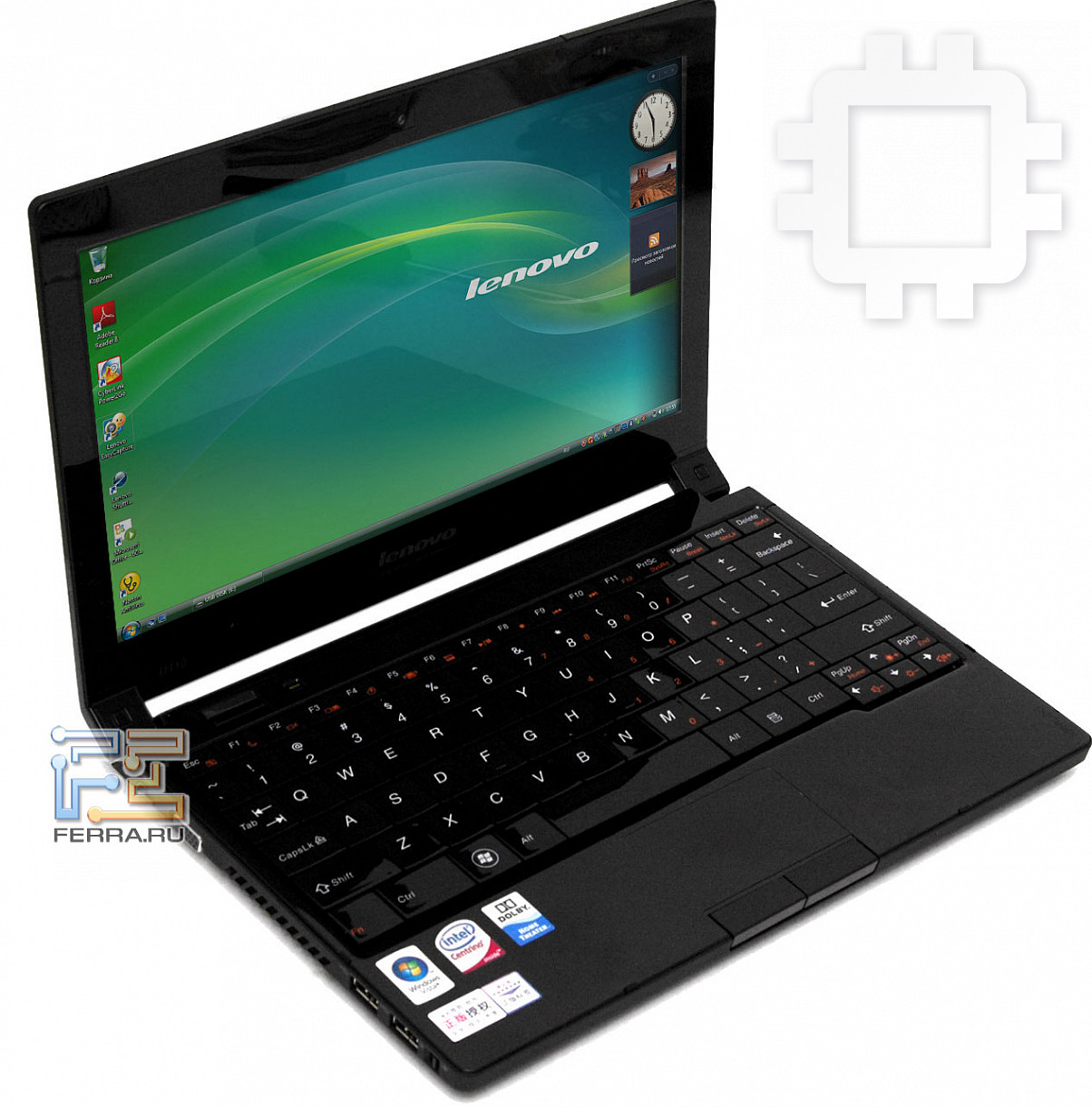
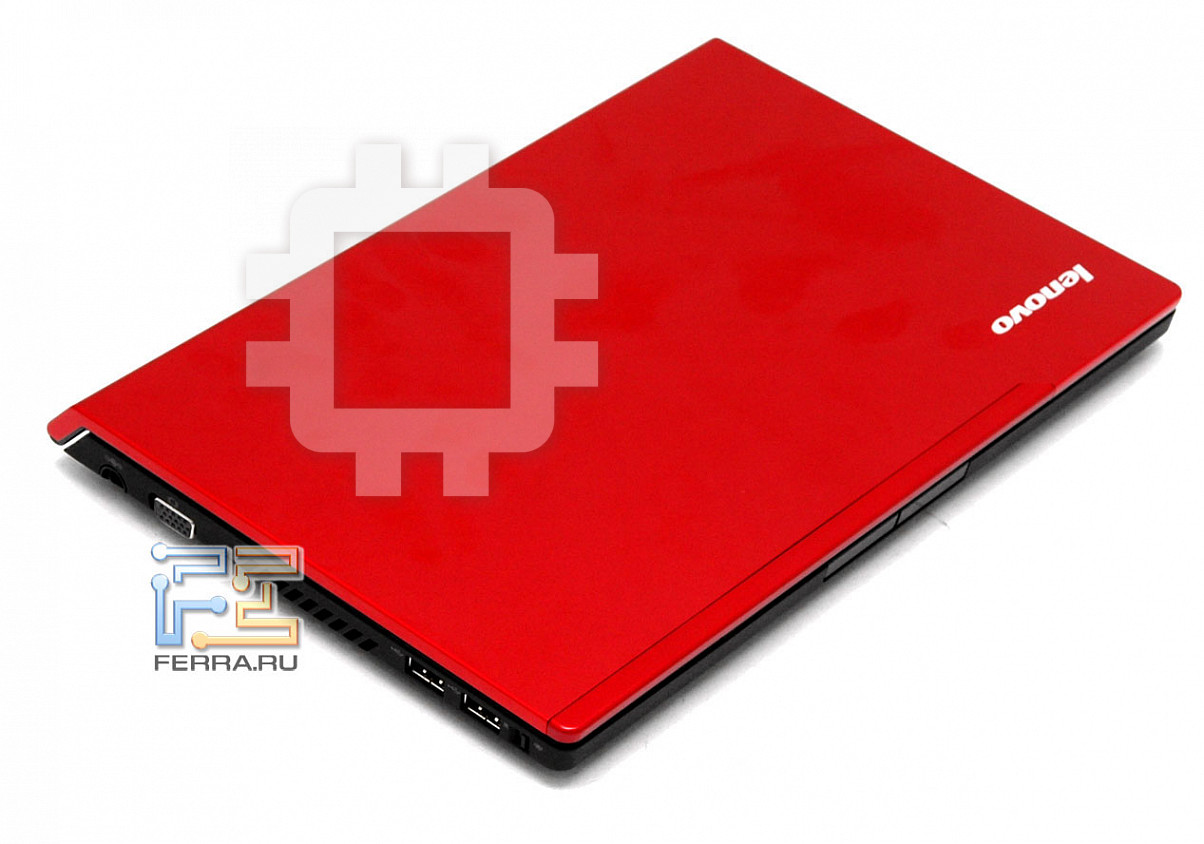
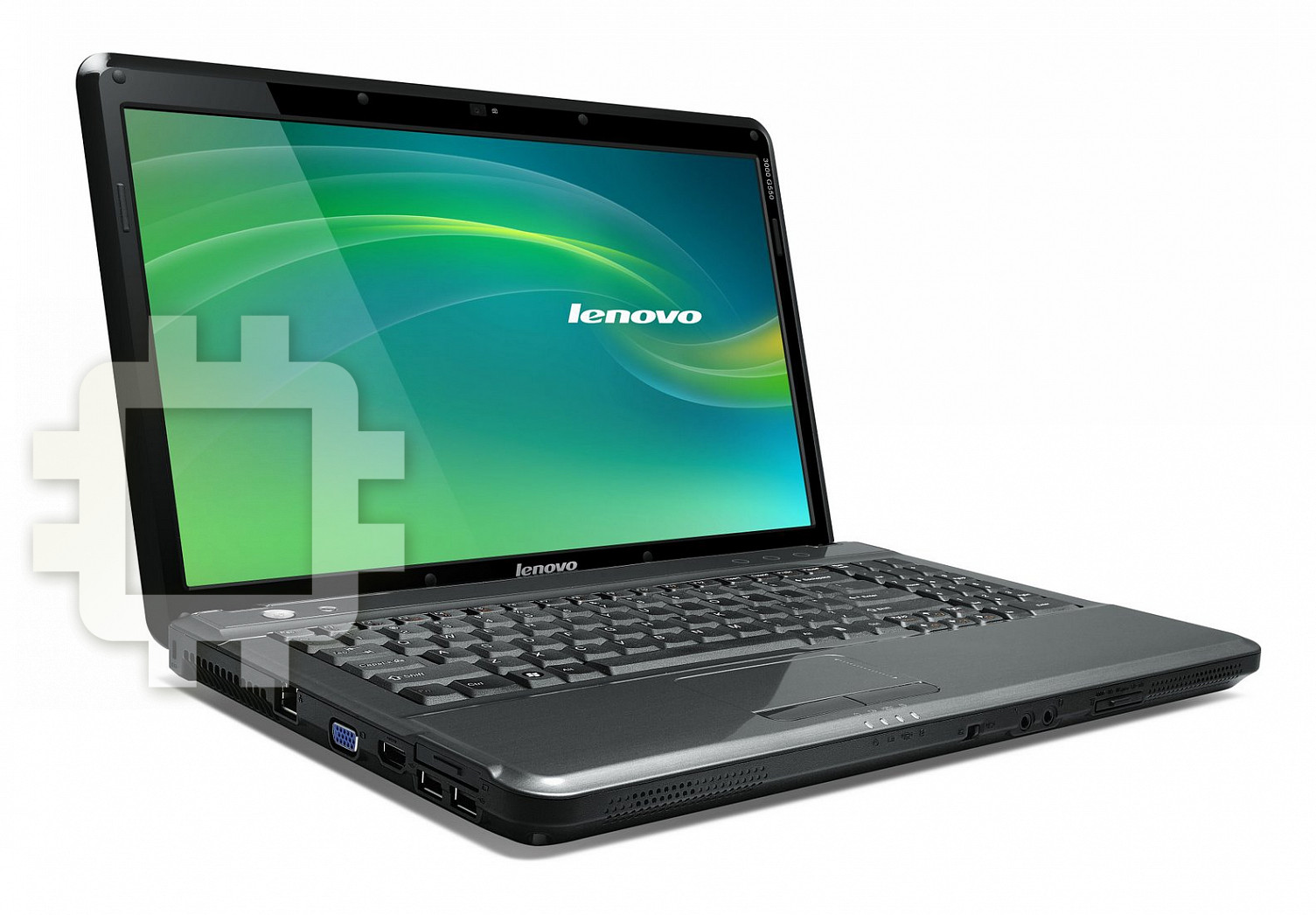
Manual for Lenovo IDEAPAD U110
Table of contents
- Introduction OneKey Recovery4.65
- License Agreement
- Entitlement License
- Transferability
- Third Party Software Components and Products Software Product Speci cations
- Charges No Warranty
- Limitation of Liability
- General Consumer Rights Dispute Resolution
- System Recovery System Recovery Main Interface Recovery
- © C o p y r i g h t L e n o v o 2 0 0 7 .
Lenovo IdeaPad OneKey Recovery™ 4.65 V 1.0 cover_en_1-4
New World. New Thinking.
www.lenovo.com
P/N: 148000352
Printed in China
Lenovo
IdeaPad
OneKey Recovery 4.65
OneKey Recovery 4.65
V1.0
V1.0
©Lenovo China 2008

Lenovo IdeaPad OneKey Recovery™ 4.65 V 1.0 cover_en_2-3
First Edition (January 2008)
U.S. GOVERNMENT USERS – RESTRICTED RIGHTS: Our products and/or services are provided with
RESTRICTED RIGHTS. Use, duplication or disclosure by the Government is subject to the GSA ADP Schedule
contract with Lenovo, if any, or the standard terms of this commercial license, or if the agency is unable to accept
this Program under these terms, then we provide this Program under the provisions set forth in Commercial
Computer Software–Restricted Rights at FAR 52.227-19, when applicable, or under Rights in Data-General, FAR
52.227.14 (Alternate III).
© Copyright Lenovo 2007. All rights reserved.

i
ENGLISH
Introduction ....................................................................................... 1
License Agreement ............................................................................2
System Recovery ..............................................................................10
FRANÇAIS
Introduction ......................................................................................13
Contrat de licence .............................................................................15
Remise en état du système ..............................................................23
РУССКИЙ
Введение
...........................................................................................27
Лицензионное
соглашение
..........................................................29
Восстановление
системы
..............................................................39
中文简体
简介
.....................................................................................................43
许可协议
.............................................................................................44
系统恢复
.............................................................................................49

ii
中文繁體
簡介
.....................................................................................................51
授權合約
.............................................................................................52
系統恢復
.............................................................................................57
1
ENGLISH
Introduction
Thank you for using the Lenovo™ OneKey Recovery pro-
gram. The OneKey Recovery program provides a convenient
and simple method to restore the contents of your hard disk
back to the same state as when the computer was originally
shipped from the factory. This feature is useful to help you
recover from a variety of software-related problems.
Warning:
The OneKey Recovery program enables you to restore the
contents of the hard disk to the factory default configura-
tion, including the operating system and factory-installed
software. If you use this feature, all data on the C partition
will be lost and replaced by the factory default configura-
tion. Therefore, before you use this feature, back up all im-
portant files on the C partition to another hard disk or other
media.
Note
:
Some space on the hard disk is used for a special area that
contains hard disk image files and other related programs.
For security reasons, this area is invisible to Windows
®
Ex-
plorer, My Computer, and other file management programs.
As a result, the total hard disk capacity reported by Windows Explorer
and other programs is less than the actual hard disk capacity.
OneKey Recovery4.65
2
ENGLISH
License Agreement
This Lenovo License Agreement (the “Agreement”) applies to each
Lenovo Software Product that You acquire, whether it is preinstalled
on or included with a Lenovo hardware product, acquired separately, or
downloaded by You from a Lenovo Web site or a third-party Web site
approved by Lenovo. It also applies to any updates or patches to these
Software Products.
This Lenovo License Agreement is available in other lan-
guages at www.lenovo.com/license.
Lenovo will license the Software Product to You only if You accept this
Agreement. You agree to the terms of this Agreement by clicking to
accept it or by installing, downloading, or using the Software Product.
If You do not agree to these terms, do not install, download, or use the
Software Product(s).
• If You acquired the Software Product(s) and paid a license fee,
return the Software Product to the party from whom You acquired it
to obtain a refund or a credit of the amount You paid.
• If You acquired the Software Product(s) preinstalled on or provided
with a Lenovo hardware product, You may continue to use the hard-
ware product, but not the Software Product(s) covered under this
Agreement.
“Software Product”
includes computer software programs (whether
preinstalled or provided separately) and related licensed materials such
as documentation.
“You”
and
“Your”
refer either to an individual person or to a single legal
entity.
L505-0009-01 04/2007

3
ENGLISH
1
Entitlement
You must maintain Your original dated sales transaction
document, such as a receipt, invoice or similar document, as
Your proof of Your right to use the Software Product. The
transaction document specifies the usage level acquired. If
no usage level is specified, You may install and use a single
copy of the Software Product on a single hardware product.
Your transaction document also provides evidence of Your
eligibility for future upgrades, if any. For Software Products
preinstalled on, included with, or distributed at no charge
for use on a Lenovo hardware product, Your hardware
product sales transaction document is also the proof of Your
right to use the Software Product.
2
License
The Software Product is owned by Lenovo or a Lenovo sup-
plier, and is copyrighted and licensed, not sold. Lenovo
grants You a nonexclusive license to use the Software Prod-
uct when You lawfully acquire it.
You may a) use the Software Product up to the level of use
specified in Your transaction document and b) make and
install copies, including a backup copy, to support such use.
The terms of this Agreement apply to each copy You make.
You may not remove or alter any copyright notices or leg-
ends of ownership.
If You acquire the Software Product as a program upgrade,
after You install the upgrade You may not use the Software
4
ENGLISH
Product from which You upgraded or transfer it to another
party.
You will ensure that anyone who uses the Software Product
(accessed either locally or remotely) does so only for Your
authorized use and complies with the terms of this Agree-
ment.
You may not a) use, copy, modify, or distribute the Software
Product except as provided in this Agreement; b) reverse as-
semble, reverse compile, or otherwise translate the Software
Product except as specifically permitted by law without the
possibility of contractual waiver; or 3) sublicense, rent, or
lease the Software Product.
Lenovo may terminate Your license if You fail to comply
with the terms of this Agreement. If Lenovo does so, You
must destroy all copies of the Software Product.
3
Transferability
You may not transfer or assign the Software Product to any
other party, except as permitted in this section.
Preinstalled Software Products are licensed for use only
on the Lenovo hardware product on which they are prein-
stalled or included with and may be transferred only with
that Lenovo hardware product. They may not be transferred
independent of the Lenovo hardware product.
5
ENGLISH
4
Third Party Software Components and Products
Some Lenovo Software Products and future updates and
patches may contain third party components, which may
include Microsoft Windows Preinstallation Environment.
These third party components are provided to You under
separate terms and conditions different from this Agree-
ment, typically found in a separate license agreement or in a
README (or similarly titled) file. The third party’s license
terms and use restrictions will solely govern the use of such
components.
Third Party Software Products provided by Lenovo may be
governed by the terms of this Agreement but are usually
licensed by the Third Party under its own terms and condi-
tions. Third Party Software Products that are not licensed
by Lenovo are subject solely to the terms of their accompa-
nying license agreements.
5
Software Product Speci
fi
cations
The Software Product specifications and specified operating
environment information may be found in documentation
accompanying the Software Product, if available, such as a
README or similarly titled file, or otherwise published by
Lenovo.

6
ENGLISH
6
Charges
Charges for the Software Product are based on the level of
use acquired.
If You wish to increase the level of use, contact Lenovo or
the party from whom You acquired the Software Product.
Additional charges may apply.
If any authority imposes a duty, tax, levy or fee, exclud-
ing those based on Lenovo’s net income, upon the Software
Product, then You agree to pay the amount specified or sup-
ply exemption documentation. You are responsible for any
personal property taxes for the Software Product from the
date that You acquire it.
7
No Warranty
The Software Product(s) is provided to You “AS IS.”
SUBJECT TO ANY STATUTORY WARRANTIES WHICH CANNOT
BE EXCLUDED, LENOVO MAKES NO WARRANTIES OR CONDI-
TIONS, EITHER EXPRESS OR IMPLIED, INCLUDING BUT NOT
LIMITED TO THE IMPLIED WARRANTIES OR CONDITIONS OF
MERCHANTABILITY, FITNESS FOR A PARTICULAR PURPOSE,
AND NON-INFRINGEMENT, REGARDING THE SOFTWARE
PRODUCT OR TECHNICAL SUPPORT, IF ANY.
The exclusion also applies to any of Lenovo’s developers
and suppliers.
Suppliers or publishers of non-Lenovo Software Products
may provide their own warranties.
Lenovo does not provide technical support, unless Lenovo

7
ENGLISH
specifies otherwise in writing.
8
Limitation of Liability
Circumstances may arise where, because of a default on
Lenovo's part or other liability, You may be entitled to re-
cover damages from Lenovo. In each such instance, regard-
less of the basis on which You are entitled to claim damages
from Lenovo (including fundamental breach, negligence,
misrepresentation, or other contract or tort claim), except
and to the extent that liability cannot be waived or limited
by applicable laws, Lenovo is liable for no more than the
amount of actual direct damages suffered by You, up to the
amount You paid for the Software Product. This limit does
not apply to damages for bodily injury (including death)
and damage to real property and tangible personal property
for which Lenovo is required by law to be liable.
This limit also applies to Lenovo's suppliers and resellers. It is the
maximum for which Lenovo, its suppliers and resellers are collectively
responsible.
UNDER NO CIRCUMSTANCES IS LENOVO, ITS SUPPLIERS OR
RESELLERS LIABLE FOR ANY OF THE FOLLOWING EVEN IF
INFORMED OF THEIR POSSIBILITY: 1) THIRD PARTY CLAIMS
AGAINST YOU FOR DAMAGES; 2) LOSS OF, OR DAMAGE TO,
YOUR DATA; OR 3) SPECIAL, INCIDENTAL, OR INDIRECT DAM-
AGES OR FOR ANY ECONOMIC CONSEQUENTIAL DAMAGES,
INCLUDING LOST PROFITS, BUSINESS REVENUE, GOODWILL,
OR ANTICIPATED SAVINGS. SOME STATES OR JURISDICTIONS
DO NOT ALLOW THE EXCLUSION OR LIMITATION OF INCIDEN-
8
ENGLISH
TAL OR CONSEQUENTIAL DAMAGES, SO THE ABOVE LIMITA-
TION OR EXCLUSION MAY NOT APPLY TO YOU.
9
General
1. In the event that any provision of this Agreement is held
to be invalid or unenforceable, the remaining provisions
of this Agreement remain in full force and effect.
2. You agree to comply with all applicable export and im-
port laws and regulations.
3. Neither You nor Lenovo will bring a legal action under
this Agreement more than two (2) years after the cause of
action arose unless otherwise provided by local law with-
out the possibility of contractual waiver or limitation.
10
Consumer Rights
Nothing in this Agreement affects any statutory rights of
consumers that cannot be waived or limited by contract. You
may have additional consumer rights under applicable local
laws, which this Agreement cannot change.
11
Dispute Resolution
If You acquired the Software Product in
Cambodia, Indo-
nesia, Philippines, Vietnam or Sri Lanka,
disputes arising
out of or in connection with this Software Product shall
be finally settled by arbitration held in Singapore and this
Agreement shall be governed, construed and enforced in ac-
cordance with the laws of Singapore, without regard to con-
9
ENGLISH
flict of laws. If You acquired the Software Product in
India,
disputes arising out of or in connection with this Software
Product shall be finally settled by arbitration held in Banga-
lore, India. Arbitration in Singapore shall be held in accor-
dance with the Arbitration Rules of Singapore International
Arbitration Center (“SIAC Rules”) then in effect. Arbitra-
tion in India shall be held in accordance with the laws of
India then in effect. The arbitration award shall be final and
binding for the parties without appeal and shall be in writ-
ing and set forth the findings of fact and the conclusions of
law. All arbitration proceedings shall be conducted, includ-
ing all documents presented in such proceedings, in the
English language, and the English language version of this
Agreement prevails over any other language version in such
proceedings.
10
ENGLISH
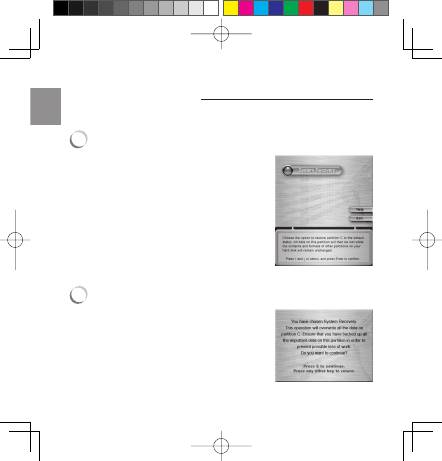
System Recovery
Use the following procedure to restore the contents of your hard
disk to the factory default configuration.
1
System Recovery Main Interface
Enter the main interface using either
of the following methods:
• Press the NOVO key while the com-
puter power is off.
• Follow the instructions in your
lenovo computer user manual.
There is a System Recovery option in
the main interface. By applying the
function, you can restore the system
to the default status with the precon-
figured backup.
2
Recovery
Choose
System Recovery
by
pressing
↑
or
↓
key, press
Enter
to
enter the recovery prompt inter-
face, as displayed on the right:

11
ENGLISH
If the hard disk partition is different
from the backup image, a forced re-
covery operation will be carried out,
and all data on the hard disk will
be erased, so make sure you have a
back up of all important data before
performing the recovery. The follow-
ing message on the right is displayed
before the system recovery process
continues.
Press the E key to continue.
The recovery progress interface is dis-
played. Press
C
to interrupt and quit
the operation.
(Note: If you quit system recovery,
you cannot enter the normal system
again!)
When System Recovery is completed,
you can reboot the system by press-
ing any key. This message is dis-
played in the last screen displayed
on the right:
L e n o v o a n d t h e L e n o v o l o g o a re t r a d e m a r k s o f L e n o v o
i n t h e U n i t e d S t a t e s , o t h e r c o u n t r i e s , o r b o t h .
© C o p y r i g h t L e n o v o 2 0 0 7 .
A l l r i g h t s re s e r v e d .

12

13
Introduction
Merci d'utiliser Levono <OneKey Recovery4.65> !
Alors que l'utilisation des ordinateurs se répand à toute
vitesse, les utilisateurs peuvent être confrontés à plus de
problèmes quand ils utilisent un ordinateur. Pour les aider
à résoudre plus facilement les problèmes courants, Lenovo
présente un logiciel pratique et convivial, le <OneKey
Recovery4.65>. Ce logiciel restaure les systèmes rapidement
et sans complications.
Avertissement
:
Vous pouvez utiliser OneKey Recovery pour restaurer votre
partition C à la configuration usine par défaut, notamment
le système d'exploitation et les logiciels qu'il contient.
Une fois cette procédure terminée, le systéme ne peut plus
revenir à son état précédent. Toutes les données contenues
dans la partition C sont donc perdues. Ainsi, veillez à ce
que tous les fichiers importants contenus dans la partition
C soient sauvegardés sur un autre disque dur ou un disque
dur externe avant cette procédure.
Remarque :
Pour réaliser la fonction OneKey Recovery de maniére
fi
able et ef
fi
cace,
de l'espace a été prévu pour stocker les
fi
chiers image du disque dur et les
programmes afférents. Pour des raisons de sécurité, cette zone est invisi-
ble dans l'explorateur du systéme d'exploitation.
OneKey Recovery4.65
FRANÇAIS
13
14
Par conséquent, la taille totale du disque dur dans l'explorateur du
systéme d'exploitation est plus restreinte que la taille standard.
FRANÇAIS
14
15
Contrat de licence
L505-0009-01 04/2007
Le présent Contrat de licence (l'
Contrat
) s'applique à chaque Logi-
ciel Lenovo dont Vous faites l'acquisition, que celui-ci soit préinstallé
sur du matériel, qu'il soit livré avec ce matériel, qu'il soit acheté sépa-
rément ou que Vous l'ayez Vous-même téléchargé depuis un site Web
Lenovo ou un site Web tiers agréé par Lenovo. Il s'applique également
à toutes les mises à jour ou correctifs de ces Logiciels.
Le présent Contrat de licence est disponible dans d'autres langues sur
www.lenovo.com/license.
Lenovo Vous accordera une licence pour ce Logiciel uniquement si
Vous acceptez le présent Contrat. Le fait de cliquer sur le bouton cor-
respondant à l'acceptation du présent Contrat, d'effectuer l'installation
du Logiciel, de le télécharger ou de l'utiliser signi
fi
e que Vous acceptez
les conditions du présent Contrat.
Si Vous n'acceptez pas ces conditions, n'installez aucun des Logiciels,
ne les téléchargez pas et ne les utilisez pas.
• Si Vous avez acheté les Logiciels et payé une licence, retournez-les
au revendeur auprés duquel Vous les avez achetés pour en obtenir
le remboursement intégral ou un avoir correspondant au montant
que Vous avez payé.
• Si Vous avez acheté les Logiciels préinstallés sur du matériel Le-
novo ou livrés avec ce matériel, Vous pouvez continuer à utiliser le
matériel mais pas le Logiciel faisant l'objet du présent Contrat.
Le Logiciel comprend des programmes informatiques (installés ou
fournis séparément) et du matériel annexe soumis à licence, tel que de la
documentation.
Vous , Votre et Vos dé signent soit une personne physique, soit
une personne morale.
FRANÇAIS
15

16
1
Droit
Vous devez conserver la preuve d'achat originale, telle
qu'un reçu, une facture ou tout autre document de même
nature attestant que Vous détenez le droit d'utiliser le Lo-
giciel. La preuve d'achat mentionne le niveau d'utilisation
qui Vous a été accordé. Si celui-ci n'est pas précisé, Vous
ne pouvez installer et utiliser qu'une seule copie du Logi-
ciel sur un seul matériel. Votre preuve d'achat Vous ouvre
droit à bénéficier d'éventuelles mises à jour. Pour les Logi-
ciels préinstallés sur du matériel Lenovo, livrés avec celui-
ci ou distribués gratuitement en vue de l'utilisation dudit
matériel, la preuve d'achat atteste de Vos droits à utiliser le
Logiciel.
2
Licence
Le Logiciel est la propriété de Lenovo ou d'un fournisseur
de Lenovo; il est soumis au droit d'auteur et concédé sous
licence, non vendu. Lenovo Vous accorde une licence d'uti-
lisation du Logiciel non-exclusive lorsque Vous faites l'ac-
quisition de celle-ci.
Vous pouvez a) utiliser le Logiciel jusqu'au niveau d'utilisa-
tion précisé sur Votre preuve d'achat et b) réaliser et instal-
ler des copies (y compris une copie de sauvegarde) dans le
cadre de cette utilisation. Les conditions du présent Contrat
s'appliqueront à chaque copie que Vous ferez. Vous ne pou-
vez pas retirer ou modifier les mentions de droits d'auteur
ni les clauses de propriété intellectuelle.
FRANÇAIS
16


