
Kenwood KDC-W427: CD/MP3/WMA control features
CD/MP3/WMA control features: Kenwood KDC-W427

CD/MP3/WMA control features
AM/
0
SCRL
FM
¢4
SCRL
LOUD
AUD
OFF
F. SE LSCAN RDM REP
DISP MENU
AME
AUTO
SRC
SCAN
REP
1
RDM/
F.SEL
MENU
3
Track number
IN indicator
Track time
Playing CD & MP3/WMA
Fast Forwarding and Reversing
When a disc is inserted
Fast Forwarding
Press the [SRC] button.
Hold down on the [¢] button.
Select the "CD" display.
Release your finger to play the disc at that point.
Reversing
• When a disc is inserted, the "IN" indicator is ON.
Hold down on the [4] button.
Release your finger to play the disc at that point.
Eject the disc
Press the [0] button.
Track/File Search
• 3 in. (8cm) disc cannot be played. Using an adapter
and inserting them into this unit can cause damage.
Searching for a song on the disc or in the MP3/
WMA folder.
• The MP3/WMA media that this unit can play are CD-
Press the [4] or [¢] button.
ROM, CD-R, and CD-RW.
The medium formats must be ISO 9660 Level 1, Level
2, Joliet, or Romeo. The methods and precautions to
be followed for writing MP3/WMA data are covered in
'Notes on playing MP3/WMA' (page 6).
Check that section before creating your MP3/WMA
media.
English
|
15
B64-2807-00U.S.Inddtcsp15 03.12.11,6:27:16PM
CD/MP3/WMA control features
Function of MP3/ WMA
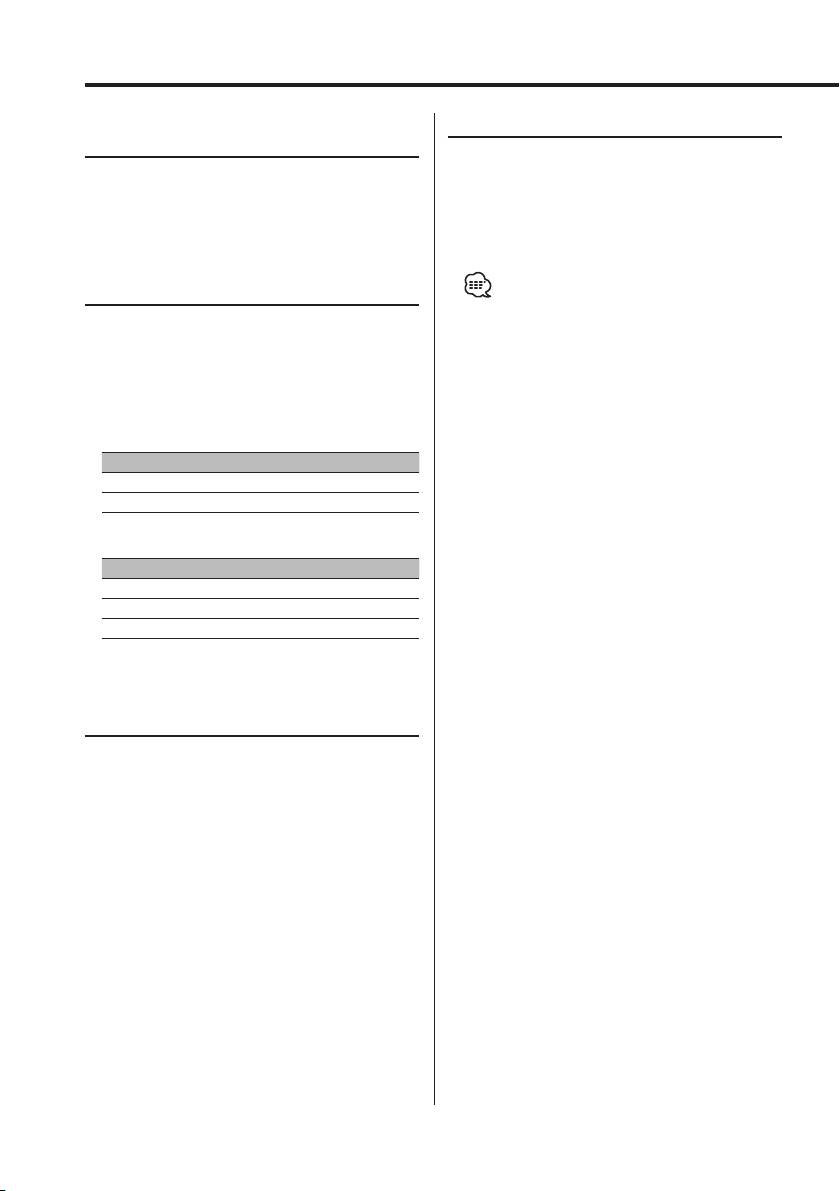
Random Play
Folder Search
Play all the songs on the disc or MP3/WMA folder
Selecting the folder recorded on the MP3/WMA
in random order.
media.
Press the [RDM] button.
Press the [AM] or [FM] button.
Each time the button is pressed Random Play
turns ON or OFF.
When it’s ON, "RDM ON" is displayed.
Track/File/Folder Repeat
• When the [¢] button is pressed, the next song
Replaying the song or MP3/WMA folder you’re
select starts.
listening to.
Press the [REP] button.
Each time the button is pressed the Repeat Play
switches as shown below.
In CD source
Repeat play Display
Tr ack Repeat "REP ON"
OFF "REP OFF"
In MP3/WMA source
Repeat play Display
File Repeat "FILE REP"
Folder Repeat "FOLD REP"
OFF "REP OFF"
Scan Play
Playing the first part of each song on the disc
or MP3/WMA folder you are listening to and
searching for the song you want to listen to.
1 Start Scan Play
Press the [SCAN] button.
"SCAN ON" is displayed.
2 Release it when the song you want to listen
to is played
Press the [SCAN] button.
16
|
English
B64-2807-00U.S.Inddtcsp16 03.12.11,6:27:19PM
Function of MP3/WMA
Folder Select
Quickly selecting the folder you want to listen to.
1 Enter Folder Select mode
Press the [F.SEL] button.
"F-SELECT" is displayed.
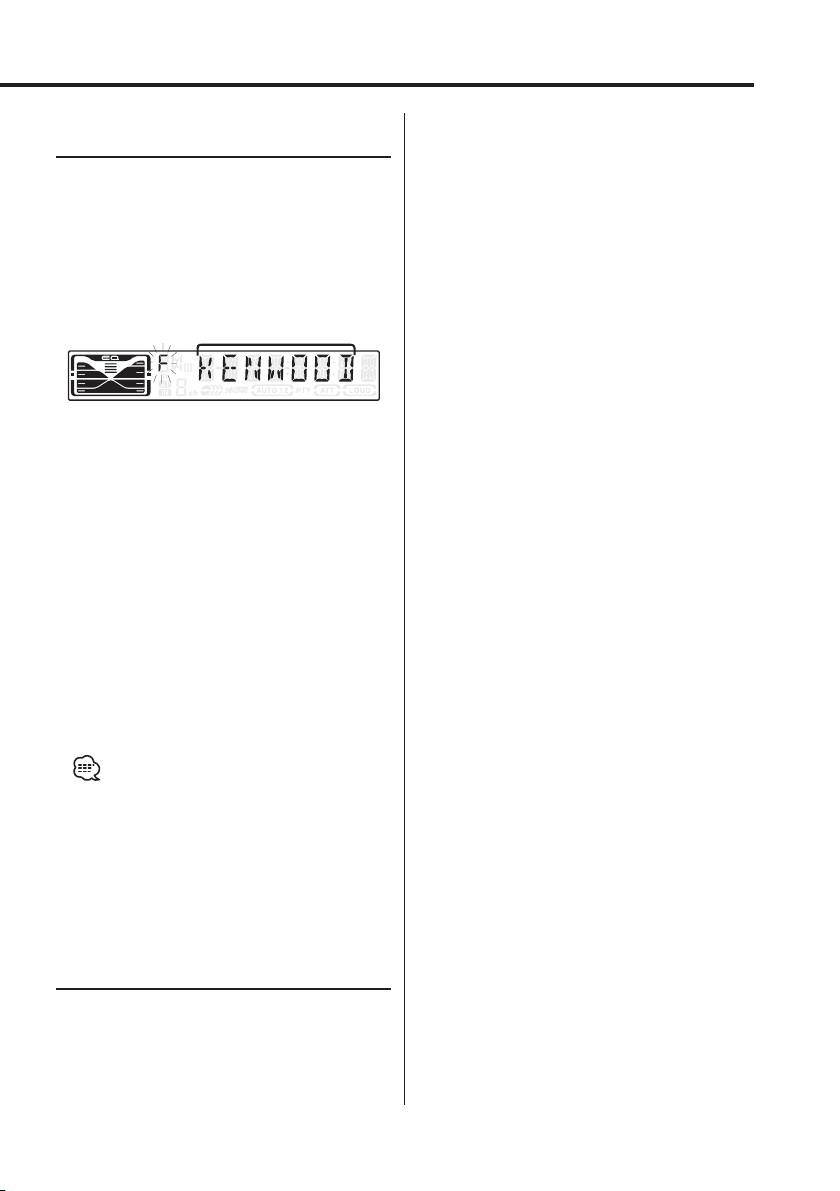
During Select mode the folder information is
displayed as shown below.
Folder name display
Displays the current folder name.
2 Select the folder level
Press the [FM] or [AM] button.
With the [FM] button you move 1 level down and
with the [AM] button 1 level up.
Selecting a folder in the same level
Press the [4] or [¢] button.
With the [4] button you move to the previous
folder, and with the [¢] button to the next
folder.
Returning to the top level
Press the [3] button.
3 Decide the folder to play
Press the [1] button.
The Folder Select mode releases, and the MP3/
WMA in the folder being displayed is played.
• The methods for moving to other folders in the folder
select mode are different from those in the folder
search mode.
See 'Notes on playing MP3/WMA' (page 6) for details.
Canceling the Folder Select mode
Press the [F.SEL] button.
Tex t/Title Scroll
Scrolling the displayed CD text, orMP3/WMA
text.
Press the [SCRL] button for at least 1 second.
English
|
17
B64-2807-00U.S.Inddtcsp17 03.12.11,6:27:20PM
Table of contents
- Contents
- Safety precautions
- Notes
- Notes on playing MP3/WMA
- About CDs
- General features
- Tuner features
- CD/MP3/WMA control features
- Menu system
- Accessories/ Installation Procedure
- Connecting Wires to Terminals
- Installation
- Removing the Unit
- Troubleshooting Guide
- Specifications
- Cодержание
- Меры предосторожности
- Примечания
- Примечания к проигрыванию MP3/WMA
- О CD
- Общие характеристики
- Функции тюнера
- Функции управления CD/MP3/WMA
- Система меню
- Принадлежности/ Процесс установки
- Подсоединение кабелей к гнездам для подключения
- Установка
- Cнятие аппарата
- Поиск и устранение неисправностей
- Технические характеристики
- Treść
- Środki ostrożności
- Uwagi
- Uwagi o odtwarzaniu MP3/WMA
- Uwagi dotyczące płyt kompaktowych
- Ogólne możliwości
- Możliwości tunera
- Możliwości sterowania CD/MP3/WMA
- Menu systemu
- Akcesoria/ Procedura instalowania
- Podłączanie przewodów do końcówek
- Instalacja
- Wyjmowanie aparatu
- Przewodnik wykrywania i usuwania usterek
- Dane techniczne
